


Sibelius roundup
Sibelius: A Complete Buyer's Guide
Sibelius comes in three editions with one name — here's exactly how to work out which one is worth your money.
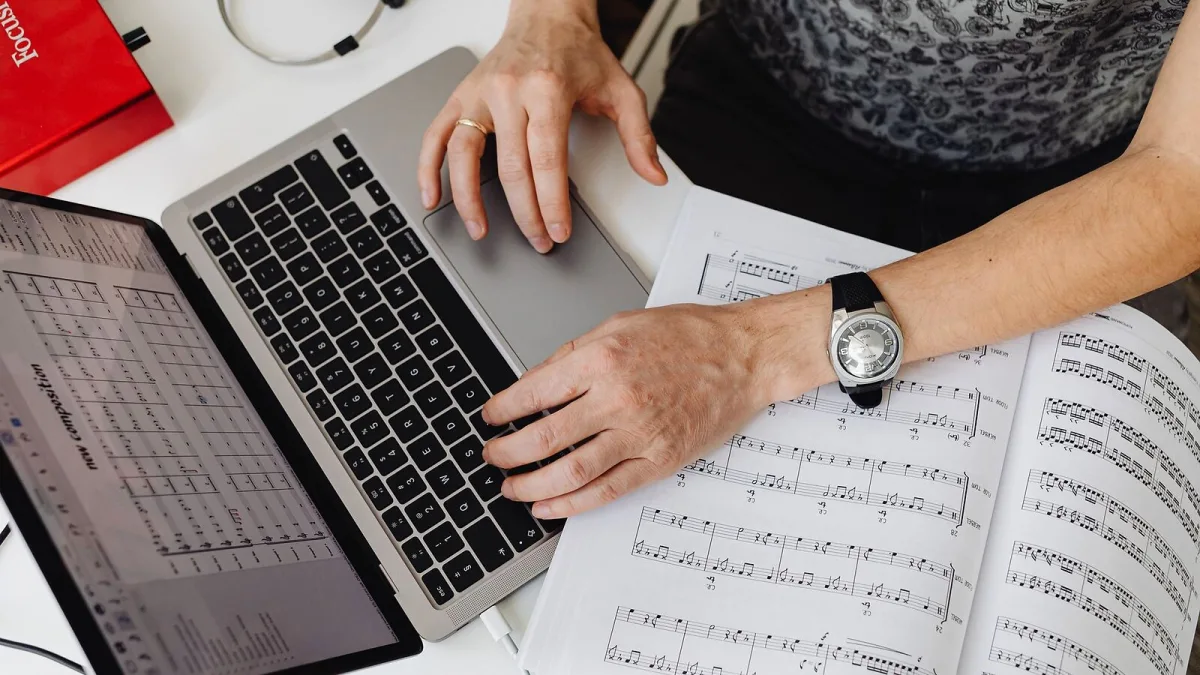
Right, let's get one thing out of the way first: Sibelius isn't a single product, it's three of them wearing the same name. If you've landed here trying to work out which edition to actually buy, the good news is the decision comes down to a handful of concrete questions rather than guesswork. I've picked through Avid's own comparison documentation so you don't have to, and here's what genuinely matters before you spend anything.
Question One: How Many Staves Will You Actually Use?
This is the single biggest differentiator between the three editions, and it's worth taking seriously before anything else. A stave is one line of music in a score, and each edition caps how many you can have running at once.
| Edition | Stave cap | Who genuinely needs it |
|---|---|---|
| First | 4 | Solo songwriters, lead sheets, simple classroom exercises |
| Artist | 16 | Students, arrangers, small bands and combos |
| Ultimate | No limit | Orchestral, choral, film scoring, publishing houses |
Do the maths on your actual projects. A four-part vocal arrangement plus piano accompaniment is already five staves — over the First cap before you've written a note of harmony. If you're not sure which tier fits, the overview of Sibelius's features is worth a read alongside this guide for the fuller picture of what each tier includes.
What You're Really Paying For Beyond Staves
Stave count grabs the headlines, but it isn't the only gap between the tiers. Ultimate carries the deepest engraving customisation, the widest range of specialist notation (contemporary noteheads, advanced percussion layouts, unusual time signatures handled cleanly) and the professional workflow tools that copyists and publishers rely on day to day. Artist sits in the middle: enough depth for serious student and amateur work without the full professional toolkit. First is deliberately stripped back to the essentials.
Before comparing tiers on price or licensing terms, check Avid's current product pages directly — software pricing and subscription structures change, and it's not something worth guessing at in a buying guide.
The Sound Library Is Part of the Deal
Every edition includes a bundled sound library for playback, and Avid advertises a sizeable professional-quality library even with the entry-level tier. That matters more than it might seem: playback isn't just a novelty, it's how you'll catch wrong notes, missing rests and awkward voice-leading before a human ever reads the part. A richer library also makes demo audio and reference mixes more convincing if you need to share a piece before it's performed.
Platform Checklist Before You Commit
- Operating system: confirm your Windows or macOS version meets the current system requirements on Avid's site.
- iPad use: Avid documents Sibelius on iPad, but desktop and tablet aren't feature-identical — check exactly what you need to do on a tablet before assuming parity.
- Storage and RAM: large orchestral scores with sample playback benefit from headroom on both fronts.
- Existing files: if you're migrating from another notation program, check MusicXML import quality on a real file before committing, not just in principle.
How Sibelius Stacks Up Against the Alternatives
Sibelius isn't the only serious notation program out there. Dorico and Finale occupy similar professional territory, and MuseScore is a free, widely used option that's genuinely capable for many projects. None of these is objectively "better" in every case — the right choice depends on your existing workflow, what your collaborators use, and which interface actually clicks for how you think about a page of music. If you're a total beginner and the tier decision feels overwhelming, the beginner's guide to Sibelius is a gentler place to start than a full features-and-pricing comparison.
Buying by Use Case
If you mostly write songs, lead sheets or simple educational material, First covers it without paying for headroom you won't use. If you're a student, gigging arranger or someone regularly writing for a small ensemble, Artist earns its place. If your work touches orchestral, choral, film or any publishing-grade output, Ultimate is the only tier that won't eventually box you in. For a fuller breakdown of which tier suits which budget and use case, see the best Sibelius for the money.
Common Buying Pitfalls
- Under-buying on staves. It's cheaper to get the tier right first time than to hit a wall mid-project and have to upgrade.
- Assuming every feature is in every tier. Advanced notation tools generally scale with the tier — don't assume a First licence includes everything you've read about in a general feature list.
- Ignoring platform fit. Buying before checking iPad or OS compatibility against your actual setup is an easy way to end up frustrated.
- Skipping the file-compatibility test. If you collaborate with people on other software, test a real MusicXML or MIDI exchange before you're relying on it under deadline.
The Bottom Line
Buying the right Sibelius tier comes down to an honest count of the staves your real projects need, a look at your platform, and a moment's thought about who you'll be sharing files with. Get those three things right and the rest of the decision more or less makes itself.




Comments