


AI Music Generator article
Ai Music Generator for Beginners: A Complete Guide
No musical training, no instrument, no fear — here's exactly how a complete beginner makes their first track with an AI music generator in about ten minutes.
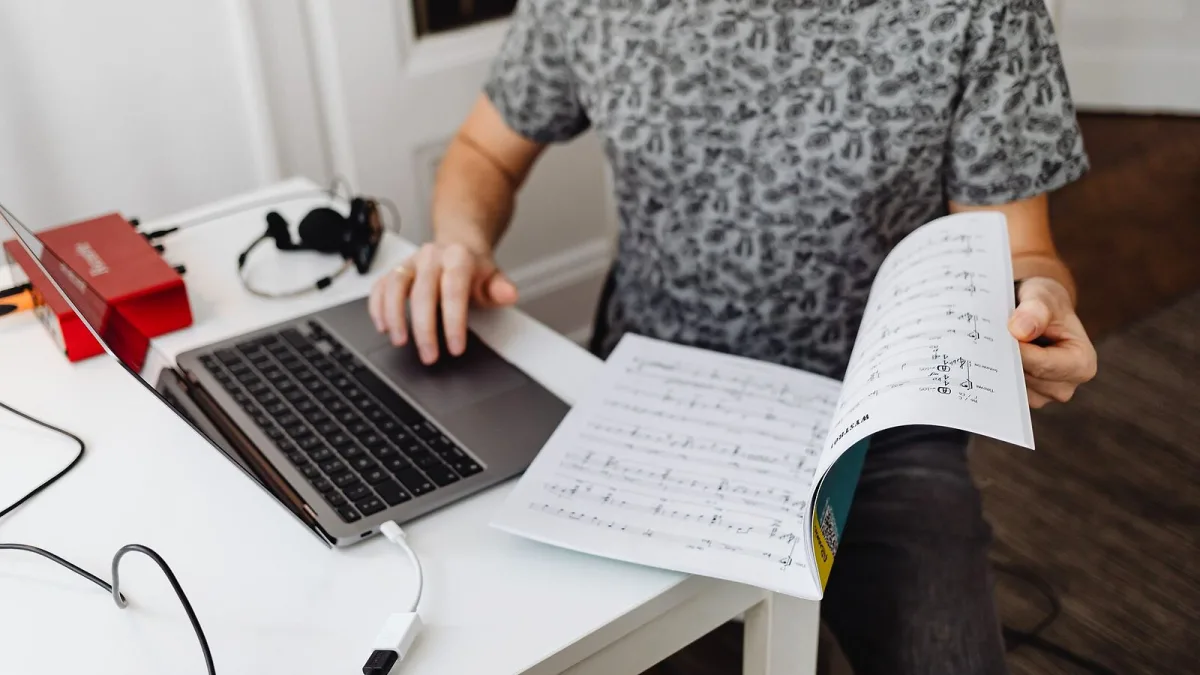
If you've never written a note of music in your life, an AI music generator can feel like the friendliest way into making something that actually sounds finished. I've taught enough nervous first-timers to know the fear isn't really about the software — it's the worry of typing something in and getting back nonsense. You won't. Give it ten honest minutes and a bit of patience, and you'll have a track to show for it. Here's exactly how to start.
What You Need Before You Start
- A free account on one of the well-known platforms — no card details required to try the basics.
- Ten quiet minutes and a pair of headphones, so you can actually hear the detail.
- No musical training, no instrument and no technical knowledge whatsoever — genuinely none.
- A rough idea of a mood or genre you like. "Something like the radio on a Sunday morning" counts.
Which Tool Should a Beginner Actually Try First?
Don't overthink this part. Pick a well-known, free-to-try AI music generator with a simple text box and no complicated setup, and treat your first session as play rather than a serious project. Most beginners get on fine with a text-to-song platform — type a description, get back a full track with vocals — rather than the more editing-heavy tools aimed at producers who already know what a stem is. You can always move to something more advanced later; there's no wrong door for a first attempt.
Making Your First Track, Step by Step
Follow this in order the first time through — you can shortcut it once you know your way around:
- Create your account and open a new generation. Most tools put a text box front and centre; that's where everything starts.
- Decide the format first. A full song with vocals, or an instrumental only? Choose before you write a word of the prompt.
- Write a simple, specific prompt. Name a genre, a mood, and roughly how fast or slow it should feel — "gentle acoustic, hopeful, mid-tempo" beats "nice song" every time.
- Generate a few versions, not just one. The first result is a starting point, never the only option on the table.
- Listen with headphones, all the way through. Pick whichever version feels closest, even if no version is perfect yet.
- Regenerate the one section that's letting it down. A weak intro or an odd vocal line usually doesn't mean starting over.
- Download the finished file, or the separate stems if you want to edit further. Stems are the isolated vocal, drum and bass parts, useful if you'll ever open the track in other software.
- Check the platform's terms before you share it anywhere. A quick read now saves an awkward conversation later.
Writing Prompts a Beginner Can Trust
You don't need clever language, just specifics. A useful shape to copy is: genre, mood, tempo, the instruments you picture, and whether you want vocals at all. "Warm indie-folk, wistful, unhurried, acoustic guitar and soft piano, no vocals" will get you further than any single adjective on its own. Change one thing at a time between attempts — swap only the tempo, or only the mood — so you can actually hear what each word is doing.
If Your First Go Sounds Odd, That's Completely Normal
Nobody nails it first try, and that includes people who've been doing this for months. Vocals can wobble on certain words, a song can lose its shape somewhere past the second chorus, or an instrument can sound a bit synthetic under headphones. None of that means you've done anything wrong. It means you generate again, adjust one detail, and keep the version that's closest rather than chasing a mythical perfect first attempt.
Small Touches That Make It Sound Like You
The quickest way to make a generated track feel personal is to write your own lyrics rather than letting the tool invent them — even a few lines gives you real authorship over the song. Beyond that, if you can hum, sing or play even roughly, re-recording a lead line over the top adds something a generator alone never will. If the platform lets you export stems, swapping in your own drums or a live-recorded guitar part is a lovely next step once you're comfortable with the basics.
Before You Share Anything: A Quick Safety Check
Before you post a track anywhere public, check three things: that your subscription tier actually permits commercial or public use, that you haven't uploaded anyone else's voice or recording without permission, and that you haven't asked for a specific real artist's style or likeness by name. None of this is complicated, but it's much easier to check for two minutes now than to untangle later. If you want the fuller picture of the pitfalls people run into, our common mistakes to avoid covers it properly, and our explainer on how these tools actually work is worth returning to once you're curious about the detail underneath.
You've Got This
Making your first track with an AI music generator takes ten honest minutes, not a musical education. Start simple, listen properly, regenerate the weak bits, and add your own touch wherever you can. Once you're past your first few attempts and thinking about doing this properly, our buyer's guide will help you work out whether it's worth paying for a subscription.




Comments