


AI Music Generator roundup
Ai Music Generator: A Complete Buyer's Guide
Before you subscribe to an AI music generator, work out which product type you actually need, what features are worth paying for, and — crucially — what the commercial licence really covers.
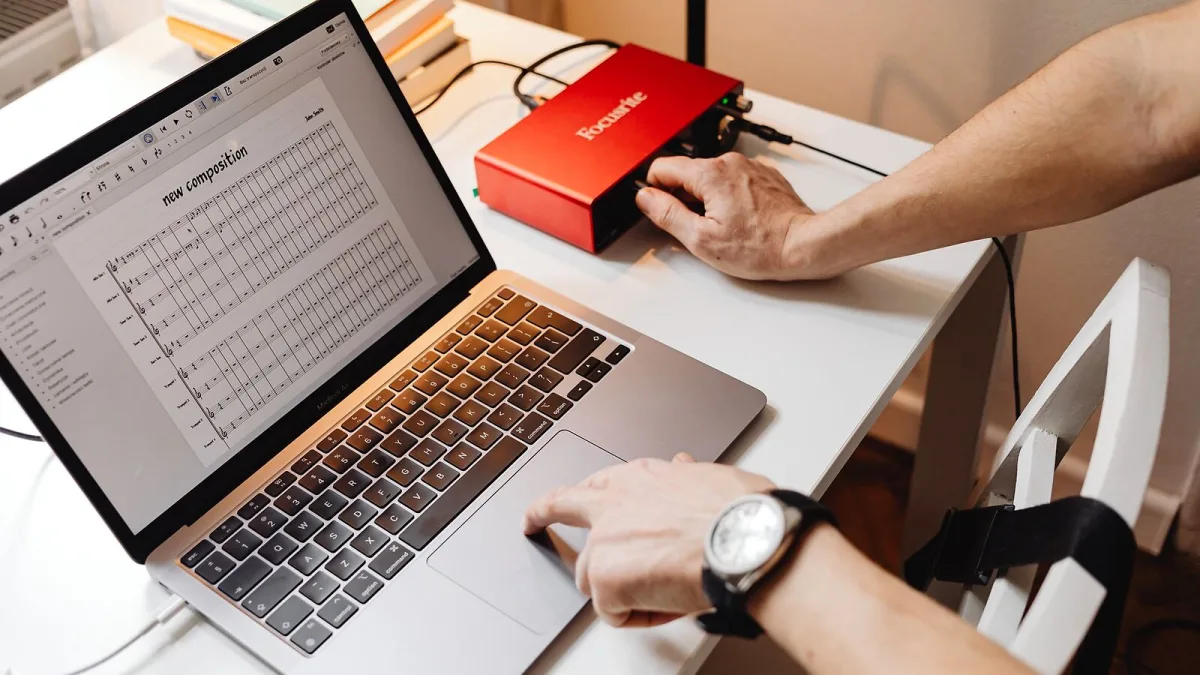
Right, so you've decided to actually pay for an AI music generator instead of messing about on a free tier. Good move, but before you hand over your card details, it's worth knowing that these tools split into a couple of genuinely different products wearing the same marketing language. I've been making tracks on a shoestring for years, and the lesson that always costs someone money is subscribing before checking what you're actually allowed to do with the result. Here's what to check first.
Work Out What You Actually Need It For
Before you look at a single feature list, be honest about the job. Are you after a finished song with vocals to release, a backing track to write over, quick demos to send a bandmate, or background music for video content where nobody's listening closely? Each of those points you towards a different type of tool, and paying for the wrong one is the single most common way people waste a subscription.
Two Different Products Wearing the Same Name
"Song generator" gets used loosely, so check which of these two categories you're actually buying:
| Product type | What it gives you | Best suited to |
|---|---|---|
| Full-song generator | Complete track with arrangement and vocals from a text prompt | Demos, sketches, fast turnaround content |
| Editable / stem-based tool | Extendable audio, section swaps, separated vocal/drum/bass parts | Producers building a track further in a DAW |
Platforms like Suno lean toward the first category, while Udio is built more around editing and extending a generation once it exists. Neither is "better" outright — it depends entirely on whether you want a finished result or raw material to keep working. If you're still getting your bearings on the whole category before spending anything, our plain-language explainer is worth a read first.
Features Actually Worth Checking
- Stem export — can you pull out separate vocal, drum and bass parts, or only download a finished mix?
- Editing controls — can you regenerate one weak section, or is it all-or-nothing?
- Generation limits — how many tracks or credits does the tier actually include, and what happens when you run out?
- Custom lyrics — some tools let you write your own words, which gives you far more authorship over the finished song.
- Vocal options — solo, duet, instrumental-only, or no control over the voice at all.
- Output format — file type, length limits and whether high-resolution export sits behind a higher tier.
Commercial Use: Read the Terms, Not the Homepage
This is the bit people skip and regret. A subscription letting you use a tool is not automatically the same as it granting you the rights to release what comes out of it commercially. Before you buy, work through this:
- Confirm the specific plan — not just the platform generally — actually permits commercial use.
- Check whether the terms describe a licence, an assignment of rights, or simply permission to use the file.
- Avoid prompting for a living artist's name, voice or recognisable style unless the platform expressly licenses that.
- Keep records of your prompts, the model version and anything you personally wrote, recorded or edited — that evidence of human input matters if ownership is ever questioned.
The legal picture around training data and output rights is genuinely still moving, with labels pursuing litigation against some platforms while striking licensing deals with others. That's not a reason to avoid an AI music generator — it's a reason to buy the plan whose terms you've actually read.
Free Trials, Credits and What "Unlimited" Usually Means
Most platforms offer a limited free tier so you can hear the quality before committing. Use it properly — run the same prompt with small variations, try a genre you'd actually use, and check the output at the file quality you'd need for real work, not just a quick web player preview. "Unlimited" plans often mean unlimited generations at a lower priority queue or resolution, not unlimited everything, so check the small print rather than the headline word.
What Happens If You Cancel Later
Ask this before you subscribe, not after: if you downgrade to the free tier or cancel outright, do you keep the tracks you've already generated and their commercial licence, or does access disappear with the plan? Some platforms are explicit that a licence bought at the time of generation stays valid; others are vaguer, and vague is where problems start six months down the line. It's a five-minute check on the terms page that can save a genuine headache if a track you paid an AI music generator to help create ends up in something you actually release.
Red Flags Before You Commit
Be wary of vague licensing language that never quite states "commercial use permitted", auto-renewing annual plans with no visible monthly option, and any platform that won't let you export stems at any price point if separated parts matter to your workflow. If you can't find a plain-English answer to "can I release this?" on the pricing page itself, that's worth treating as a warning rather than an oversight.
Bottom Line
Buying the right AI music generator comes down to matching the product type to the actual job, checking the commercial terms before the feature list, and testing the free tier properly before you pay for anything. Get that right and it's a genuinely useful bit of kit; get it backwards and you'll be the one explaining to your bandmates why you can't release the track. Once you've picked a tool, our beginner's guide and our list of common mistakes to avoid are the next places to look.




Comments