


Bluetooth Microphone article
Bluetooth Microphone for Beginners: A Complete Guide
A little confusion the first time is normal — here is a calm, step-by-step way to get a Bluetooth microphone working properly.
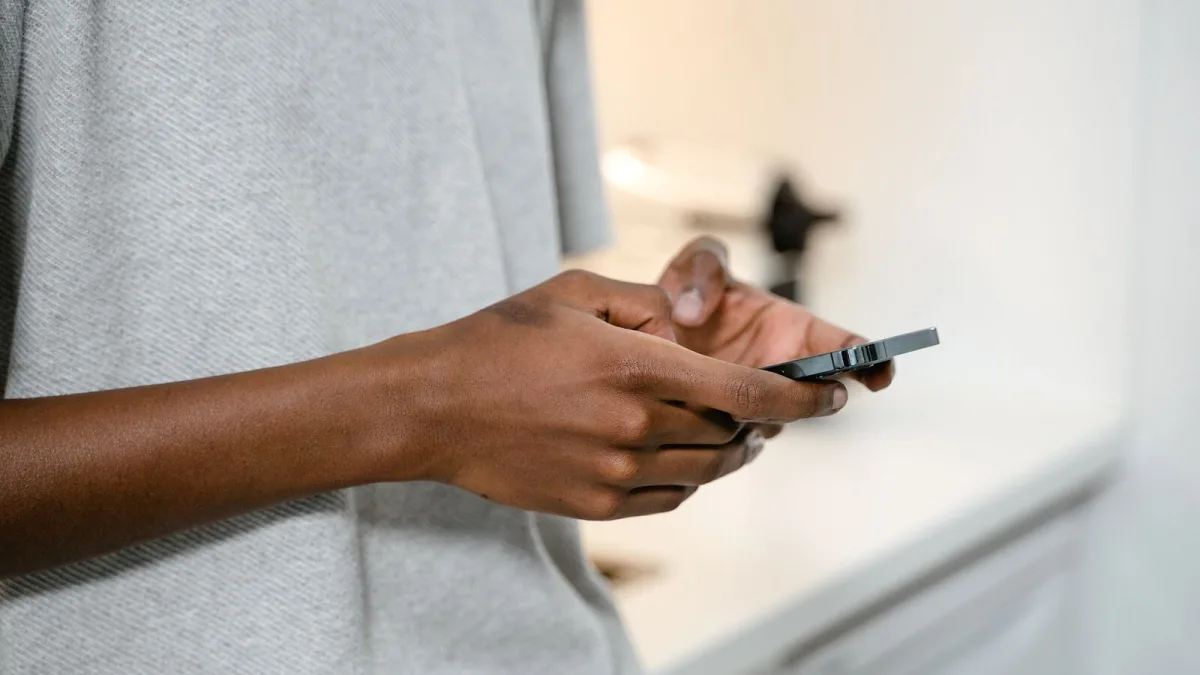
New to wireless audio and not sure where to start? Getting a Bluetooth microphone working properly is much simpler than it looks — the confusion usually comes from small setup details rather than the technology itself. Here's a calm walkthrough for your first time using one.
Before You Pair Anything
Charge the microphone fully first; a low battery can cause dropouts that are easy to mistake for a bigger problem. Check that your phone, tablet or laptop's operating system is actually supported, since some microphones list specific compatibility requirements you'll want to confirm before you get started.
Your First Pairing, Step by Step
- Turn on the microphone and put it into pairing mode, usually by holding down a single button until a light flashes.
- Open your device's Bluetooth settings and look for the microphone's name in the list of available devices.
- Select it and wait for the connection to confirm — most devices show a small tone or icon change once paired.
- Open the app you actually plan to use, whether that's a call, video or recording app.
- Check the app's audio input setting and manually select the microphone rather than assuming it was chosen automatically.
- Record or speak a short test before anything important, and listen back to check it actually worked.
Getting a Good First Sound
Position matters more than most beginners expect. Keep the microphone reasonably close to your mouth, but not so close that breathing or handling noise becomes obvious, and avoid pointing it directly at a fan, vent or noisy window. If you're using a clip-on lavalier style, keep it away from necklaces, zip pullers and loose fabric, since even small movements against the capsule can sound surprisingly loud in a recording.
Common First-Time Confusions, Explained
| What you might notice | What's actually going on |
|---|---|
| Sound suddenly seems duller after connecting | Your device may have switched into a lower-quality call mode when the microphone was activated |
| There's a slight delay between speaking and hearing playback | Normal for Bluetooth audio; it usually doesn't matter for calls but can be noticeable on video |
| The microphone connects but nothing records | The app is probably still using your device's built-in microphone as the input |
| Range feels shorter than advertised | Walls, pockets, bags and other wireless devices nearby can all reduce real-world range |
Building Good Habits Early
Get into the habit of testing before anything that matters — a job interview, a class presentation, a video you can't easily re-record. Keep your device charged, pair it before opening whatever app you're using, and don't be afraid to double-check the input setting even after it's worked before, since some apps quietly reset it. None of this takes more than a minute once it becomes routine.
When You're Ready to Go Further
Once the basics feel comfortable, it's worth understanding a bit more about how the technology actually works so you know what a Bluetooth microphone is genuinely good for and where it starts to struggle — our full explainer covers exactly that. And if you're still deciding which one to buy, our buyer's guide sets out what genuinely matters before you spend anything.
Most of the frustration beginners hit comes down to one of a handful of small, fixable things — a wrong input setting, a flat battery, an unsupported app. Work through them once, and it becomes second nature.





Comments