


Allen and Heath article
Allen and Heath for Beginners: A Complete Guide
Never touched a mixing desk before? Here's the patient version — what Allen & Heath actually sells, in plain English, and where to sensibly start.
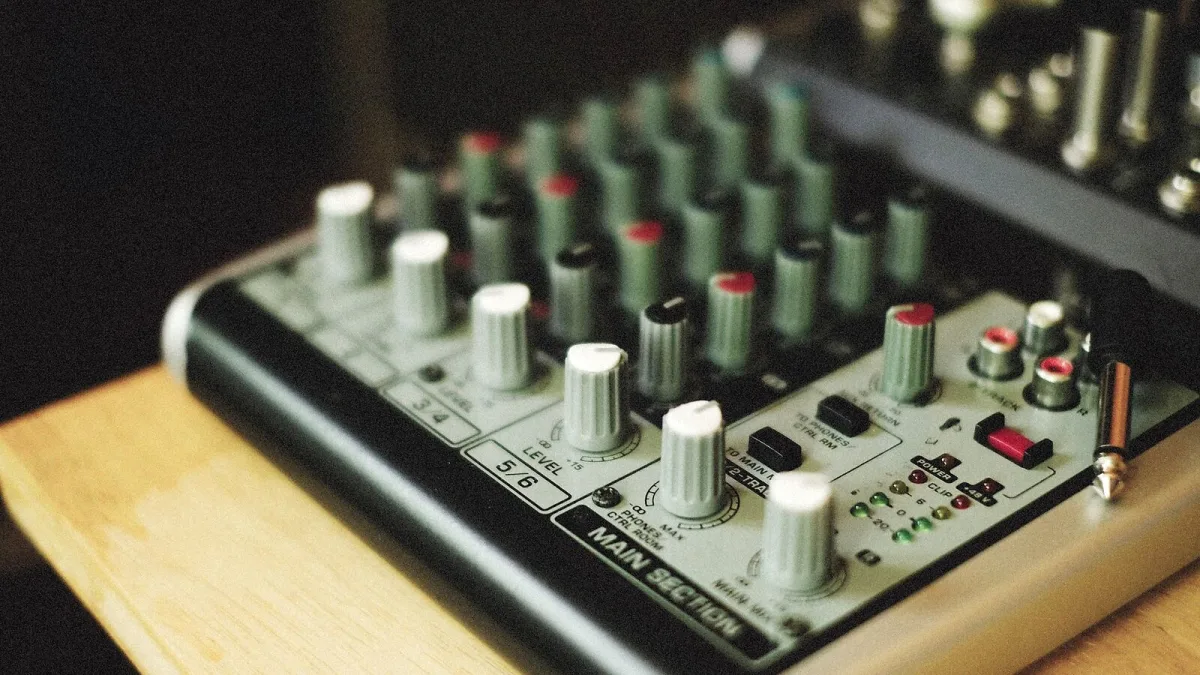
If someone's told you to look at Allen & Heath and you've never touched a mixing desk in your life, don't panic. This is the slow, patient version, written for someone who just wants to understand what they'd be buying and why, without the jargon left unexplained.
Do You Even Need a Desk Yet?
If you're running vocals and a laptop through a small PA, you might not need a separate mixer at all yet — plenty of built-in mixers on powered speakers will cover very small gigs. A dedicated desk becomes worth it once you've got more than a couple of inputs (microphones, instruments, a backing track), or you need separate monitor mixes for the band — and that's usually the point people start looking at Allen & Heath.
The Absolute Basics: What a Mixer Actually Does
A mixer takes several signals in (microphones, instruments, playback) and combines them into one or more outputs (the main PA, monitor speakers, a recording). Every input has its own gain (how much you're boosting the raw signal), EQ (shaping the tone) and a fader (its volume in the final mix). That's genuinely most of what you need to know to get started.
Words You'll Keep Hearing
- Channel — one input strip on the desk, usually one microphone or instrument.
- Bus — a separate mix you send out, like a monitor mix, kept apart from the main PA mix.
- Aux send — a control that sends some of a channel's signal to a bus, typically for monitors or effects.
- Gain — the first knob you set on each channel, controlling how strong the incoming signal is before anything else happens to it.
- Scene — on digital desks, a saved snapshot of every setting, so you can recall a whole show's mix in one button press.
- Dante — a way of sending multiple channels of audio over a single network cable instead of a thick multicore.
Your Realistic First Desk: CQ or ZED
You do not need a flagship desk to learn on. CQ is Allen & Heath's smallest digital option, built for bands and home producers, and it's a genuinely sensible first purchase because it won't overwhelm you with menus. If you'd rather avoid screens and menus entirely while you're learning, ZED — the analogue range — is just knobs and faders doing exactly what they say, with nothing to navigate.
Learning the Desk Without Breaking Anything
Set every fader to zero and every gain knob down before you plug anything in. Bring one channel up at a time, checking it sounds right in isolation before adding the next. Turn things up slowly — a mixer at full volume with an unfamiliar signal plugged in is how feedback happens, and it's unpleasant for everyone in the room, including you.
Don't be afraid to make mistakes on a rehearsal or low-stakes gig before you take a new desk somewhere that matters. The muscle memory of where everything lives only comes from actually using it.
When to Move Up
You'll know it's time to move beyond your first Allen & Heath desk when you keep running out of channels, keep wishing for another monitor mix, or find yourself wanting scene recall for a recurring show. That's the point to look at Qu, and eventually SQ, rather than something to worry about on day one.
Next Steps
Once the basics feel comfortable, our full range guide explains how dLive, Avantis, SQ, Qu and CQ actually differ, and the buyer's guide is there when you're ready to think seriously about your second desk. For now, start small, learn the basics properly, and the rest of the Allen & Heath range will make a lot more sense.





Comments