


Bluetooth Microphone roundup
Bluetooth Microphone: A Complete Buyer's Guide
Ignore the spec-sheet noise: here is what genuinely affects sound and delay before you buy a Bluetooth microphone.
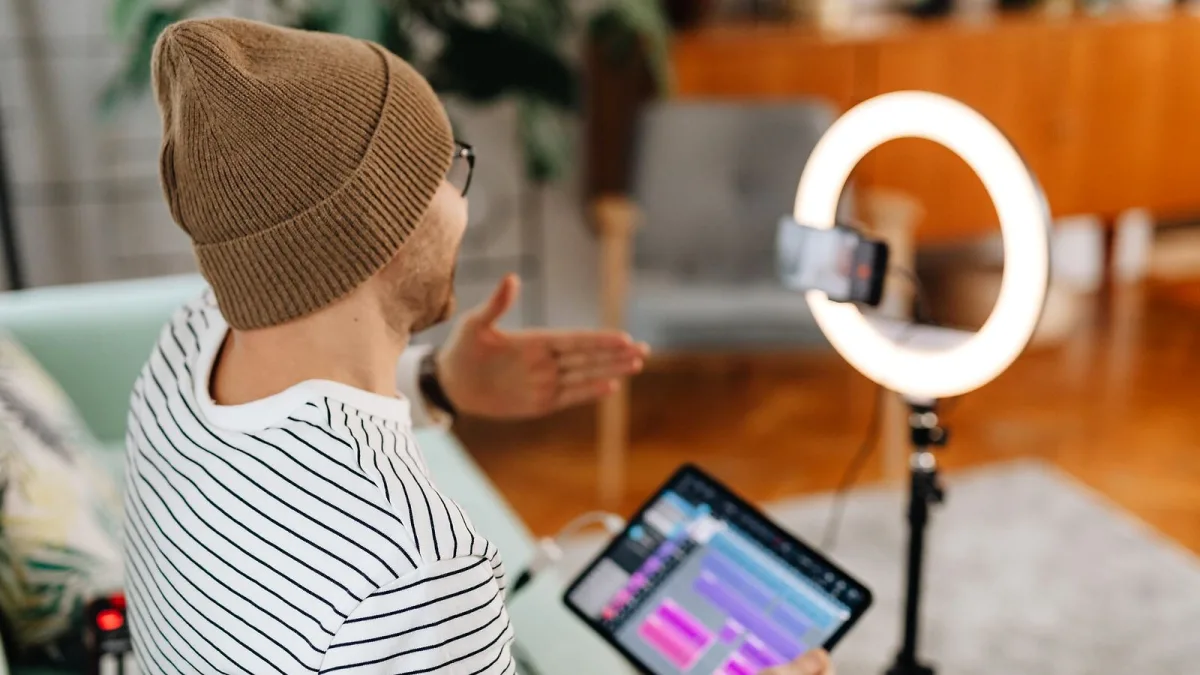
Right, let's cut through the marketing spec sheets. Before you buy a Bluetooth microphone, the single most useful thing you can do is work out exactly what you'll actually use it for, because that one answer rules out most of the wrong options before you've even opened a shopping tab.
Step One: Work Out Your Actual Use Case
| What you're doing | What matters most |
|---|---|
| Video calls and meetings | Clear speech pickup, app compatibility, comfortable fit |
| Presentations and teaching | Range, battery life, hands-free wear |
| Karaoke and casual content | Handheld comfort, simple pairing, decent range |
| Video with lip-synced audio | Low, consistent latency — test before you rely on it |
| Music recording or live vocals | Honestly? Look at USB, XLR or a dedicated wireless system instead |
If your use case is that last row, save yourself the disappointment: conventional Bluetooth audio just isn't built for the split-second timing music recording depends on, no matter what the box says.
Don't Trust the Bluetooth Version Number Alone
Manufacturers love printing "Bluetooth 5.3" or "5.4" prominently on the box, and while it's true that newer generations of the standard exist, the version number alone tells you almost nothing about actual sound quality or delay. What matters far more is which audio codec both your microphone and your phone or laptop actually support — SBC, AAC and the various aptX variants all behave differently, and a microphone can't force your device to use a codec it doesn't have.
Check the Real Audio Path
This is the single most important thing to get right: find out whether the product sends its main audio over Bluetooth directly, or whether it actually uses a separate proprietary wireless link and only offers Bluetooth for pairing or app control. Plenty of products marketed loosely as wireless microphones fall into that second category, and it changes what kind of latency and reliability you should expect.
Match the Microphone Style to the Job
- Lavalier (clip-on). Best for hands-free video and presentations; keep it away from necklaces, zippers and loose fabric that can cause rustle.
- Headset. Keeps a consistent distance from your mouth, useful for calls and gaming where movement is likely.
- Handheld. The natural choice for karaoke, interviews and passing a mic between speakers.
- Desktop. Fine for calls and casual streaming from a fixed spot at a desk.
Test Latency Before You Commit
If lip-sync or timing matters to you at all, do a simple test: record yourself speaking on camera and check whether the audio and your mouth movements line up. Test it in the actual app you'll be using, not just a generic voice recorder, because the result genuinely varies between a camera app, a video-call platform and a proper recording app on the same phone.
Practical Extras Worth Checking
- Noise processing controls. Automatic gain and noise reduction help on calls but can flatten musical dynamics, so look for a mode you can switch off.
- Battery life under real use. "Up to" figures are usually best-case; active noise cancellation and high transmit power both eat into that number.
- Charging case and connector. USB-C is worth prioritising for convenience alongside other everyday gear.
- Output options. A USB-C or 3.5mm output alongside Bluetooth gives you a wired backup if the wireless link ever misbehaves.
The Bottom Line
Nail down your actual use case first, check the real audio path rather than the headline spec, and test latency in your own app before you rely on any Bluetooth microphone for anything time-sensitive. Get those three things right and buying a Bluetooth microphone stops being a gamble. Once you've chosen one, our beginner's guide gets you set up properly, and our full explainer is worth a read for the technical detail behind all of this.





Comments