


Allen and Heath Mixer article
Allen and Heath Mixer for Beginners: A Complete Guide
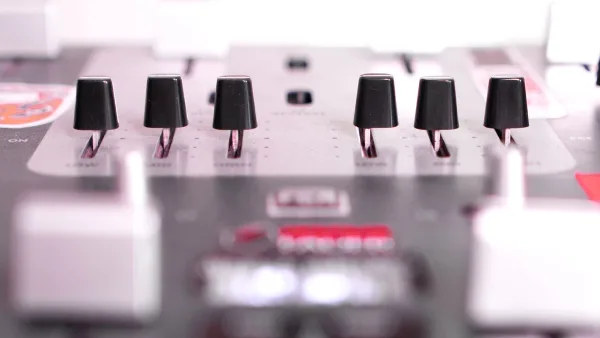
It looks like a wall of knobs, but the concepts underneath are genuinely simple once someone walks you through them properly.

New to mixing desks and staring at an Allen & Heath mixer for the first time? Take a breath — it looks like a wall of knobs, but the actual concepts underneath are genuinely simple once someone walks you through them properly.
Is this a sensible brand to start on?
Yes, honestly. Allen & Heath makes everything from simple analogue mixers up to enormous touring consoles, which means there's a genuinely appropriate starting point for a complete beginner rather than only professional-grade gear. The entry-level ZED range in particular is built around straightforward physical controls, not menus you need training to navigate.
Analogue or digital for your first mixer?
Start analogue if you possibly can. A ZED-series mixer gives you one knob or fader per function, and turning that knob does exactly one thing — no layers, no scenes, no menu diving. That directness is genuinely the best way to learn what gain, EQ and levels actually do to a sound, before you add the extra complexity of a digital console's recall and routing options on top.
The handful of concepts that unlock everything else
- Gain sets how much a channel amplifies the incoming signal — get this wrong and everything downstream suffers, no matter how carefully you set anything else.
- EQ shapes the tone of a channel — cutting or boosting specific frequency ranges rather than making something simply louder or quieter.
- Channel fader controls that channel's level in the overall mix, separate from gain.
- Master fader controls the overall output level of everything combined.
- Aux sends route a separate mix — typically for monitors or effects — independently of what the audience or main recording hears.
Learn these five properly on a simple mixer and you'll recognise every one of them, just with more options attached, on the largest digital console in the range.
Your first proper session
Plug in one source at a time rather than everything at once. Set gain first, watching for a healthy signal without the channel clipping. Bring the channel fader up to a sensible level before touching EQ. Adjust EQ by ear in small amounts, not big dramatic sweeps. Only then start thinking about aux sends if you actually need a separate monitor or effects mix. Rushing this order is the single most common reason beginners end up with a muddy, hard-to-control mix.
When digital starts to make sense
Once you're comfortable with the basics and start wanting things like scene recall (so you don't have to reset every knob between soundchecks), remote control from a tablet, or built-in effects without extra hardware, that's your genuine signal to look at CQ or Qu rather than staying on ZED. There's no rush to get there — plenty of people happily mix on analogue desks for years.
Common beginner worries, answered
"Will I break something by turning the wrong knob?" No — nothing on a standard mixer causes permanent damage through normal use, so experiment freely. "Do I need to understand every single control before I start?" No, learn gain, fader and basic EQ first; everything else can wait. "Is a digital console actually harder?" Not harder exactly, just more layered — the underlying concepts are identical to what you'll already know from an analogue desk.
Where to go from here
Once you're comfortable with the basics, our complete guide to the Allen & Heath mixer range covers how every family fits together, and when you're ready to actually buy, our buyer's guide covers exactly what to check.
The bottom line
Every control on an Allen & Heath mixer is answering one of a handful of simple questions about your sound. Learn those questions on something straightforward, and the biggest console in the range will make sense far sooner than the wall of knobs suggests on day one.





Comments