


Streaming Amplifier article
Streaming Amplifier for Beginners: A Complete Guide
One box, one app, great sound — here is everything a first-time buyer needs to know about getting started with a streaming amplifier.
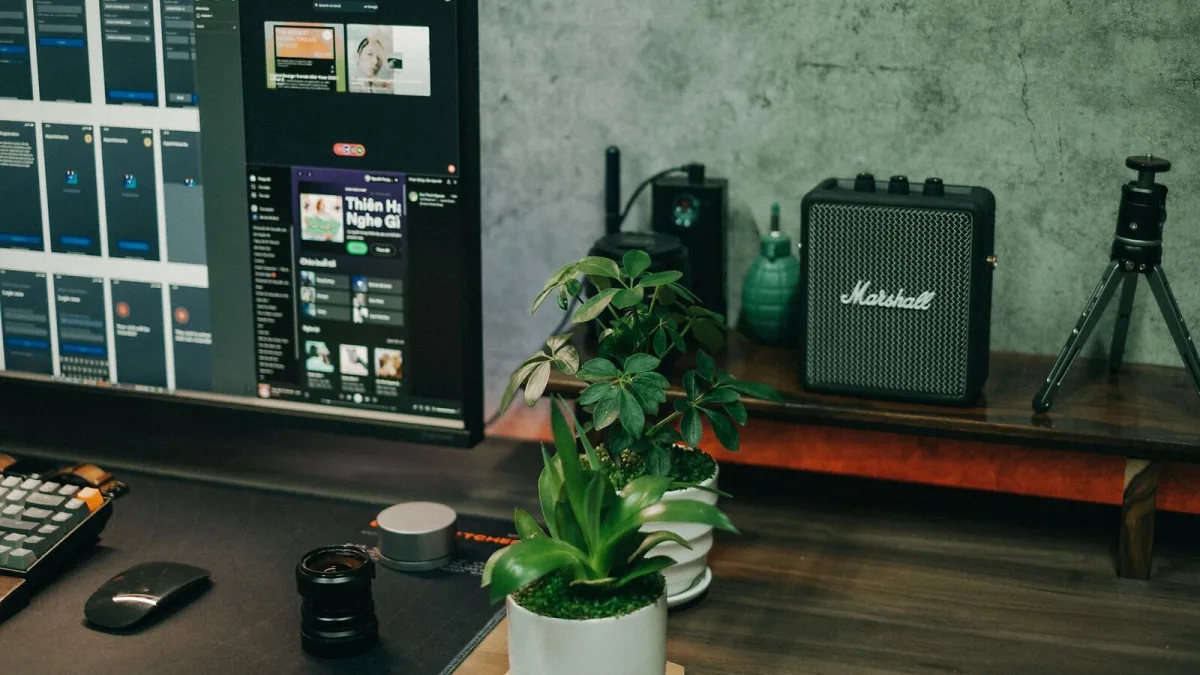
A streaming amplifier is one of the best starting points in hi-fi because it is genuinely complete. One box, one app, one set of speaker cables — and you have access to an enormous library of music at a quality level well above what a phone or Bluetooth speaker can offer. If you're new to the format, here's what you need to know to get set up and get the most out of it.
What You're Actually Buying
A streaming amplifier combines three things that used to be sold separately: a network streaming module, a DAC (digital-to-analogue converter), and a power amplifier. The streaming module receives audio over your home network; the DAC converts the digital signal to analogue; the power amplifier drives your speakers. Putting all three in one box makes the setup process much simpler and reduces the number of cables, boxes and remote controls involved.
The trade-off, compared with buying each component separately, is flexibility — it's harder to upgrade one part without replacing the whole unit. But for most listeners, that trade-off is well worth the simplicity it provides.
What You Need Alongside It
You need passive loudspeakers — speakers without built-in amplification. The streaming amplifier drives them directly. You also need speaker cable (a short run of decent-quality copper cable is fine — you don't need to spend much here), and either a Wi-Fi connection or an Ethernet cable to your router. A subscription to at least one streaming service is optional but most users will want one; Spotify, TIDAL, Qobuz and Amazon Music all integrate well with the streaming protocols most amplifiers support.
Setting Up for the First Time
Connect your speakers to the binding posts on the rear panel — positive to positive, negative to negative, left to left and right to right. Connect the streaming amplifier to your network using the Ethernet port if possible, or follow the in-app Wi-Fi setup process if not. Download the manufacturer's app on your phone or tablet and follow the setup wizard. In most cases, the whole process takes under fifteen minutes.
Once connected, add your streaming accounts through the app. Most streaming amplifiers support Spotify Connect natively, meaning Spotify can see the amplifier as an output device and you can control playback directly from the Spotify app rather than switching between apps.
Understanding the App
Most the units come with a first-party app that controls playback, input selection, volume and settings. The quality of these apps varies significantly between manufacturers. Cambridge Audio's StreamMagic app is well regarded for its clarity and reliability; Naim's app is comprehensive but has a steeper learning curve; Bluesound's BluOS app is widely considered one of the strongest in the category. Read recent user reviews of the app, not just the hardware, before buying — a poor app makes even a good this device frustrating to live with.
Getting Better Sound
Speaker placement matters more than almost anything else in determining how a system sounds. Position your speakers so that you and the two speakers form an equilateral triangle; move them away from walls if you can (rear-ported speakers are particularly sensitive to boundary proximity). Treat the room's worst reflective surfaces — a rug on a hard floor, a bookcase on a bare wall — and you will hear the benefit immediately.
Use lossless or hi-res streaming where your service supports it. TIDAL HiFi and Qobuz offer lossless FLAC streams; Spotify is currently limited to 320kbps Ogg Vorbis. A it with a good DAC will resolve the difference between these quality levels, and the improvement with lossless audio is audible with good speakers in a reasonably treated room.
Common First-Time Questions
Can I use a streaming amplifier with active speakers? No — active speakers have built-in amplification and need a line-level signal, not a speaker-level output. You'd need a separate streaming preamplifier or streamer with line outputs instead. Can I connect a television? Some models support HDMI ARC or optical input for TV audio; check the rear panel connectivity before buying if this matters to you.
For guidance on choosing between models, see our streaming amplifier buyer's guide.




Comments