


Streaming Amplifier roundup
Streaming Amplifier: A Complete Buyer's Guide
Matching power output, streaming services and connectivity to your actual needs — a practical buyer's guide to streaming amplifiers at every budget.
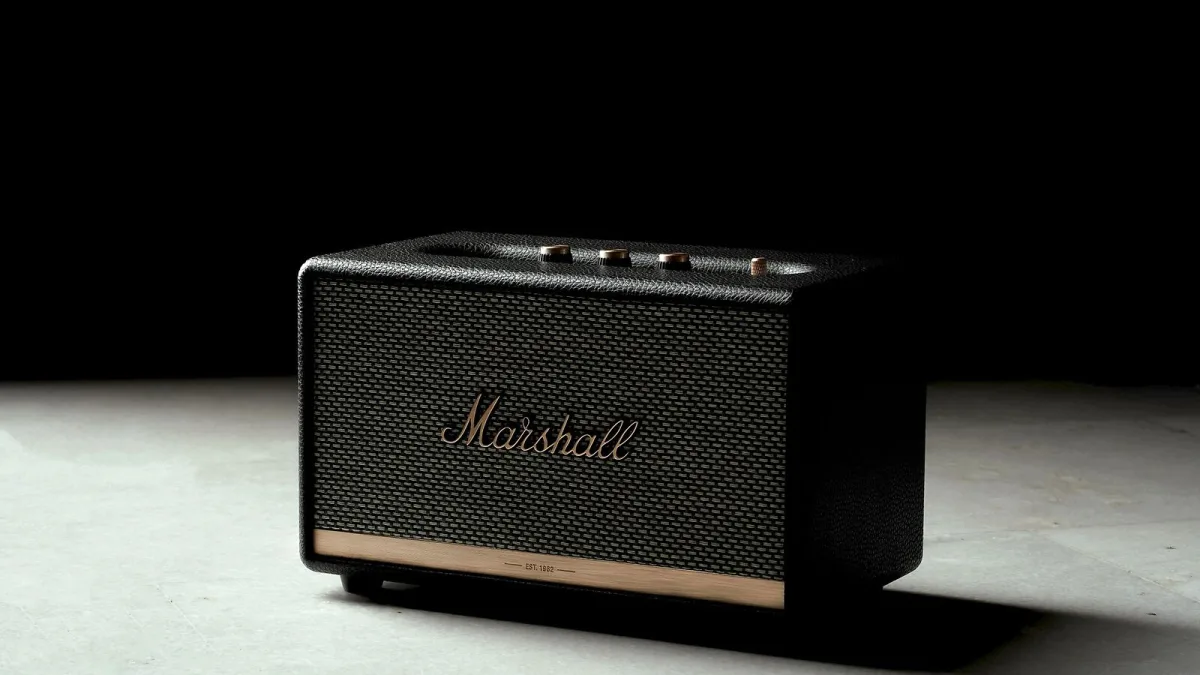
Buying a streaming amplifier involves more than picking a number on the power output spec and calling it done. There are decisions about room size, speaker matching, streaming service support, connectivity and budget that all interact — get any one of them wrong and even a well-made streaming amplifier will underperform. This guide walks through each decision in the order you need to make it.
Set Your Budget Realistically
Streaming amplifiers span a wide range. Under £400, you are buying convenience first and audio quality second — serviceable, but compromises are evident. The £500–£900 range is where value starts to improve meaningfully: you get better DAC implementation, more streaming protocol support and improved power supply design. Above £1,000, build quality and component quality improve substantially, and you're paying for real performance gains rather than brand margin. Above £2,000, you're in specialist audiophile territory; the gains continue, but the returns diminish relative to room acoustics and speaker quality.
Power Output and Speaker Matching
Work out the power you need before you look at models. Check your speakers' sensitivity rating — the dB figure — and their nominal impedance. A speaker rated at 90dB/1W/1m in an 8Ω nominal load is reasonably efficient; 85dB is inefficient and needs more power. For a typical living room with average-efficiency speakers, 50–80W per channel into 8Ω is generally sufficient. Do not buy a streaming amplifier rated below your speakers' recommended power range, and be cautious about significantly over-speccing — the extra expense often doesn't translate into everyday improvement at normal listening levels.
Which Streaming Services Matter to You
This step matters more than most buyers realise at the time of purchase. Spotify Connect is near-universal at the mid-price tier and above. TIDAL Connect, Apple AirPlay 2, Qobuz and Chromecast are increasingly standard but not guaranteed at every price point. Roon Ready support is a premium feature worth paying for if you use Roon; otherwise it's not relevant. Write down the services you actually use before shopping — then cross off any unit that doesn't support them. This eliminates far more options than people expect.
Connectivity Requirements
Think about what physical sources you need to connect alongside the streaming. A turntable requires either a built-in phono stage or a separate phono preamp; check which cartridge types the built-in stage supports (MM only, or MC too). A CD player needs an analogue input (standard on most) or a digital coaxial/optical input. A television benefits from HDMI ARC if you want the amp to handle TV audio — a feature present on a minority of streaming amplifiers at mid-price. USB-A ports allow playback from flash drives and external hard drives.
Network Connection: Wi-Fi or Ethernet
A wired Ethernet connection is always preferable if you can run a cable. It eliminates the Wi-Fi interference and dropout issues that can cause audible interruption on a streaming amplifier, particularly in houses with thick walls or competing wireless signals. If cabling is impractical, Wi-Fi will work for most use cases — but test it in your room before relying on it, and check whether the unit you're considering has received good real-world Wi-Fi reliability feedback, not just specification-sheet coverage claims.
Models Worth Considering by Budget
At the mid-price level, the Cambridge Audio CXA61 with a StreamMagic streaming module and the Denon PMA-150H are consistently well reviewed. The Bluesound Powernode is a compact, capable unit with excellent streaming support. Stepping up, the NAD C 368 with a BluOS streaming module offers serious performance. The Naim Uniti Atom is the obvious recommendation at the higher end: exceptional streaming implementation, excellent build quality, and a strong ecosystem. Each represents the streaming amplifier format intelligently executed at its price point.
The Final Test: Demo It
Numbers tell you roughly where a unit sits; your ears tell you whether it sounds good with your speakers in your room. Dealers who carry this category — and many good independents do — will let you audition before buying. If you're buying online, check the return policy carefully. A unit that doesn't satisfy you sonically in your space is a problem regardless of what the specification sheet says.
For more background on what these units contain and how they work, see our streaming amplifier overview guide.





Comments