


Streaming Amplifier article
Common Streaming Amplifier Mistakes to Avoid
Most streaming amplifier problems are avoidable. Here are the errors that recur most often, from mismatched power specs to poor firmware habits.
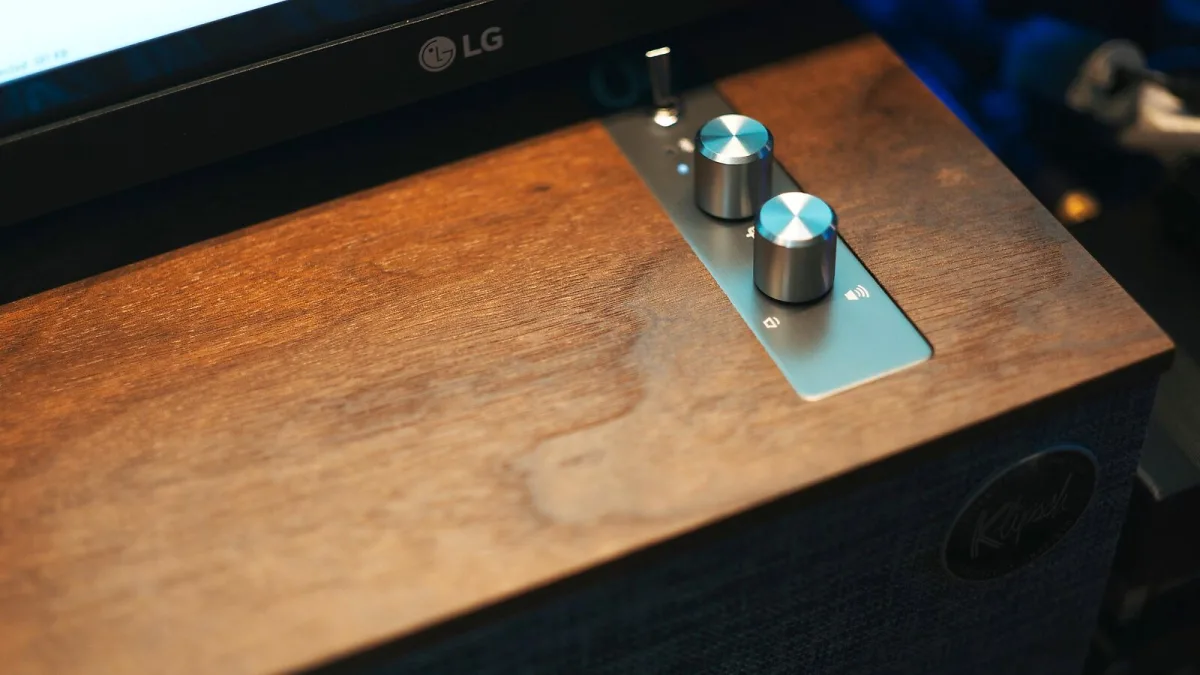
Most problems people encounter with a streaming amplifier are avoidable. They stem not from faulty products but from decisions made before the unit was powered on — the wrong speakers, the wrong network setup, the wrong expectations. Here are the errors that come up most consistently, and how to sidestep each one.
Buying on Power Output Alone
Watts per channel is the most-quoted specification and the least reliable guide to whether a streaming amplifier will suit your speakers. A high-wattage unit paired with very inefficient speakers in a large room may still underperform; a modest-wattage unit with efficient speakers in a small room may be more than you need. What matters is the relationship between power output and speaker sensitivity. Check your speakers' dB sensitivity rating and match it to the amp's output — this calculation, not the headline number, tells you whether the pairing will work.
Ignoring the App Quality
The hardware matters, but you will interact with the software every time you listen. A streaming amplifier with a poorly designed, unreliable or confusing app is a daily frustration regardless of its measured performance. Read recent real-world user reviews specifically addressing app usability and reliability — not press reviews from launch day, which rarely reflect how the app behaves after twelve months of firmware updates and operating system changes. This is one of the most frequently overlooked decisions in this category.
Relying on Wi-Fi Without Testing It First
Wi-Fi works fine for streaming in most houses, but it fails often enough to be worth verifying before you depend on it. If your router is several rooms away, the signal passes through multiple walls, or the wireless spectrum in your building is congested, you may experience dropouts, buffering or failed connections. The solution is Ethernet — run a cable if at all possible, or invest in a powerline adapter or Wi-Fi mesh node to improve coverage at the amp's location. Discovering this problem after a return window has closed is avoidable.
Using Lossy Audio When Lossless Is Available
One reason to buy a streaming amplifier with a good DAC is to hear the improvement that lossless audio offers. Keeping a Spotify account set to low or normal quality, or using Bluetooth from a phone rather than the unit's native streaming protocol, wastes the capability you paid for. Switch your streaming service to its highest quality setting. Use Spotify Connect, TIDAL Connect or Qobuz's native integration rather than AirPlay where possible — these native integrations deliver audio at the service's full quality, while AirPlay from an iOS device caps at 44.1kHz/16-bit.
Poor Speaker Placement
A capable streaming amplifier cannot compensate for a poorly positioned pair of speakers. The most common errors are: placing speakers flat against a rear wall (this exaggerates bass frequencies, particularly with rear-ported designs); positioning them asymmetrically relative to the room (the soundstage collapses to one side); and sitting too far away for the sweet spot to function. Take fifteen minutes to experiment with positioning — moving each speaker even 20cm can produce a significant change in how the system sounds.
Not Keeping Firmware Updated
A the unit is a networked device with software that receives ongoing updates. Firmware updates address bugs, improve stability and frequently add support for new streaming protocols or streaming service integrations. Leaving a unit on its original firmware for months or years is a mistake: you miss improvements and may encounter compatibility issues with streaming services that have updated their protocols. Check for updates in the companion app every few months — the process is usually straightforward.
Neglecting the Source
A this device and good speakers cannot improve what a poor-quality source puts in. If your streaming service is set to low-bitrate streaming, if you're playing heavily compressed MP3 files from a USB drive, or if you're using an older turntable with a worn stylus, the amp will faithfully reproduce the problems. Spend a moment confirming that your sources are in good condition and at the appropriate quality setting before concluding that the hardware is underperforming. See our complete it guide for a full breakdown of the format.




Comments