


CD Player article
Common Cd Player Mistakes to Avoid
Most problems with disc playback stem from a handful of avoidable errors. Here is what those mistakes are and how to prevent them from affecting your setup or shortening the life of your equipment.
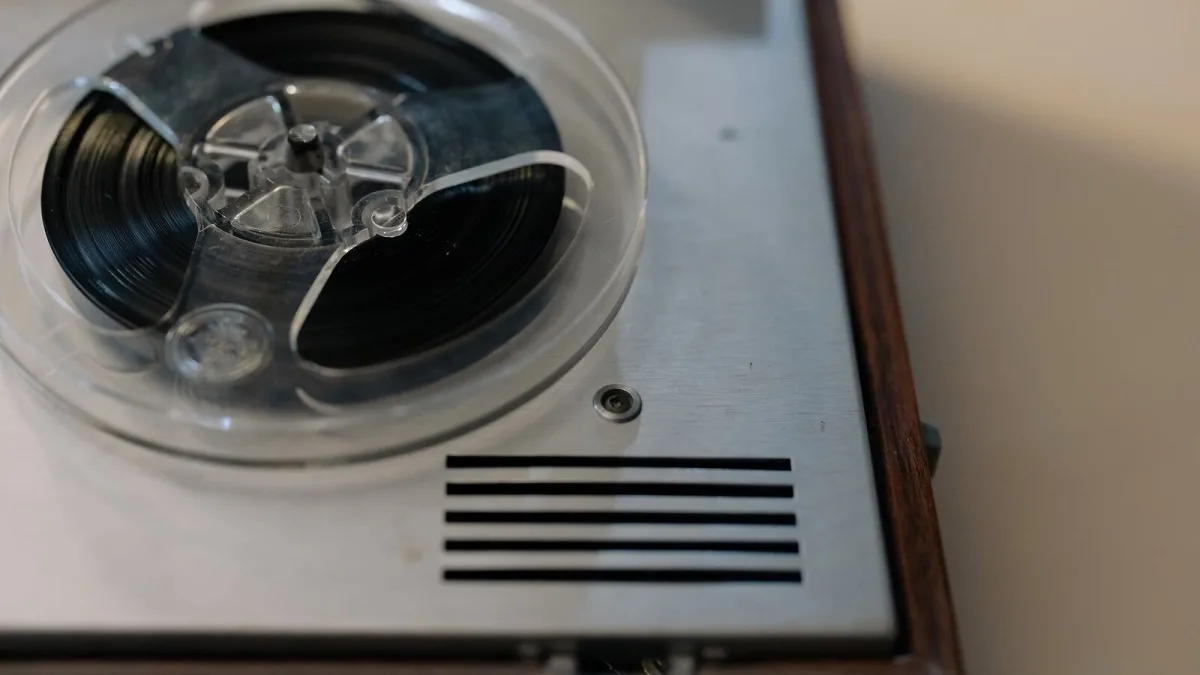
Most problems with CD playback trace back to a small number of predictable errors in setup, disc care, or expectations. These mistakes are worth knowing because they produce audible problems or premature equipment failure that is easily avoided with correct practice.
Using the Wrong Output Connection
Connecting a CD player via its digital output to an amplifier that only has analogue inputs produces no sound. Connecting the analogue output to a digital input does the same. Before purchase, confirm which input types your amplifier accepts and verify the player provides a matching output. This is the most common compatibility error for new owners, and it is entirely avoidable by checking specifications before buying.
Ignoring Disc Condition
Skipping and read errors almost always come from the disc surface, not the player. Fingerprints, dust, and light scratches on the playing surface cause the laser to re-read sectors repeatedly, producing audible glitches. Clean discs in straight lines from centre to edge with a soft, lint-free cloth before concluding a disc or the player is faulty. Circular cleaning motion scratches the disc in the direction of the data tracks and makes problems worse.
Expecting Streaming-Equivalent Convenience
A CD player requires physical media handling. Discs must be loaded individually, stored in cases, and kept free of scratches. For listeners accustomed to streaming, the adjustment is real. Expecting the same convenience from a disc source and becoming frustrated when it does not deliver is a common mistake. Physical playback is a different experience, not a worse one — but it requires different habits.
Placing the Player in an Enclosed Cabinet
Disc mechanisms generate heat during extended play. Placing a player in an enclosed cabinet without ventilation causes the transport to overheat, which shortens laser life and causes mechanical failures. Allow at least five centimetres of clearance above the unit. Keep it away from other heat-producing components if possible.
Buying Without Checking Disc Compatibility
Not every CD player supports SACD, CD-RW, or CD-R. Buying without checking the specification and then discovering the player will not read your library is a common and avoidable mistake. Read the full specification for disc format support before purchasing, particularly if your library includes burned discs or high-resolution SACD titles.
Related Guides
For an explanation of how each internal component works, see the complete overview of the CD player. For advice on what to look for when purchasing, see the complete buyer's guide.





Comments