


CD Player article
Cd Player for Beginners: A Complete Guide
Connecting a CD player to a hi-fi system and getting the best from it involves a few straightforward steps. Here is what new owners need to know about outputs, cables, disc care, and compatibility.
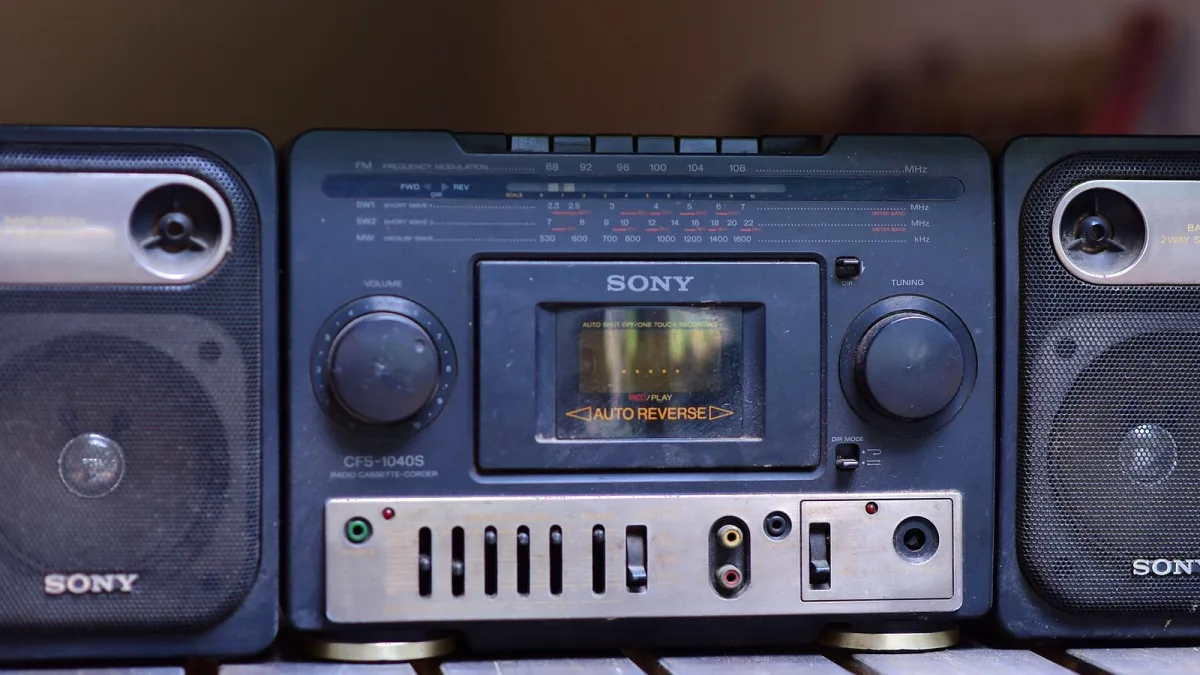
If you have just bought a CD player and are connecting it to a system for the first time, the process is straightforward but benefits from understanding a few things about outputs, cables, and how disc-based playback differs from streaming. Getting these right from the start avoids common issues with sound quality, compatibility, and disc handling.
Connecting to an Amplifier
Most amplifiers and integrated systems accept standard RCA analogue inputs. Connect the player's RCA outputs to any available analogue input on the amplifier — usually labelled CD, Aux, or Line. Use the shortest cable of reasonable quality that reaches comfortably. Very long RCA cables pick up interference; if the run is over three metres, consider using balanced XLR cables if both units support them. Once connected, select the corresponding input on the amplifier before pressing play.
Using Digital Outputs
If your amplifier or DAC has a digital input, connecting via the coaxial or optical output on the player bypasses the player's internal DAC. This is worth doing if your external DAC is of better quality than the one built into the player. If you are not sure, use the analogue RCA output — it is always the simpler and more reliable connection for a new setup.
Playing Discs Correctly
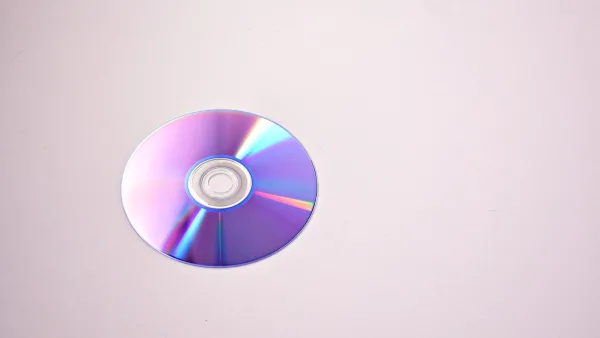
Load discs label-side up in the tray. The player reads from the underside of the disc. Fingerprints and dust on the playing surface cause read errors or skipping. Handle discs by the edges or the centre hole. Clean gently with a soft cloth in straight lines from centre to edge — never in a circular motion. Most players display track number and elapsed time on the front panel; the remote typically allows direct track access by number.
CD-R and CD-RW Compatibility
Burned CD-R discs play on most current players. CD-RW discs are less reliably supported — check the specification for your model if this matters. The dye layer in some CD-R blanks is harder to read than a pressed disc; if a burned disc skips, try a different brand of blank or burn at a lower speed.
Caring for Your Discs
Store discs in their cases when not in use. Scratches on the playing surface cause read errors; deep scratches that cross data tracks cannot be repaired effectively. Avoid leaving discs in trays for long periods. If a disc will not play, clean the playing surface before concluding the disc is damaged.
Further Reading
For advice on what to look for before purchasing a CD player, see the complete buyer's guide. For a technical explanation of how the player works internally, see the complete overview.





Comments