


Cdj 2000 article
Cdj 2000 for Beginners: A Complete Guide
No pressure, no rushing — just a patient, step-by-step walk through your very first session on a CDJ-2000.
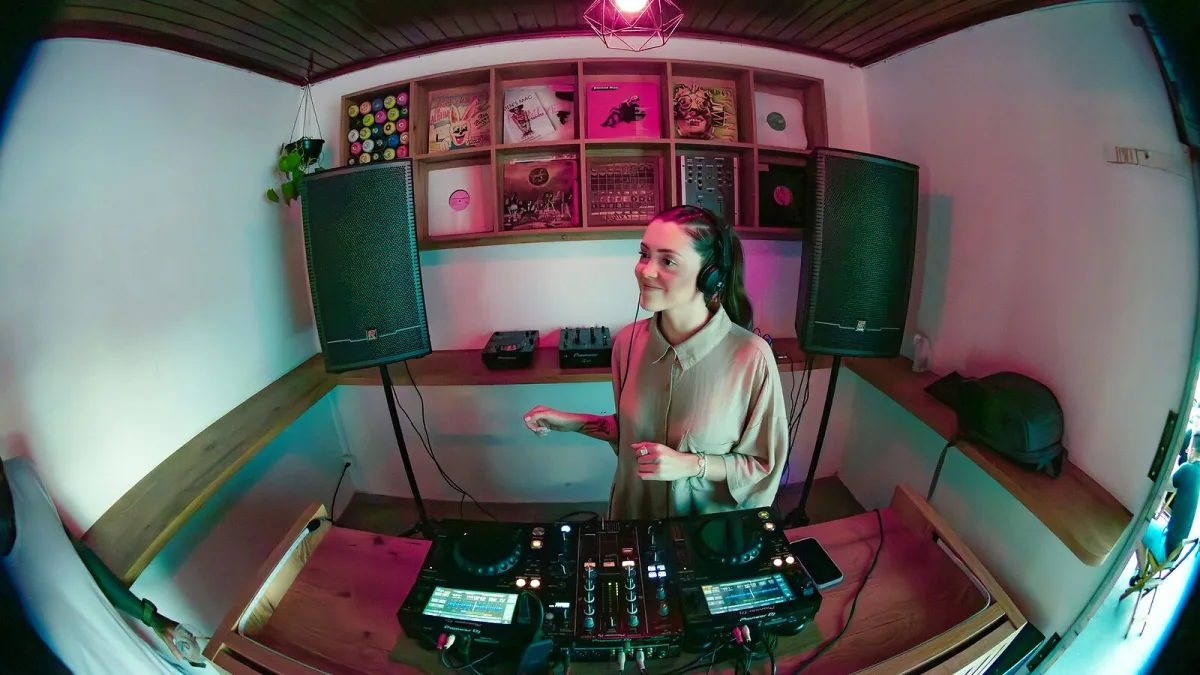
Standing in front of a CDJ-2000 for the first time can feel a bit like sitting down at an instrument with far too many buttons. Take a breath — it's simpler than it looks, and every single DJ you admire started exactly where you are now. This guide walks through your very first session, one calm step at a time, with nothing assumed and nothing rushed.
Before You Even Turn It On
The one thing worth doing properly before you touch the deck itself is preparing your music. The CDJ-2000 is built around Pioneer's rekordbox software, which analyses your tracks for tempo and beat-grid information and lets you organise everything into playlists ahead of time. Doing this calmly at home, with no pressure and no dance floor waiting, makes your actual first session on the deck feel far less overwhelming. You don't need a huge library to start — ten or twenty tracks you know well is plenty.
Your First Session, Step by Step
Once your library is ready, here is the order to work through on the deck itself:
- Import and analyse your tracks in rekordbox. Let the software work out the tempo and beat-grid for each one before you go any further.
- Export your prepared library to a USB drive. Use rekordbox's own export function so the deck can read the folder structure correctly.
- Plug the USB drive into the CDJ-2000. Give it a moment to read the drive; the screen will show your library once it's ready.
- Browse and load your first track. Use the rotary selector to scroll the display, then press the button to load the track onto the deck.
- Set a cue point at the very start of the beat. Play the track in, find the first beat, and press cue to save that exact spot.
- Practise playing from your cue point, alone, with no mixer. Hit cue, hit play, let it run, then stop and do it again until it feels ordinary rather than nerve-wracking.
Notice that mixing itself isn't in this list yet. That's deliberate — get comfortable loading, cueing and playing on one deck before you ever try blending two together.
Getting Comfortable with the Jog Wheel
The large jog wheel is the part that intimidates most newcomers, so let's take it slowly. Resting your hand lightly on top and nudging it forward or back gently bends the pitch, which is how you nudge a track back into time with another. Pressing down and turning it does something different again — it scratches or scrubs through the audio, which you won't need for basic mixing at all. For your first few sessions, keep your touch light and treat the jog wheel as a nudge tool, not a performance instrument. The scratching comes later, if you ever want it.
Common First-Session Wobbles
- Loading the wrong track by mistake. Everyone does this. Just unload it and try again — nothing is damaged.
- Forgetting where your cue point is. Set it again. It takes two seconds and there's no penalty for doing it fifty times.
- Feeling clumsy on the pitch fader. Small, slow movements are always better than big, fast ones while you're learning.
- Panicking when the screen looks unfamiliar. Different rekordbox export versions can change the layout slightly. Take a moment to look properly before assuming something's wrong.
None of this means you're doing it badly. It means you're learning a new piece of equipment, and that always feels clumsy before it feels natural.
What to Learn Next
Once loading, cueing and playing feel comfortable, the natural next step is bringing in a second deck and a mixer so you can practise matching two tracks together. If you haven't bought your own pair yet, our buyer's guide covers exactly what to look for secondhand, and our full overview is a gentle read once you're curious about how the whole system fits together. When you're ready to avoid the pitfalls that catch out newer owners, our list of common mistakes to avoid is worth a read too.
The Bottom Line
Your first session on a CDJ-2000 does not need to be impressive. It needs to be patient. Prepare your library calmly, work through loading and cueing until it feels boring rather than nerve-wracking, and let the jog wheel and mixing come later. Every confident DJ you've ever watched built that confidence exactly this slowly.






Comments