


Cdj 2000 roundup
Cdj 2000: A Complete Buyer's Guide
Every CDJ-2000 on the market now is secondhand — here's the crate-digger's checklist for buying one without regrets.
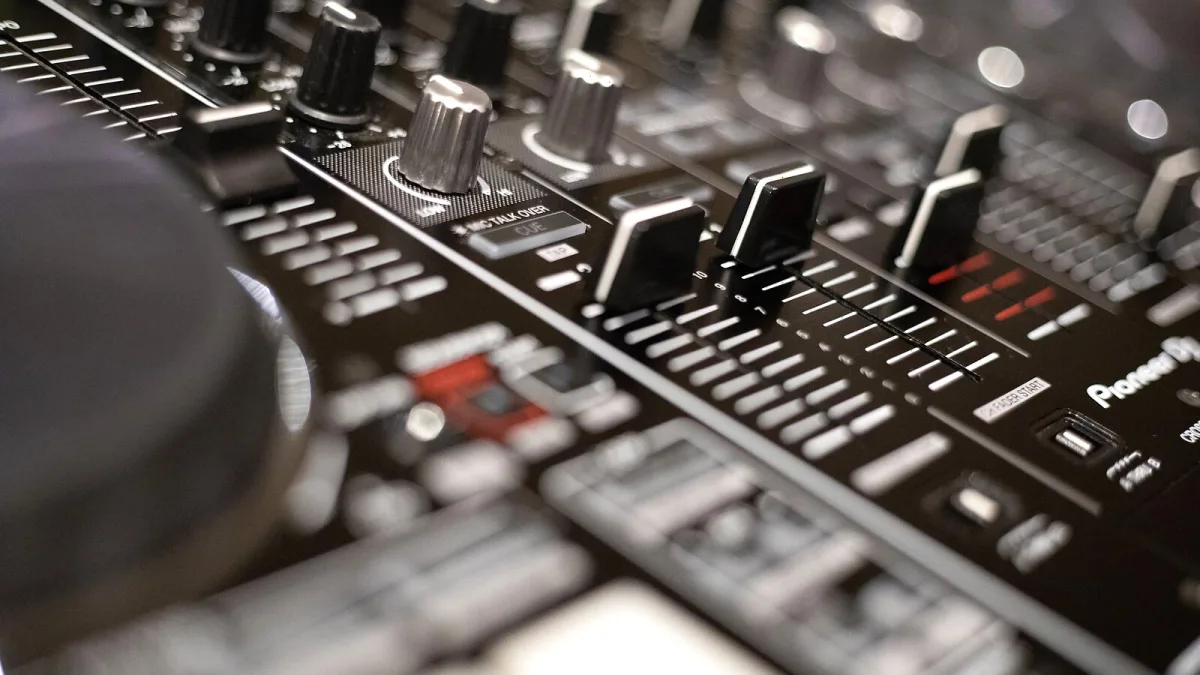
Right, so you've decided this is the deck for you. Good shout — it's been the backbone of club booths for years, and because Pioneer now lists it as an archived product, every single one of them is on the secondhand market. That's brilliant news for your wallet, but it does mean you're buying someone else's old gear rather than something fresh out of a box. Here's exactly what to check, where to look, and how to avoid a wasted trip.
Know What You're Actually Buying
First things first: get the exact model right. "CDJ-2000" gets thrown around online to mean the whole family, but the original CDJ-2000, the CDJ-2000NXS and the CDJ-2000NXS2 are three genuinely different decks with different screens, different DACs and different price expectations. If a listing is vague, ask the seller for a photo of the badge on the front — it will say exactly which one you're looking at. This guide is about the original, so if you spot NXS2-only features like a 7-inch touchscreen mentioned in the ad, you're looking at the wrong deck.
Where to Buy
- Specialist DJ retailers and their used/ex-demo sections — often pricier, but usually tested, graded and sold with some form of comeback if something's wrong.
- Studio and club equipment clearances — units that have genuinely earned their keep, sometimes at good prices, but expect heavier cosmetic wear.
- Classified sites and DJ forums — the cheapest route, and the one where you take on the most risk, since you're relying entirely on your own inspection.
- Auction sites — fine for spares or a project unit, riskier for something you plan to gig on next weekend.
Buying from a private seller is not a problem in itself — plenty of gear changes hands this way with no drama at all — but it does mean the checklist below is doing all the work a shop's own testing would otherwise do for you.
The Pre-Purchase Checklist
Whenever possible, ask to test the unit switched on, ideally with your own USB stick loaded with a couple of tracks. Work through this before any money changes hands:
| Check | What you're looking for |
|---|---|
| Jog wheel | Smooth rotation, accurate scratching and pitch bend, no dead spots or grinding |
| Pitch fader | Consistent, calibrated movement across its full range |
| Play/cue buttons | Responsive, no sticking or double-triggering |
| Display | Even brightness, no dead pixels, no fading at the edges |
| USB port | Recognises a drive instantly and browses the library without lag |
| CD mechanism | Loads and reads cleanly, if physical discs matter to you |
| Outputs | Clean signal on both channels, no crackle, hum or imbalance |
| Network port | Links up if you're testing with a second unit or mixer |
| Firmware version | Worth noting, so you know what you're inheriting |
None of this takes more than ten minutes, and any seller with nothing to hide will happily let you run through it. If they won't switch it on for you, that's your answer.
Original CDJ-2000, NXS or NXS2 — Which Is the Better Buy?
This is the question that actually decides your budget. The original CDJ-2000 is the cheapest way into a genuine club-standard workflow: a 6.1-inch non-touch colour screen, a 24-bit/48 kHz sound card and a Wolfson DAC. The NXS2 replaced all of that with a 7-inch touchscreen, 24-bit/96 kHz audio through an Asahi Kasei DAC and a much deeper Hot Cue and beat-grid system, and it commands a noticeably higher secondhand price as a result. If your gigs don't depend on touchscreen browsing or high-resolution files, the original is not a compromise buy — it is simply an older one. If you'd rather weigh the whole current lineup by budget before deciding, our guide to the best options for the money breaks it down tier by tier.
Check Your Own Workflow Before You Check the Deck
A CDJ-2000 is only as useful as the library you load into it, so confirm your rekordbox export routine will actually play nicely with an older unit before you commit. Check the USB file system it expects, whether your current rekordbox export mode is still compatible, and whether your prepared library will fit comfortably on the drive you plan to use. If you're brand new to the deck itself rather than just the buying process, our beginner's guide walks through your first session from a cold start, and it's worth reading before you buy so you know what "working properly" should actually look like.
Negotiating and Closing the Deal
Cosmetic wear — scuffed casing, a worn jog wheel top, faded button legends — is normal on a deck this age and is fair grounds for knocking a bit off the asking price. Functional issues are a different matter entirely: a grinding jog wheel, an unreliable USB port or a flaky display are repair costs, and replacement parts for an archived model are not always easy to source. Factor that into your offer, or walk away and look at the next listing. There is rarely only one CDJ-2000 for sale at a time.
Once you've bought one, it's worth reading our roundup of common mistakes owners make and our full overview of the deck to get properly acquainted before your first gig on it.
The Bottom Line
Buying a used CDJ-2000 comes down to three things: confirming the exact model, testing every control before you pay, and being realistic about what cosmetic wear versus a genuine fault will cost you down the line. Get those three right and a well-bought secondhand deck will happily see you through years of gigs.






Comments