


DJ Controller roundup
Dj Controller: A Complete Buyer's Guide
The DJ controller market covers every budget, but most buyers do best in the PS150-PS400 tier. Here is how to choose the right setup without overspending on features you will not use yet.
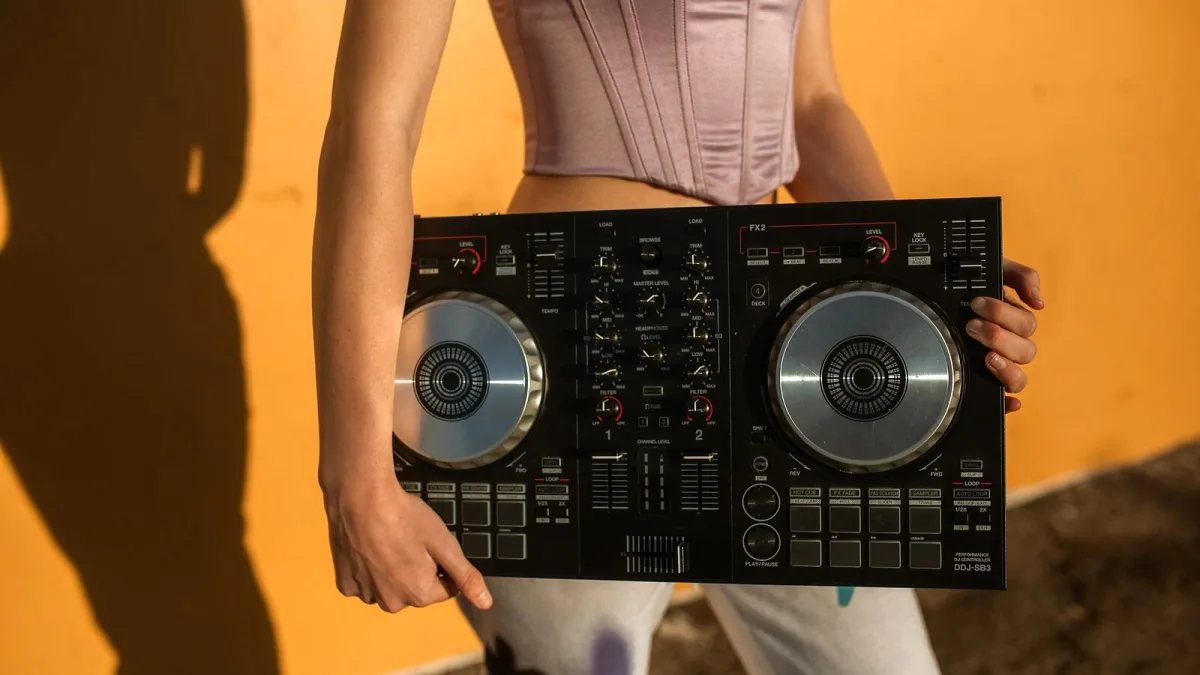
The DJ controller market has matured to the point where you can get genuinely capable hardware at almost any budget — from entry-level two-channel units that cost less than a pair of headphones to professional four-channel decks that rival club setups in everything but the price tag. The hard part is not finding something that works; it is working out what you actually need, and avoiding paying for features you will never use. Here is how to approach the decision.
What Budget Gets You
Under PS150, you are in the entry tier. Pioneer's DDJ-200 and Numark's Mixtrack range live here. You get two channels, basic jog wheels (often smaller and lighter than mid-range units), rudimentary effects, and software-locked integration. These are real controllers that work for learning, but the jog wheels in particular feel noticeably lighter and less precise than the step up.
In the PS150-PS400 bracket, the Pioneer DDJ-FLX4 and Numark Mixtrack Pro FX are the main contenders. Jog wheel quality improves significantly, the software integration is more complete, and some four-channel options appear. This tier covers most casual and bedroom DJs comfortably for years.
Above PS400, you start to encounter the Pioneer DDJ-FLX6-GT and the DDJ-REV range, which step up to near-professional specifications. Better screens, professional-grade jog wheels (the DDJ-FLX10 has motorised platters), more inputs and outputs, and more nuanced effects sections. These are for DJs who want a setup that will last and perform, not one to outgrow in twelve months.
Two-Channel vs Four-Channel
Start with two channels unless you have a specific reason not to. The additional channels on a four-channel controller add complexity at a stage when learning the fundamentals is already demanding enough. Once you are comfortable with beatmatching, EQ techniques and basic performance, the case for four channels becomes clearer. If you are buying with the intention of playing at events, the additional microphone input on a four-channel controller is practically useful — but you can solve that problem later with an add-on mixer.
Software Compatibility
Pioneer DJ hardware integrates tightly with rekordbox. Serato DJ is the other dominant platform, with strong hardware support across multiple manufacturers. Traktor Pro 3 from Native Instruments is the third major option, particularly popular with technical and open-format DJs. All three are capable tools; the choice often comes down to what your friends or local venues use, as sharing playlists and cue points across platforms is still awkward.
One important note: controllers typically come bundled with a Lite version of software that limits track counts and advanced features. Check what the full upgrade costs before you commit to a controller that locks you into one ecosystem.
Second-Hand Buying
Used DJ controllers are a sensible market to shop. They hold their condition well if stored correctly, the resale values are fairly stable, and the major models are well-documented for any issues. Check that jog wheels respond correctly across their full range, test all the faders and knobs for dead spots, and verify the USB connection is solid. The crossfader in particular can wear unevenly with heavy use — a simple and inexpensive part to replace, but worth knowing the state of before you buy.
What Not to Overspend On
Features that often inflate the price without improving the learning experience: built-in displays (useful later, not essential early), motorised jog wheels (impressive but expensive, and not necessary), and extensive standalone functionality. These are real upgrades, but they are upgrades that matter after you have learned the basics — not before.
Read More
For a full technical breakdown of how a DJ controller works, see the overview article. If you are just starting out, the beginner's guide covers the setup process and learning curve. The mistakes guide is worth reading before your first session.
The Bottom Line
The PS150-PS400 bracket is where most buyers find the best value — enough quality to last through the learning phase and beyond, without overspending on features that become relevant only later. Pioneer DJ dominates this space for good reason, but Numark and Denon DJ offer competitive alternatives worth considering at each price point.






Comments