


Zoom Recorder article
Zoom Recorder for Beginners: A Complete Guide
It almost always captured something. A calm, step-by-step start with your first Zoom recorder, from gain to your first real take.
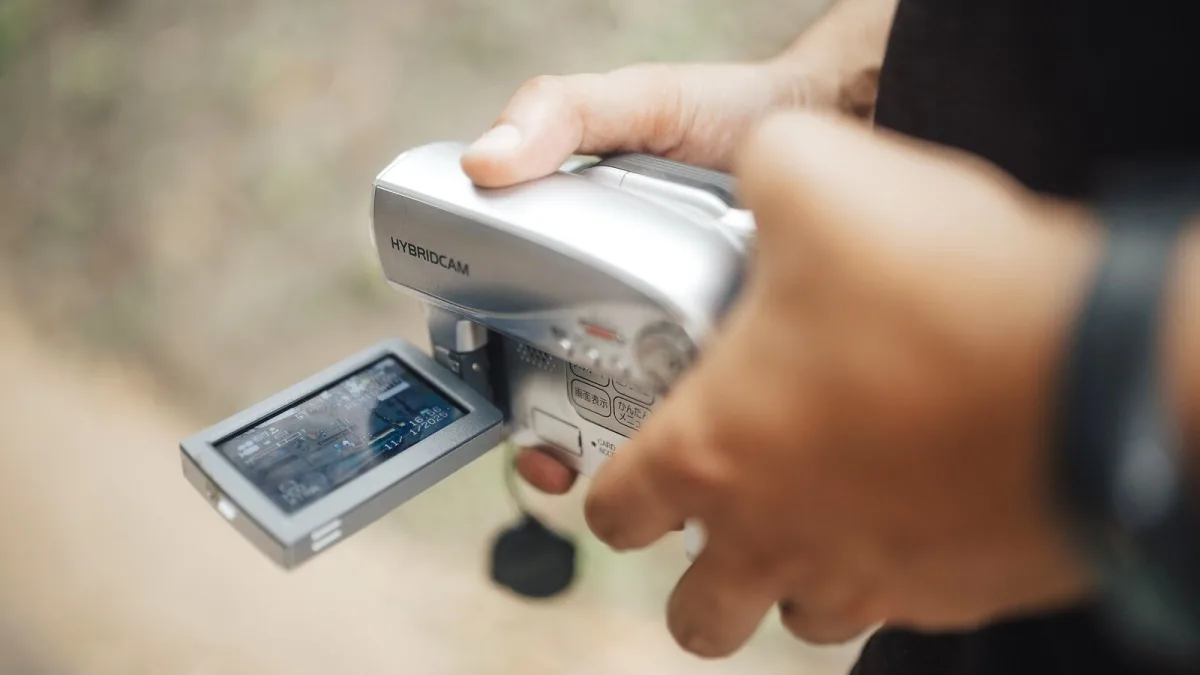
I still remember the nervousness of switching on a recorder for the first time and not quite trusting that it had actually captured anything. It had. It almost always does, once you understand the handful of things that genuinely matter. Consider this the patient, no-rush version of getting comfortable with your first Zoom recorder.
Start by Learning the Buttons, Not the Manual
You don't need to read every page of your Zoom recorder's manual before your first session. Find the record button, the level meter on the screen, and the input gain dial, and leave everything else alone for now. A Zoom recorder is built to be used, not studied, and the deeper menus will make far more sense once you've actually recorded something and listened back.
Your First Zoom Recorder Session, Step by Step
- Insert a formatted SD card and fresh batteries before you do anything else.
- Set the recording format to WAV rather than a compressed option.
- Turn the input gain down low to begin with.
- Have whoever you're recording play or speak at their loudest expected moment.
- Bring the gain up gradually while watching the meter, stopping once peaks sit comfortably below the red.
- Press record, let it run for a few seconds, then listen back through headphones before your real take.
That last step matters more than people expect. A recorder can be running perfectly and still capture something disappointing if it's pointed the wrong way or sitting somewhere noisy — the only way to know is to actually listen.
If Yours Records in 32-Bit Float
Newer models take some of the anxiety out of that gain-setting process. With 32-bit float recording, getting the level slightly wrong is far less likely to ruin the take, since there's enormous room to adjust it afterwards without the sound falling apart. It's a genuine comfort for a beginner, though it's worth knowing it won't rescue a microphone that's simply too far from the source, or fix a room that's too noisy to begin with.
A Few Words Worth Knowing
- Gain — how much the recorder amplifies the incoming signal. Too low and there's more hiss; too high and loud moments distort.
- Phantom power — a small voltage some external microphones need to work, usually a switch on models with XLR inputs. Not every microphone requires it.
- Sample rate — how often the sound is measured per second. 44.1 kHz suits music; 48 kHz suits anything heading toward video.
- Self-noise — the faint background hiss any recorder produces. Rarely something to worry about early on.
Where to Point It
For a solo instrument or a voice, start a little further away than feels natural and move closer gradually, listening for the point where it sounds full without becoming boomy. For a whole room or a rehearsal, a central position captures the overall feel, though it will also pick up more of the room itself than a close microphone would. There's no perfect formula here — just small adjustments and a willingness to listen back rather than assume.
What Not to Worry About on Your First Zoom Recorder
Ignore input counts, professional field-recorder features and the finer points of 32-bit float architecture for now. None of that will improve your first month of recordings as much as simply getting the gain roughly right and pointing the thing sensibly. The rest can wait until you actually know what you're missing.
When Something Doesn't Sound Right
A thin, distant sound usually means you're too far from the source. A muddy, boomy sound usually means you're too close, or in too reflective a room. Crackling or obvious distortion means the gain needs turning down, or the source is simply louder than the microphone can comfortably handle. For a longer list of the habits that trip people up early on, our common mistakes guide is worth reading next.
Bottom Line
You don't need to master every setting before your first Zoom recorder earns its keep in your bag — just get the gain roughly right, point it with a bit of care, and listen back honestly. Once you're comfortable, our overview guide and buyer's guide are there for when you're ready to think about a second one.





Comments