


Trs Cable article
Trs Cable for Beginners: A Complete Guide
No assumed knowledge, no jargon first. Just which cable you actually need, and what to check when something doesn't sound right.
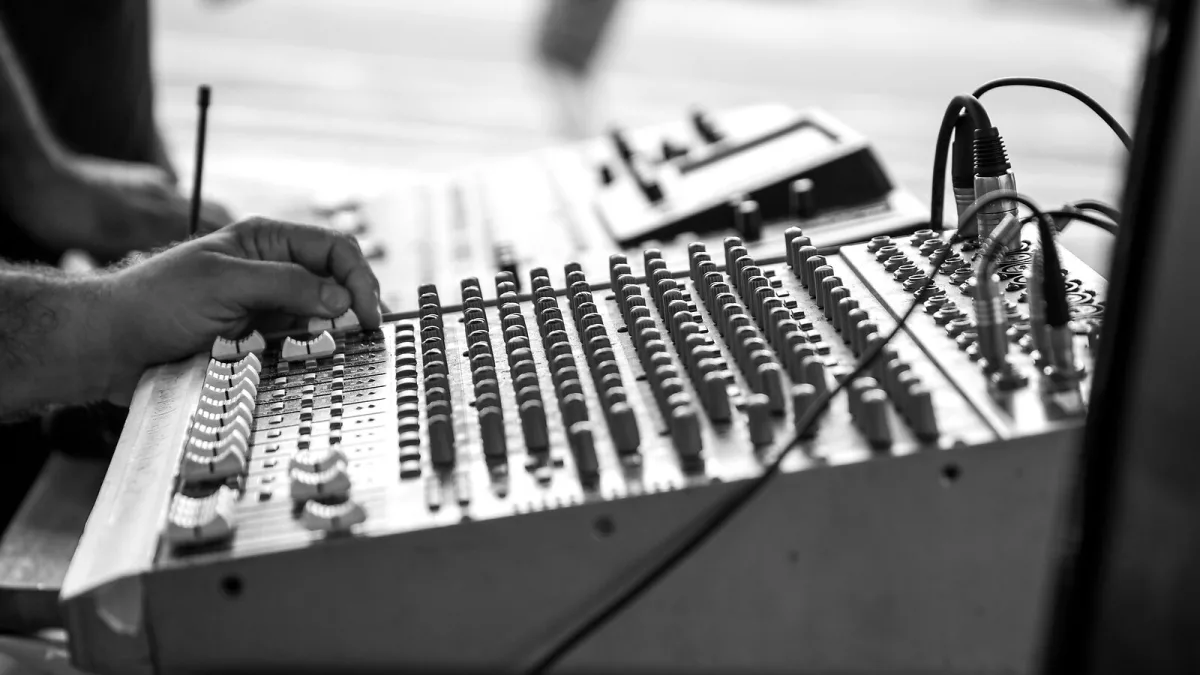
If you've just started setting up a home studio and someone's mentioned a TRS cable, don't worry — this isn't difficult once someone actually explains it properly. Let's take it slowly, with no assumed knowledge at all.
The Simple Version
A TRS cable has a plug with three metal sections instead of the two you might be used to from a guitar lead. Those three sections can be wired to do different jobs: carry a clean studio signal, carry stereo sound to your headphones, or connect an effects unit into a mixer. The plug looks the same in every case, which is exactly why it confuses people at first.
Which Cable Do I Actually Need?
| What you're trying to do | What you need |
|---|---|
| Connect your interface to studio monitors | A balanced TRS cable |
| Plug in your headphones | A stereo TRS headphone cable |
| Connect an outboard effects unit to a mixer insert | A special TRS-to-two-TS insert cable |
| Plug in an electric guitar or bass | A plain TS cable, not TRS at all |
If you're ever unsure, check your equipment's manual or look at the label printed right next to the socket. That label is more reliable than guessing from the plug alone.
Why Your Guitar Cable Looks Different
This trips up a lot of newcomers, so it's worth saying clearly: your guitar or bass almost certainly uses a simpler two-contact cable, called TS, not TRS. That's completely normal and not a mistake on your part. Guitars and basses send a single, unbalanced signal, so they don't need that extra third contact.
Common Beginner Mix-Ups, and How to Fix Them
- You plug in headphones and only hear one side. Check the plug is pushed all the way in — a half-inserted TRS plug very commonly drops one channel.
- You get silence from an insert connection. Insert cables have send and return the wrong way round more often than you'd think. Try flipping the connection if your outboard gear has clearly marked send and return sockets.
- You hear a hum you didn't expect. First check that both ends of the connection are actually meant to be balanced. Plugging a balanced cable into gear that isn't balanced won't magically remove noise.
- Something just sounds thin or a bit odd. Try swapping in a cable you already know works. It rules out a fault much faster than staring at the wiring diagram.
You Don't Need to Understand Electronics to Get This Right
Nobody expects you to understand common-mode rejection or signal polarity to use a TRS cable correctly. What actually matters, at the very start, is matching the right cable to the right job using the table above, and checking your gear's manual when you're not sure. The technical detail behind why it works can come later, once it's actually useful to you rather than just intimidating.
Once the Basics Feel Comfortable
When you're ready for more detail, our full features and types guide explains exactly how balanced audio and stereo wiring actually work underneath the plug. And when you're ready to buy your first proper set of cables, our buyer's guide will help you choose sensibly rather than guessing in a shop.
The Bottom Line
Start by matching the cable to the job using the table above, keep the manual to hand for anything you're unsure of, and don't worry about understanding every wire inside the plug straight away. That part comes with time, and it isn't required to get your studio working properly today.





Comments