


Trs Jack Cable article
Trs Jack Cable for Beginners: A Complete Guide
If someone's just told you to grab a TRS cable and you're not sure what that means, don't worry. Let's take it gently, one idea at a time.
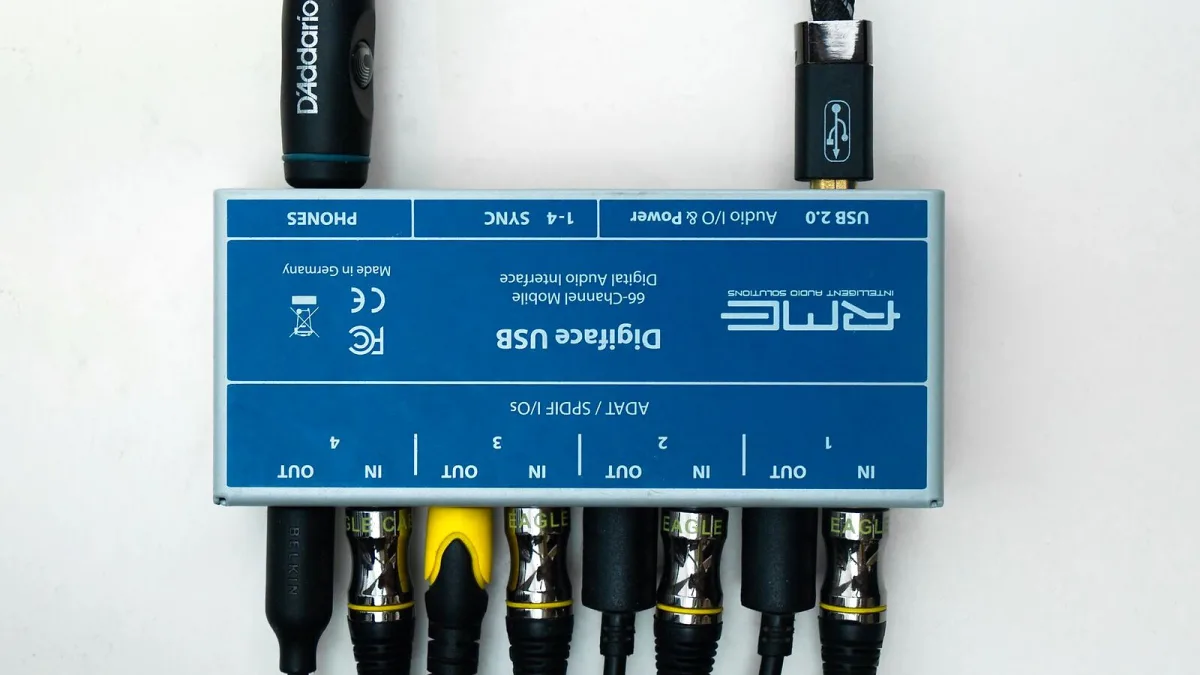
If someone's just told you to "grab a TRS cable" and you're not entirely sure what that means, don't worry — a TRS cable is one of those pieces of studio terminology that sounds far more complicated than it actually is. Let's take it gently, one idea at a time.
What to Look For on a TRS Cable
The easiest way to spot a TRS cable is by looking at the plug itself. Hold it up and count the thin bands running across the metal tip: one band means a simple two-contact plug, two bands means you're holding a TRS connector. That's genuinely the whole visual trick — you don't need to memorise anything more technical than that to recognise one on sight.
You Don't Need the Full Theory Yet
There's a proper technical explanation involving balanced signals, inverted polarity and noise cancellation, and you're welcome to learn all of that eventually. But for now, here's the one thing worth knowing: the same cable can do two different jobs depending on what it's plugged into — sometimes it carries a cleaner, quieter signal over a longer cable run, and sometimes it simply carries the left and right sides of a stereo signal, the way a headphone cable does. You don't need to know which is happening in order to use it correctly; the equipment mostly takes care of that for you.
Where You'll Actually Meet One
- Connecting an audio interface to studio monitors.
- A pair of headphones or a headphone extension lead.
- Certain mixer connections, sometimes labelled "insert."
If you're setting up a simple home recording space, the interface-to-monitor connection is the one you're most likely to run into early on.
One Gentle Warning
A TRS cable won't magically improve a guitar or bass plugged straight into an amp. Those instruments use a different, simpler type of cable, and the extra contact on a TRS plug doesn't have anything useful to do there. If in doubt, the cable your instrument came with, or one sold specifically as an instrument cable, is the right choice.
A Simple Way to Check You Have the Right Cable
Look at what the manual for your equipment actually calls for. If it says "balanced," "TRS" or shows a plug with two bands in a diagram, that's the one you need. If it simply says "instrument" or "unbalanced," you're looking for the simpler, single-band type instead. When in doubt, it's always fine to ask in a shop or forum — there's no such thing as a silly question here, and everyone learns this at some point.
What If You Plug the Wrong One In?
Try not to panic if you're not sure you've got it right. In most home-studio situations, plugging the wrong cable type in simply won't work as expected, rather than causing any damage — you might get no sound, quieter sound, or only one side of a stereo signal. If something sounds obviously wrong, it's almost always worth double-checking the cable before assuming a piece of equipment itself is faulty.
Take Your Time With the Rest
Once this feels comfortable, our fuller explanation of how these cables work is there whenever you're ready for more detail, and our buyer's guide will help once you're actually choosing one to purchase.
The Bottom Line
You really only need two things to get started: spot the two bands on the plug, and check your equipment's manual before assuming one job or the other. Everything else about balanced signals and wiring conventions can wait until you're ready for it, and there's genuinely no rush. It's worth a quick look at common mistakes to avoid once you feel settled, simply so you know what to watch for later on.






Comments