


KRK Rokit 5 article
Common Krk Rokit 5 Mistakes to Avoid
Most problems with the KRK ROKIT 5 aren't really monitor problems. Here are the eight mistakes that consistently trip people up, and what to do differently.
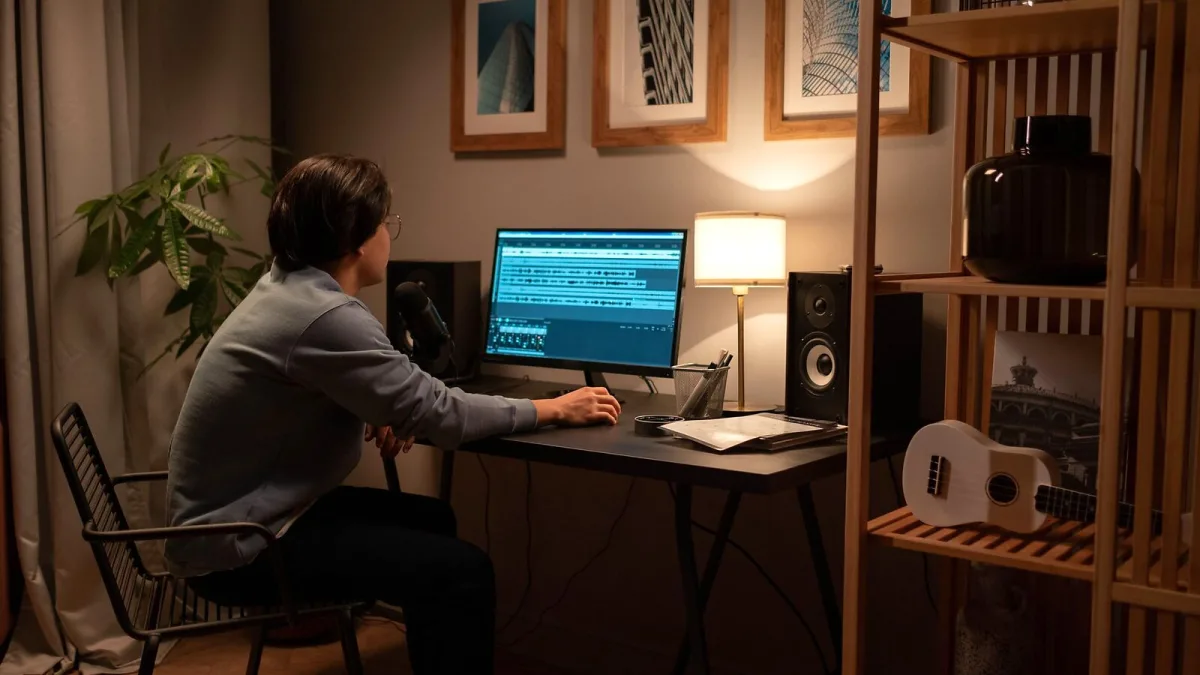
The KRK ROKIT 5 is a capable monitor, but it's also one of the most consistently misused speakers in home studios. Not through carelessness — most of these mistakes come from reasonable assumptions that happen to be wrong. Here are the ones that come up again and again, and what to do instead.
Mistake 1: Placing the Monitors Wherever They Fit
This is the big one. It's very easy to unbox a pair of KRK ROKIT 5 monitors, put them on the desk where there's space, and assume that's close enough. It isn't. Placement has more impact on how the monitor sounds than almost any other variable — including which generation you bought.
The common errors:
- Asymmetric placement: one monitor closer to a wall or corner than the other. This makes the stereo image drift to one side and introduces different amounts of bass reinforcement on each side, which you'll unconsciously compensate for with unbalanced EQ decisions.
- Too close to rear or side walls: walls reinforce bass frequencies (the boundary effect), making the low end sound fuller than it really is. Mixes made on boundary-affected monitors often translate as bass-light on other systems.
- On top of the meter bridge or computer case: vibration transfers directly into the cabinet, muddying the bass and reducing imaging clarity.
- Too far apart: the stereo image becomes vague and hard to pin down.
The fix: symmetric placement, roughly 3–4 feet apart, with the two monitors and your head forming an equilateral triangle. Equal distances from side walls. Tweeters at ear height. Start there before touching anything else.
Mistake 2: Skipping the Isolation Pads
Placing the KRK ROKIT 5 directly on a desk or console top lets the cabinet couple mechanically with the surface. The desk acts as a resonator, reinforcing certain bass frequencies and smearing the low-mid detail. You hear more bass, but it's less accurate — precisely the wrong trade-off when you're trying to make informed mix decisions.
Basic foam isolation pads are inexpensive and make a consistently audible difference, particularly in the 100–300 Hz range where the low-mid muddiness tends to accumulate. Speaker stands are even better if you can manage the desk space and budget.
Mistake 3: Treating the Published Frequency Response as a Promise
The ROKIT 5 is often marketed with a "43 Hz–40 kHz" frequency response. This figure doesn't come with a stated tolerance. A separate specification document for the G5 also lists 54 Hz–30 kHz at +3/−10 dB — a narrower, more honest number that tells you how much level variation is considered acceptable within that range.
The practical takeaway: you will not get flat, full-level output at 43 Hz from a 5-inch monitor. Useful, balanced bass output starts at roughly 50–60 Hz under normal conditions. If your mixes consistently have too much or too little sub-bass when played back elsewhere, the monitor may not be showing you that range accurately — not because it's broken, but because that's what a 5-inch driver does.
Mistake 4: Mixing Bass-Heavy Music Without Cross-Referencing
Related to the above: it's surprisingly easy to produce bass-heavy music — electronic music, hip-hop, grime, drum and bass — on KRK ROKIT 5 monitors and end up with mixes that sound thin, distorted, or over-prominent on other systems. The monitors simply don't extend far enough into the sub-bass to give you a complete picture.
The habit that fixes this: flip to headphones — a reasonable pair you know well — and specifically check the low end after every significant mix decision in the bass range. Use a commercially released reference track in your genre and compare. Your track's bass should sit in a similar relationship to the rest of the mix. If it doesn't, that's the monitors revealing a gap in what they can show you, not a problem with the track per se.
Mistake 5: Using the EQ Controls to Make Things Sound More Exciting
Both the G4 and G5 have EQ options on the rear panel, and there's a consistent temptation to boost the low shelf or add a bit of presence because the flat response sounds unimpressive compared to consumer speakers. Don't.
EQ adjustments on a studio monitor should compensate for a known, consistent room or placement problem — not make the monitor sound more flattering. If you boost the low-frequency shelf to make your mix feel heavier, you'll compensate by reducing bass in the mix, and the result will sound thin everywhere else. The G5's Create and Listen voicing modes are similarly best avoided for critical mixing work — use Mix mode instead.
If you genuinely identify a problem (the monitors sound consistently bright in your room, for example), make a small, specific adjustment and test it against reference tracks. But start from flat and stay there as long as the mix translates well.
Mistake 6: Running at High Volume for Long Sessions
The ROKIT 5's 104 dB maximum SPL specification is a peak capability, not a target. Working at high volume for extended periods is harmful in two specific ways: it causes listening fatigue, which makes your ears less accurate and leads to increasingly unreliable mix decisions as the session goes on; and it increases the risk of hearing damage over time, which is irreversible.
The practical standard in professional studios is a 79–83 dB SPL monitoring level — roughly equivalent to a lively conversation. It's quieter than most beginners assume, but it's sustainable for long sessions and gives more accurate stereo imaging and low-end perception than a loud, fatiguing level.
Mistake 7: Connecting via an Unbalanced Source
Plugging the KRK ROKIT 5 into a laptop's headphone socket with an unbalanced Y-cable or mini-jack adapter introduces unnecessary noise — hum, hiss and interference — into the signal. Balanced connections (XLR-to-XLR or TRS-to-TRS from an audio interface) reject that noise electrically. They're not just recommended; in a home studio with multiple bits of electrical kit in close proximity, they're meaningfully better.
If you're consistently hearing a low-level hum or buzz through the monitors, an unbalanced connection or a ground loop (a circuit formed between different bits of equipment on different electrical circuits) is the most likely cause.
Mistake 8: Not Giving Your Ears Time to Adjust
Switching to studio monitors from consumer speakers, earbuds or headphones can feel like a downgrade at first. The monitors are more honest — less bass emphasis, less high-frequency sparkle, less of the processed excitement that makes commercial speakers engaging. That honesty is useful, but it takes time to internalise.
Give yourself two to three weeks of regular listening on the ROKIT 5 before making any judgements. Use music you know very well. After that adjustment period, most people find they start hearing detail they missed before — mix decisions become clearer, and the reference point becomes reliable rather than confusing.
For a full picture of what the different ROKIT 5 generations offer and how to choose between them, the ROKIT 5 buyer's guide has the detail. And if you're just starting out, the beginner's guide to the ROKIT 5 covers the setup fundamentals step by step.
The Bottom Line
Most ROKIT 5 problems aren't monitor problems — they're setup problems, or expectation problems, or the room playing tricks. Correct placement, isolation, sensible gain structure, balanced connections, cross-referencing the low end, and realistic expectations about what a 5-inch monitor can do: fix those things and the ROKIT 5 reveals itself as the genuinely capable tool it is.






Comments