


Apogee Electronics roundup
The Best Apogee Electronics for the Money
There's no single best Apogee Electronics interface — only the best one for what you actually record. Here's how the range splits by use case.
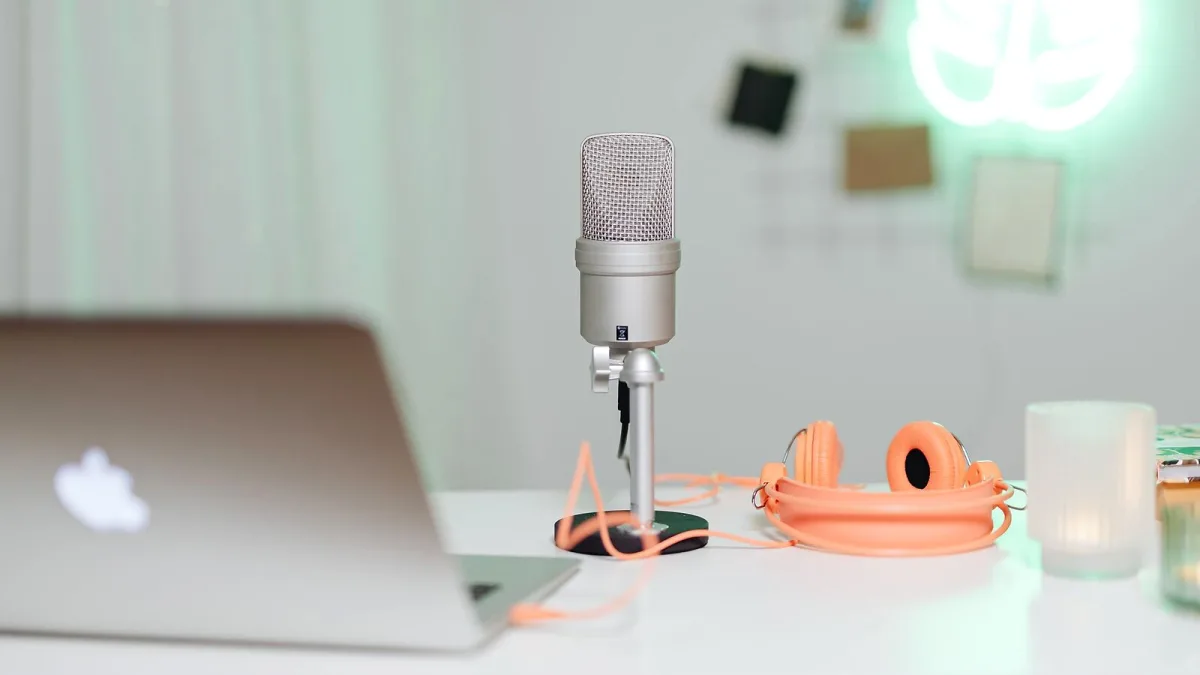
There's no single “best” Apogee Electronics interface — there's a best Apogee Electronics interface for what you're actually doing. Rather than crown one winner, this guide splits the current range by use case and budget tier, so you can see which model earns its keep for a singer-songwriter, a streamer, a home studio or a full tracking room.
Best for a Single Vocal or Instrument: MiC+, HypeMiC and Jam+
If you record one source at a time, you don't need a full interface at all. MiC+ and HypeMiC are USB condenser microphones with the preamp and converter already built in, so there's genuinely nothing else to buy beyond a stand and some headphones. HypeMiC adds an onboard compressor and headphone monitoring, with a maximum SPL rating of 130 dB, which suits louder vocal styles and close-mic'd instruments well. Guitarists and bassists are better served by Jam+, a compact interface built around a single instrument input rather than a microphone capsule.
Best for Songwriting on the Move: Duet 3
Duet 3 sits a step up, offering two microphone preamps and 2-in/4-out USB-C connectivity in a genuinely portable footprint. Its breakout cable adds instrument and line connectivity without bulking out the main unit, and a zero-ohm headphone output keeps monitoring accurate. For a singer-songwriter who records guitar and vocals together, on a train or in a spare room, this is the entry point where you stop compromising on preamp count.
Best for Streaming and Content Creation: BOOM
BOOM is the newer, bus-powered option built specifically around content creation rather than traditional studio tracking. It carries one instrument/line input, one combi input, built-in hardware DSP and a loopback function that blends your computer's own audio with a live microphone — exactly what a streamer needs to mix backing tracks, game audio or a call with their own voice. If your main output is a livestream or a podcast rather than a finished mix, BOOM is worth prioritising over interfaces built for pure recording.
Best for a Small Home Studio: Quartet
Quartet is a proper studio hub: four microphone preamps, recording up to 24-bit/192 kHz, USB MIDI and real monitor control, all built into one desktop unit. It suits anyone recording a small band, layering several instruments, or simply wanting more preamps and better monitor management than a two-input interface can offer. It's also a sensible step for someone who has outgrown Duet 3 but doesn't yet need a modular professional system.
Best for a Growing Project Studio: Symphony Studio
Symphony Studio pushes further into serious studio territory, with microphone-preamp gain up to 75 dB and output-processing features like room EQ, delay and bass management built in. That combination of high-gain preamps and room-correction tools makes it a strong choice for anyone treating their studio as a genuine long-term investment rather than a temporary setup.
Best for Professional and Large-Format Studios: Symphony Mk II and Symphony I/O Mk II
At the top of the range, Symphony Mk II and Symphony I/O Mk II are modular systems offering up to 32 inputs and outputs, a touchscreen display and Apogee's flagship conversion architecture — Apogee quotes a 121 dB A-weighted dynamic-range figure for the headphone output under specified test conditions. These are built for rooms tracking full bands, mixing complex sessions, or working across Dolby Atmos and other immersive formats, and the cost only makes sense once channel count and conversion quality are genuinely limiting factors elsewhere.
Why “Best” Isn't Always “Most Expensive”
It's easy to assume the top of the range is automatically the best purchase, but that's only true if you're actually working at that level. A Symphony Mk II sitting in a bedroom studio, running one microphone at a time, gains you very little over a Duet 3 doing the same job — the extra channels and modular expansion go entirely unused. “Best” here means best value against your real workload, and for most home recordists that's a mid-range model, not the flagship.
Try Before You Commit
Where possible, hear a shortlisted model before buying — a local dealer demo, a friend's studio, or even a returns-friendly retailer can save you from a mismatch that specifications alone won't reveal, like an interface's control software feeling clunky on your particular operating system, or a headphone output that doesn't quite have the level you need. Read independent reviews from established outlets alongside the manufacturer's own product pages, since marketing copy and hands-on testing don't always agree.
Matching Yourself to a Tier
| Your situation | Best fit |
|---|---|
| Solo vocalist or single instrument, low budget | MiC+ / HypeMiC / Jam+ |
| Songwriter recording guitar and vocals | Duet 3 |
| Streamer, podcaster, content creator | BOOM |
| Home studio with several sources | Quartet |
| Serious project studio | Symphony Studio |
| Professional tracking or mixing room | Symphony Mk II / Symphony I/O Mk II |
If you want the full background on how each of these products actually works before deciding, our overview of Apogee Electronics covers conversion, preamps and DSP in more depth, and our buyer's guide works through the practical checks like connectivity and gain range. First-timers should start with our beginner's guide, and it's worth reading our list of common mistakes before you commit to a tier.
The Bottom Line
The best Apogee Electronics interface is the one matched to what you actually record, not the one with the longest spec sheet. Buy for your current sessions, not your imagined future ones — a mismatched tier of Apogee Electronics gear costs you money either way, whether that's an underpowered unit holding you back or an expensive one sitting mostly idle.





Comments