


Pocket Operator article
Common Pocket Operator Mistakes to Avoid
Most Pocket Operator frustrations come from a few very avoidable mistakes. Here's what catches people out most often and how to deal with each one.
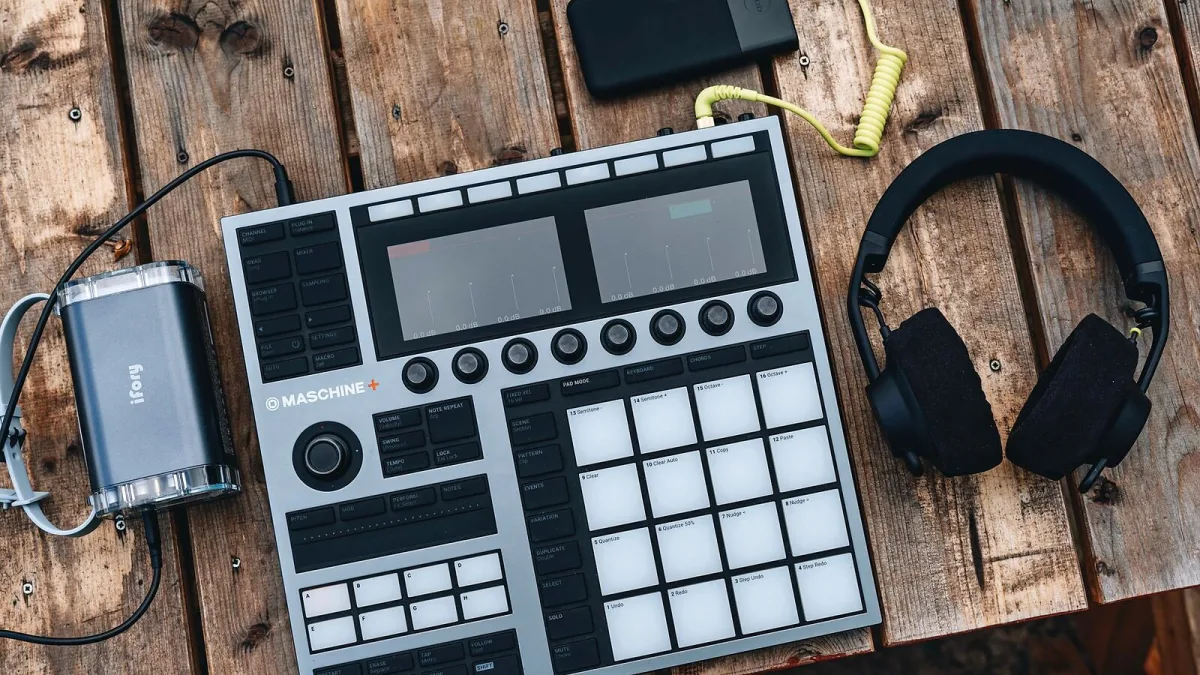
The Pocket Operator is a forgiving little instrument in many ways — compact, affordable, and quick to produce results. But there are a handful of very common mistakes that catch new owners out, most of them avoidable with a little forewarning. Here’s what to watch for.
Ignoring the Model-Specific Guide
Every Pocket Operator model has its own button layout, shortcut combinations and workflow. The most common frustration for beginners is treating the range as interchangeable and assuming a shortcut that works on a PO-33 will also work on a PO-16. It won’t. Teenage Engineering provides free official guides for every model on their website. Download the one for your specific unit and spend ten minutes reading it before you start. It will save you significant confusion later.
Removing Batteries Without Recording First
This one has a small sting in the tail: removing the batteries from most Pocket Operator models clears the memory. Patterns you’ve programmed are lost. It’s not a defect; it’s simply how the hardware works. The practical solution is straightforward: before removing the batteries for storage, connect the unit’s audio output to a phone, laptop or recorder and capture the audio of anything you want to keep. Build the habit of recording as you go, and you’ll never be surprised by this.
Relying Only on the Built-In Speaker
The built-in speaker is a genuinely useful feature for sketching ideas anywhere. But its volume and frequency response are limited. Many beginners assume the instrument just sounds a particular way, not realising that through earphones or an external speaker the same sounds are noticeably fuller, louder and more detailed. Always connect to headphones or a speaker when you want to evaluate what you’re making rather than just sketch it.
Leaving the Circuit Board Unprotected
The exposed circuit board is one of the Pocket Operator’s signature features and part of what keeps it small and affordable. But it means the unit is not protected against liquid, dust or impact in the way a conventional instrument is. If you carry it in a bag, it’s worth investing in a silicone case or sleeve. Several third-party cases are available and they make a real difference for day-to-day transport.
Misunderstanding the 40-Second Memory on the PO-33
The PO-33 K.O! has 40 seconds of sample memory, but that memory is shared across all the sample slots. The 40 seconds doesn’t mean 40 seconds per slot; it means 40 seconds total for every sample stored on the unit. Record long samples and you’ll fill the memory quickly and find you can’t fit everything in. The practical response is to keep samples short: brief drum hits, one-shots, snippets of vocals, a bar of something chopped into small pieces. That’s also the workflow the instrument is designed for.
Getting Sync Cables Wrong
Units can be synchronized to each other using their 3.5 mm sockets, but the cable wiring matters. The sync system uses a specific configuration depending on which unit is the clock source and which is the follower. Using a standard stereo audio cable in a sync chain can produce incorrect results or no sync at all. Check Teenage Engineering’s documentation for the specific cable routing your setup requires before you spend time trying to diagnose a sync problem that’s actually just a cable issue.
Never Using Parameter Locks
New users often program a pattern with the same note and parameter values across every step, listen to a fairly static loop and wonder why it doesn’t sound as interesting as they hoped. Parameter locks are the answer. By holding a step button and adjusting a knob in write mode, you set a per-step value for that parameter. Change the pitch on one step, the decay on another, the filter on a third. The pattern immediately gains movement and character. This technique is central to how the instruments are designed to be used and makes a marked difference to what you can create.
Overfilling the Pattern Immediately
There’s a temptation to immediately program all 16 steps with as many sounds and notes as possible. The result is usually cluttered and rhythmically unclear. Better results often come from starting with fewer steps — a simple four- or eight-step pattern — and building up from there. Sparse patterns leave space for parameter lock variation and effects, which are more expressive than a busy, locked arrangement.
The Fix for All of Them
Most of these mistakes share the same root cause: not reading the guide and not experimenting slowly. The Pocket Operator range rewards a patient, exploratory approach. Spend time with one technique at a time, record your audio as you go, and protect the hardware sensibly. The results come quickly once the fundamentals are clear.
For the full overview of what the range does, read our Pocket Operator guide. For help choosing the right model, visit the buyer’s guide. And if you’re just getting started, the beginners’ guide walks you through your first session.





Comments