


MIDI Foot Controller article
Midi Foot Controller Explained: Features, Types and Tips
A MIDI foot controller puts patch-switching, expression control and live performance automation under your feet — this guide explains how they work, what types exist and what to look for.
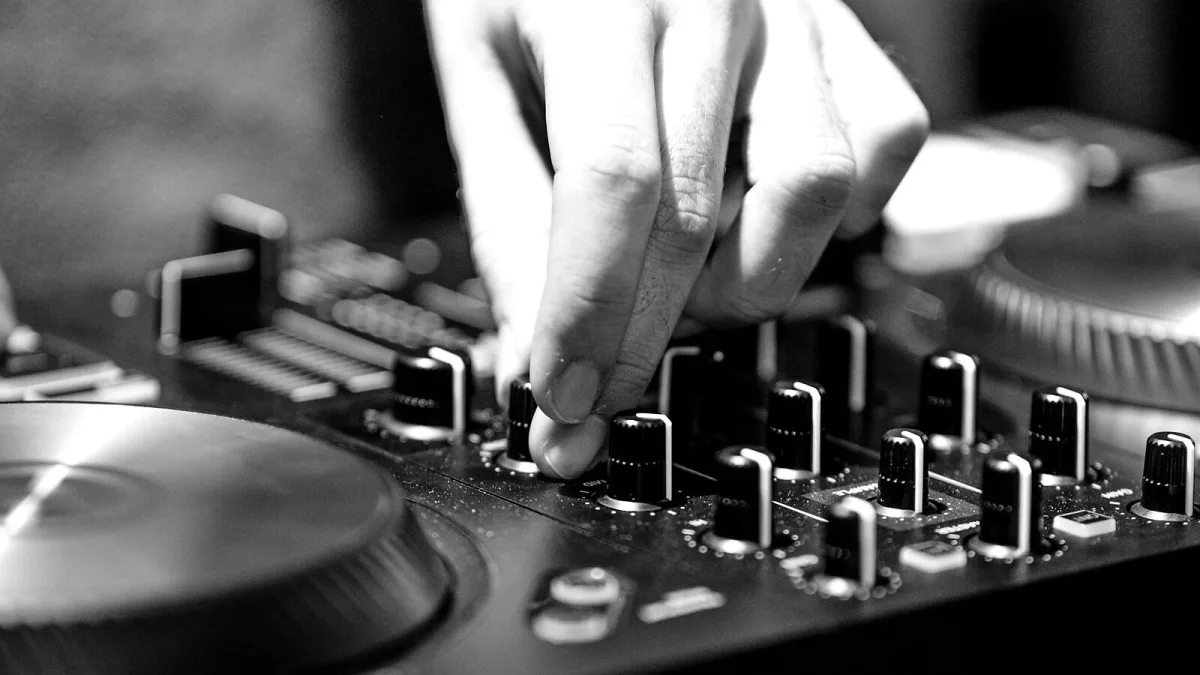
A midi foot controller is a device that sends MIDI messages when you press its switches or move its pedals, leaving your hands free to play an instrument. It sits on the floor, operates with your feet, and controls other gear — switching patches on an amp modeller, triggering loops, adjusting volume, or sending commands to a synthesiser or effects rack. If you play any instrument live while needing to control digital gear in real time, it is the tool that makes it practical.
How It Works
Every press of a footswitch, or movement of an expression pedal, sends a MIDI message — typically a Program Change (to switch presets) or a Control Change (to adjust a parameter like volume or effects depth). These messages travel over a standard 5-pin DIN MIDI cable, or increasingly over USB, to the receiving device. The receiving device — an effects processor, synthesiser, DAW or amp modeller — responds to the message by changing its state accordingly. The controller itself produces no sound; it simply sends instructions to other devices that do.
Types of MIDI Foot Controller
- Simple patch-change controllers — Several footswitches, each assigned to send a specific Program Change message. Straightforward, compact and sufficient for most preset-switching tasks. Examples include the Roland EV-5 and Boss FS-7 (though these are often simple momentary or latching switches rather than full MIDI devices).
- Expression-pedal-equipped controllers — Include one or more expression pedals that send continuous MIDI Control Change values as you rock the pedal. These allow real-time control of volume, wah depth, pitch, reverb mix and any other continuously variable parameter the connected device supports. The Boss FC-300 and Line 6 FBV3 are well-known examples.
- Advanced MIDI command controllers — Multiple footswitches, expression pedals, programmable setlist pages and full MIDI command flexibility. Designed for complex performance setups where a single footswitch needs to send multiple MIDI messages simultaneously. The RJM Music Mastermind GT and Fractal Audio FC-12 are in this category.
Common Use Cases
Guitarists use them most commonly to switch presets on multi-effects units or amp modellers such as the Kemper Profiler, Line 6 Helix or Fractal Audio Axe-Fx. Keyboard players use them to switch patches on synthesisers or trigger scenes in DAWs and live performance software. Organists use them to add or remove drawbar registrations. Loop pedal users assign footswitches to start, stop and layer functions on devices like the Boss RC-300. The common thread is hands-free control of MIDI-capable gear.
Key Specifications to Understand
When choosing one, these are the specifications that matter most:
- Number of footswitches — More switches mean more simultaneous controls. Six to twelve is the practical range for most performers; simpler controllers may have two or four.
- Expression pedal inputs — If you need continuous control (volume, wah, etc.), the controller needs at least one expression input, either built-in or external via a 1/4" TRS jack.
- MIDI ports — 5-pin DIN MIDI Out is standard. USB MIDI is increasingly common and useful for computer integration.
- Programmability — The depth to which you can programme what each switch sends determines how versatile the controller is in practice.
Getting the Most Out of Your Setup
The value of a midi foot controller increases significantly when it is properly integrated into a coherent signal chain and clearly mapped to the controls you actually use. Spend time programming it before performance rather than troubleshooting it on stage. Label the footswitches clearly — even a strip of tape with written labels prevents costly mistakes in low-light environments. If the connected device supports MIDI learning (automatically assigning incoming MIDI to a parameter when you move the control), use it — it eliminates guesswork during initial configuration.
For help choosing a specific model, see our complete buyer's guide. If you are just getting started, our beginner's guide covers the setup process step by step.






Comments