


MIDI Foot Controller article
Common Midi Foot Controller Mistakes to Avoid
Most MIDI foot controller problems come down to a short list of common errors. Here are the ones to know about — and the specific fixes that resolve each one immediately.
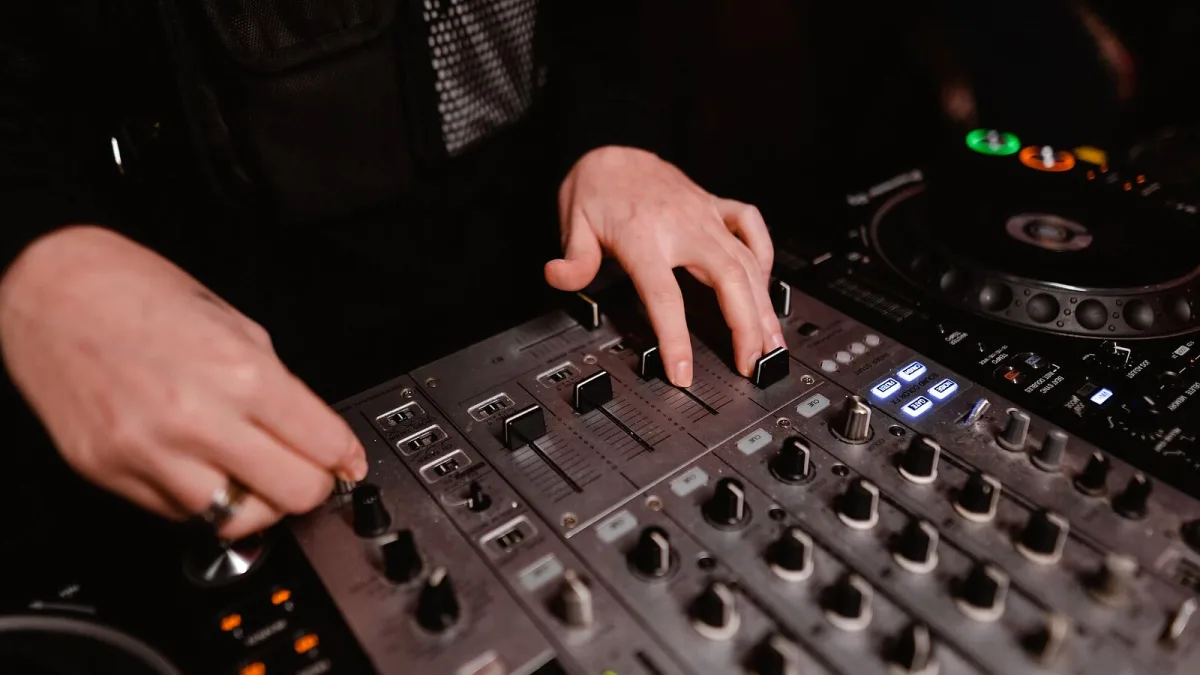
Most problems that players encounter with a midi foot controller in the first few weeks come down to a short list of avoidable errors. These are the mistakes worth knowing about before they cost you a gig or a frustrating hour of troubleshooting.
Getting the MIDI Out and MIDI In Confused
The most basic and surprisingly common mistake: connecting the cable from MIDI Out to MIDI Out, or MIDI In to MIDI In. MIDI signal flows in one direction — from Out to In. The controller sends data from its MIDI Out socket, and the receiving device accepts it through its MIDI In socket. Connecting Out to Out produces silence. This is worth checking first whenever there is no MIDI response, before assuming a fault with the cable or device.
Mismatched MIDI Channels
The controller sends on a specific MIDI channel; the receiving device listens on its own MIDI channel. If these do not match, the device receives nothing. Many players spend considerable time troubleshooting connection problems that are simply a channel mismatch — both sides set to Channel 1 by default but one has been changed. Check both settings explicitly before assuming anything more complex is wrong. Most devices allow setting to "OMNI" mode (receive all channels) for testing, which quickly confirms whether a channel mismatch is the problem.
Ignoring Programme Change Numbering Offsets
Devices number their presets from either 0 or 1. The controller sends a Programme Change number that the receiving device interprets according to its own numbering scheme. If the controller sends PC 1 and the device interprets it as preset 0, you will consistently land one position away from the intended patch. The fix is simply to adjust the outgoing PC number by 1 — up or down depending on the device's convention. Check the target device's manual for its specific programme change numbering.
Not Labelling Footswitches
On stage, in low light, with adrenaline running, footswitches that are identically sized and unlabelled are difficult to distinguish at a glance. A strip of tape with written patch names, or dedicated switch labels if the controller supports them, prevents wrong switches being pressed at the wrong moment. The time spent labelling before a gig pays back immediately in the first song.
Overcomplicating the Setup Before Understanding the Basics
New users often attempt to programme complex multi-message footswitches, conditional logic and MIDI clock simultaneously, before they have confirmed that basic programme change switching is working correctly. Start with the simplest possible setup: one footswitch sending one programme change, verified to work. Build complexity from there once the foundation is solid. Every layer added before the basics are confirmed makes troubleshooting harder.
Not Testing Before Performance
A midi foot controller works through its connected devices — a firmware update to the receiving device, a changed MIDI channel or a reset preset can break a previously working configuration. Always run a quick end-to-end test of the complete signal chain — controller, cable, device and patches — before performing. Five minutes of testing before soundcheck prevents silent stages. Our beginner's guide covers the full setup process, and our features overview explains the underlying concepts clearly.






Comments