


Korg Minilogue article
Korg Minilogue for Beginners: A Complete Guide
Just got a Korg Minilogue? Here's a calm, step-by-step way into your first sound, the voice modes and the sequencer — no overwhelm, just steady progress.
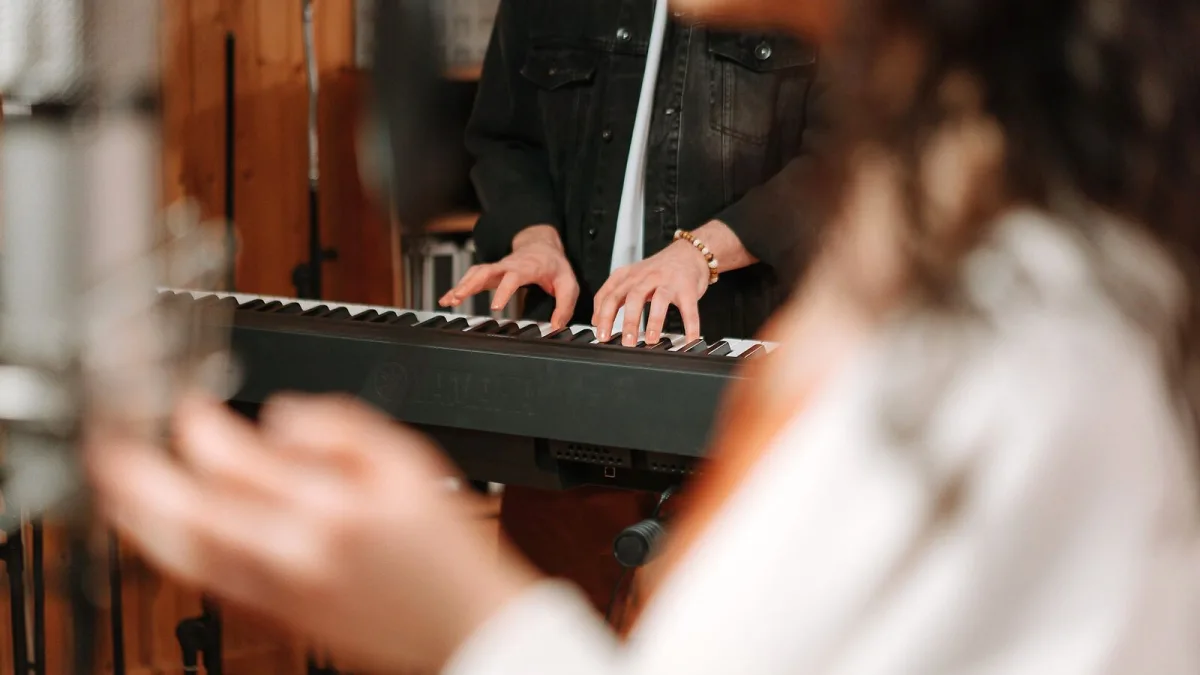
New synth, new set of knobs, and a small worry that you'll press the wrong thing and lose whatever sound you've stumbled onto — I hear that from students all the time, and it's completely normal. The good news is that the Korg Minilogue was built with exactly this moment in mind. Nothing here is delicate or hidden away, and every control does one clear job. Let's take it slowly.
Before You Touch a Single Knob
Plug in headphones or a small amp, turn the volume down low to start, and switch the instrument on. You'll see a little screen light up — that's the OLED display, and it can show you the actual shape of the sound wave you're playing, which is a genuinely lovely way to learn. Press a few of the factory patches first and just listen. There's no need to understand anything yet; you're only getting your ear used to what this synth can do.
A Few Words Worth Knowing
Three terms come up constantly, so let's deal with them now:
- Oscillator — the part that actually generates the raw sound wave, before anything shapes it.
- Filter — the control that shaves off or emphasises parts of that sound, from bright and buzzy to warm and rounded.
- Envelope — how a sound changes over time, from the moment you press a key to the moment it fades away.
Everything you'll do on the Korg Minilogue is some combination of those three ideas.
Your First Sound, Step by Step
Here is the simplest possible route to a patch that's entirely your own, rather than a factory preset:
- Choose the Poly voice mode, so you can play full chords straight away.
- Bring up just one oscillator and select a simple triangle wave — it's the gentlest, least fatiguing shape to start with.
- Turn the filter cutoff down about halfway, and leave resonance low for now.
- Set both envelopes to a medium attack and a medium release, rather than anything instant or extreme.
- Play a few notes, then slowly bring the filter cutoff up while you hold a chord, and listen to how much brighter and more present it becomes.
- Once it sounds pleasant to you, save it to one of the free user slots so you don't lose it.
That's it — you've just shaped your own analogue sound from nothing, using the same building blocks as every patch on the instrument.
Understanding the Voice Modes Without Overwhelm
The Korg Minilogue has eight voice modes, and I know that number can look daunting on day one. You genuinely don't need all of them straight away. Start with just two:
- Poly — for chords, pads, and anything where you want to hear more than one note at once. This is your default.
- Mono — for simple, single-note bass lines and leads, played one note at a time with a bit of glide between notes.
Once those two feel comfortable under your fingers, the other six — Duo, Unison, Chord, Delay, Arp and Sidechain — are simply variations to explore when you're curious, not homework you need to complete.
The Sequencer, Gently
The built-in step sequencer looks like a lot at first glance, but it rewards patience more than any other part of the Korg Minilogue. Start by recording just four steps of a simple bass pattern in real time — play, don't worry about mistakes, and use the undo if you need to. Once that feels natural, try turning a knob (filter cutoff is a good first choice) while the pattern loops; the sequencer will remember that movement and play it back for you automatically. That's called motion recording, and it's one of the most satisfying "aha" moments on this instrument.
Common Beginner Worries, Answered Gently
| Worry | Why it's not a problem |
|---|---|
| "I'll lose a sound I like" | Save it to a user slot the moment you like it — there are 100 free ones. |
| "Eight voice modes is too much" | Learn Poly and Mono first; the rest can wait. |
| "The sequencer feels technical" | Four steps and one knob movement is a complete, valid pattern. |
| "I don't understand analogue vs digital" | The sound itself is analogue; the screen, sequencer and modulation are digital. You don't need to think about which is which while you play. |
A Gentle Practice Routine for Your First Week
Spend ten minutes a day rather than one long session. On day one, just listen to factory patches. On day two, build one patch from scratch using the six steps above. By day three or four, try the same patch in both Poly and Mono mode and notice how differently it behaves. By the end of the week, record a short sequence and add one piece of motion to it. Small, regular sessions on the Korg Minilogue teach your ear far faster than one long, overwhelming evening.
Where to Go Next
Once the basics feel comfortable, our complete guide to the Korg Minilogue explains the fuller architecture behind what you've been doing by ear — the filter types, oscillator modulation and all eight voice modes in proper depth. And if you're still deciding whether this is the right instrument for you, or weighing it against the Minilogue XD, our buyer's guide covers exactly that decision.




Comments