


Behringer Touch article
The Ultimate Guide to Behringer Touch
Physical faders, real knobs, no more mouse-only mixing — here's what the Behringer X-Touch family actually does, and why a keyboard player might want one.
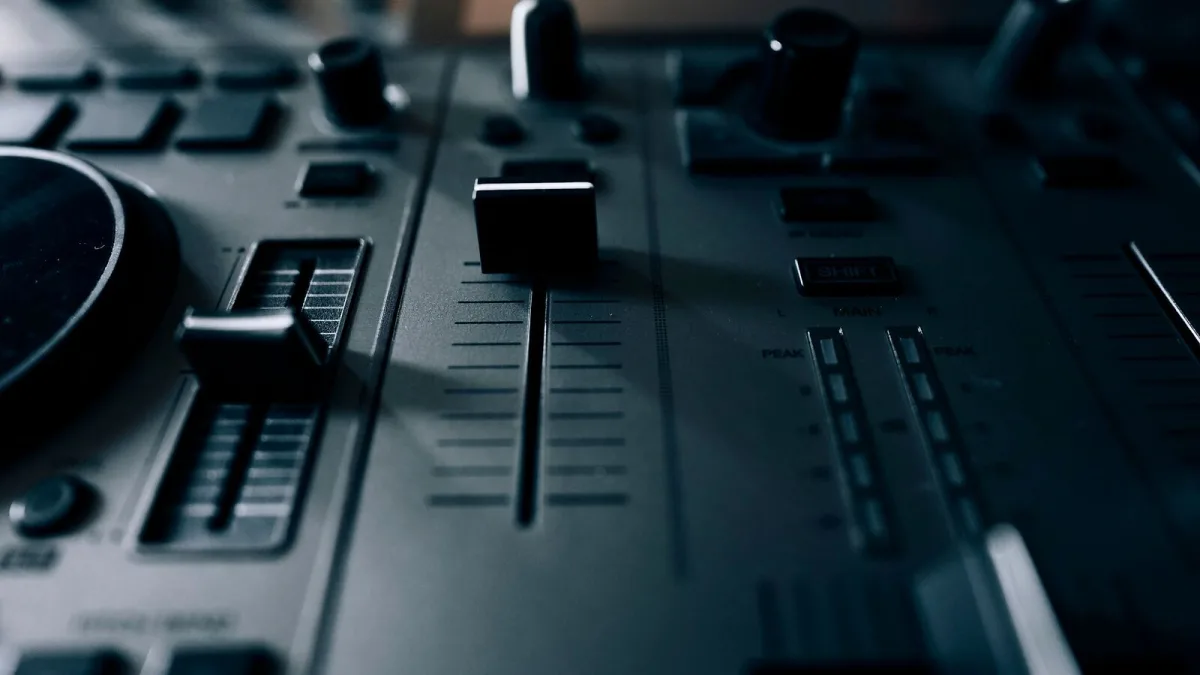
If you've come across the name "Behringer Touch" while researching studio gear, here's the friendly clarification first: you're almost certainly looking at the X-Touch family — a range of hands-on control surfaces built to give your recording software real, physical faders and knobs instead of just a mouse. Let's go through what they actually are, and why a keyboard player building a home studio might genuinely want one.
What Is the Behringer X-Touch?
The X-Touch is a control surface, not a keyboard, synth or audio interface. Think of it as a physical remote control for your recording software (your DAW, short for digital audio workstation): it doesn't record or process sound itself, but it lets you move faders, turn knobs and hit transport buttons with your hands instead of clicking through menus on screen.
The range launched in three sizes, each aimed at a different kind of setup:
| Model | Built for |
|---|---|
| X-Touch | A full-size studio control surface with motorised faders and LCD displays |
| X-Touch Compact | A smaller desk unit with more rotary knobs for detailed control |
| X-Touch Mini | A tiny, bus-powered controller for simple, portable setups |
What's Actually on the Flagship Model
The full-size flagship is genuinely well equipped for a hands-on mixing session:
- Nine touch-sensitive, motorised faders that physically move to reflect your project's automation.
- Eight small LCD screens, one per channel, so you can see what you're controlling without looking at your computer.
- Eight rotary encoders with light-up position rings for pan, sends or plug-in parameters.
- Dedicated transport controls, including a scrub wheel for navigating your recording.
- USB, five-pin MIDI and Ethernet connections, the last of which lets it talk to Behringer's X32 digital mixers too.
It's worth being clear about what's missing, too: there's no audio input or output on the unit itself. It sends and receives control information, not sound.
How It Talks to Your Software
It communicates using two well-established protocols, Mackie Control and HUI, both of which are supported by most major recording programs. That's genuinely useful, but it comes with a caveat worth knowing before you buy: how much of the controller's functionality you actually get depends on how thoroughly your particular software implements that protocol, so it's worth checking your DAW's documentation rather than assuming every button will map perfectly out of the box.
Why a Keyboard Player Might Want One
If you play keys and record your own parts, a lot of your time ends up spent nudging volume sliders and automation curves with a mouse. An X-Touch turns that into physical, tactile work — closer to how a real mixing desk feels — which a lot of musicians find both faster and simply more enjoyable than screen-based mixing. It won't replace your keyboard's own controls, but it sits happily alongside them as the mixing half of your setup.
Choosing Between the Three Behringer X-Touch Models
If you're deciding which size actually suits you, our buyer's guide walks through exactly that decision, and our roundup of which one suits which budget lines the three up side by side.
The Bottom Line
"Behringer Touch" is really the Behringer X-Touch family — a genuinely capable, tactile alternative to mouse-based mixing, available in three sizes to suit anything from a full studio desk to a laptop-and-keyboard setup on a small table. Once you understand what it does and doesn't do, deciding whether it belongs in your studio gets a lot easier.




Comments