


Rekordbox roundup
Rekordbox: A Complete Buyer's Guide
What to check before you subscribe to rekordbox — your hardware, the right tier for how you DJ, and the mistakes worth avoiding.
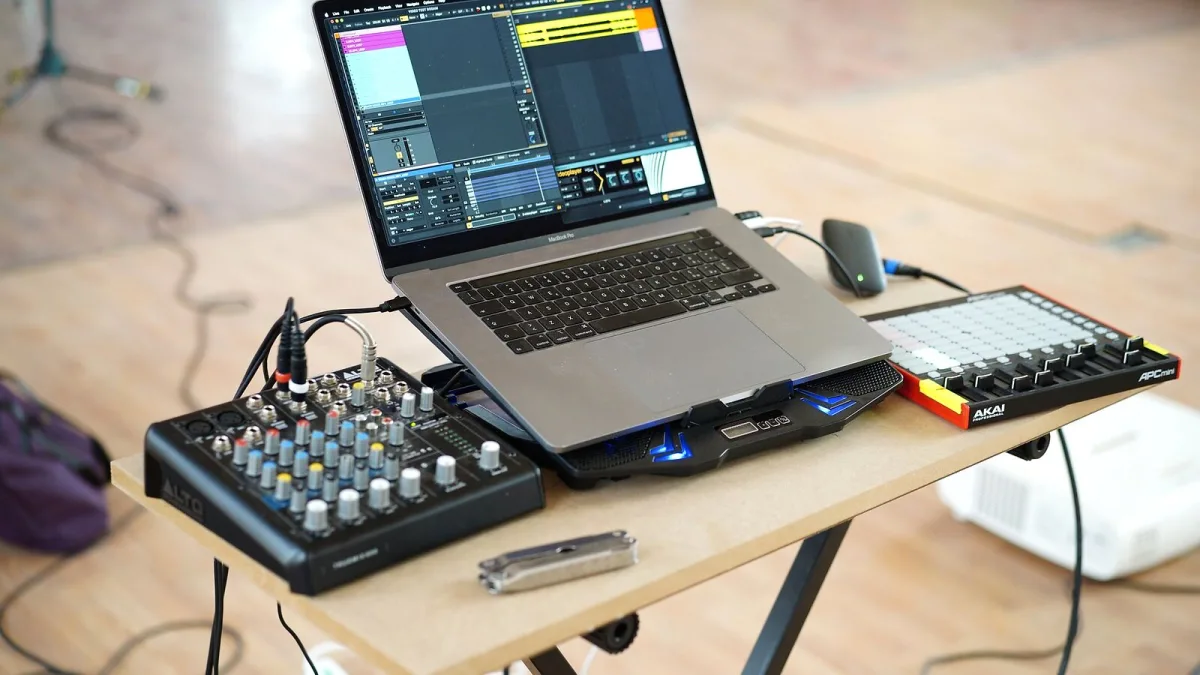
Choosing rekordbox isn't really a one-off purchase — it's more a question of which tier actually matches how you DJ, and whether your existing gear already gets you further than you think. Before you hand over a subscription, it's worth working through your hardware, your workflow and a few things people commonly get wrong. Here's how I'd approach it.
Start With Your Hardware, Not the Price List
The single biggest factor in what you should pay for rekordbox is what you already own. AlphaTheta builds “Hardware Unlock” into a lot of its Pioneer DJ-branded CDJs, XDJs, DDJ controllers and DJM mixers, which can hand you performance features that would otherwise sit behind a paid tier. Before you subscribe to anything, check the official compatibility list for your exact model — Hardware Unlock coverage varies by unit, and it doesn't automatically include everything in Creative or Professional, so don't assume.
Match the Rekordbox Plan to How You DJ, Not to a Feature List
Rather than reading a rekordbox spec sheet top to bottom, it's more useful to ask what you're actually trying to do on a Friday night.
- You probably only need Free if you're organising a library, correcting beat grids and preparing USB drives, and never performing live from the laptop itself.
- Core makes sense once you're performing directly from a laptop with compatible gear, or you want DVS — a Digital Vinyl System that lets a real turntable and special timecode vinyl drive your digital files.
- Creative earns its keep if you work across more than one device and want Cloud Library Sync, or you use the video, lyric and vocal-position tools, or the RMX effects.
- Professional is for scale: touring or multi-device setups that benefit from Collection Auto Upload and full device-library backup.
Six Things Worth Checking Before You Subscribe to Rekordbox
- Confirm your gear's exact Hardware Unlock status — don't assume from the model name alone.
- Decide honestly whether you need DVS, since it's easy to pay for a tier you won't use.
- If streaming matters to you, check that Beatport Streaming, SoundCloud or TIDAL DJ integration is actually available in your territory and account tier.
- Understand that Cloud Library Sync, Dropbox storage and device-library backup are three related but different things — a plan can cover one without covering all three.
- Check your computer meets current requirements, particularly if you're on an older Mac; recent versions run noticeably better on Apple Silicon.
- Compare monthly against annual billing, and treat any third-party price you read as a rough guide — AlphaTheta's own plan page is the only place to confirm what you'll actually pay.
Mistakes People Make When Buying Rekordbox
A few pitfalls come up again and again when DJs pick a rekordbox plan in a hurry:
- Treating cloud sync as a backup. It isn't one. Keep your own separate copy of your audio files and library regardless of which plan you're on.
- Paying for a tier your hardware already unlocks for free. Check Hardware Unlock first, always.
- Assuming every controller unlocks every feature. Coverage is model-specific, not blanket.
- Relying on streaming tracks for a paid gig. Availability and offline access can vary, so don't bet a wedding set on a streaming catalogue you haven't tested.
- Skipping a USB test on the actual player. A drive that works at home isn't guaranteed to work on unfamiliar club hardware — test it beforehand, and carry a second one.
Free vs Paid Rekordbox: When You Genuinely Need to Upgrade
It's tempting to assume you need a paid rekordbox plan straight away, but honestly, plenty of people don't. If you're preparing music at home and exporting to hardware that already gives you Hardware Unlock, staying on Free can be the right call for a long time. The moment to pay is when you hit a wall the free tier genuinely can't clear — laptop performance without compatible gear, multi-device cloud sync, or backup at scale — not simply because a feature list looks appealing.
Bottom Line
Buy rekordbox based on your actual hardware and workflow, not the glossiest tier. Check compatibility first, be honest about what you'll use, and treat the official plan page as the final word on price. If you'd like the full picture of what the software does before you commit, our rekordbox explainer covers it end to end. If you just want a straight recommendation by budget, jump to our pick of the best plans for the money, and if this is all brand new to you, start with our beginner's guide instead.




Comments