


Reaper DAW roundup
Reaper Daw: A Complete Buyer's Guide
REAPER is one of the best-value DAWs around, but 'cheap' only helps if the licence, platform and plugin support actually match your setup. Here's what to check first.
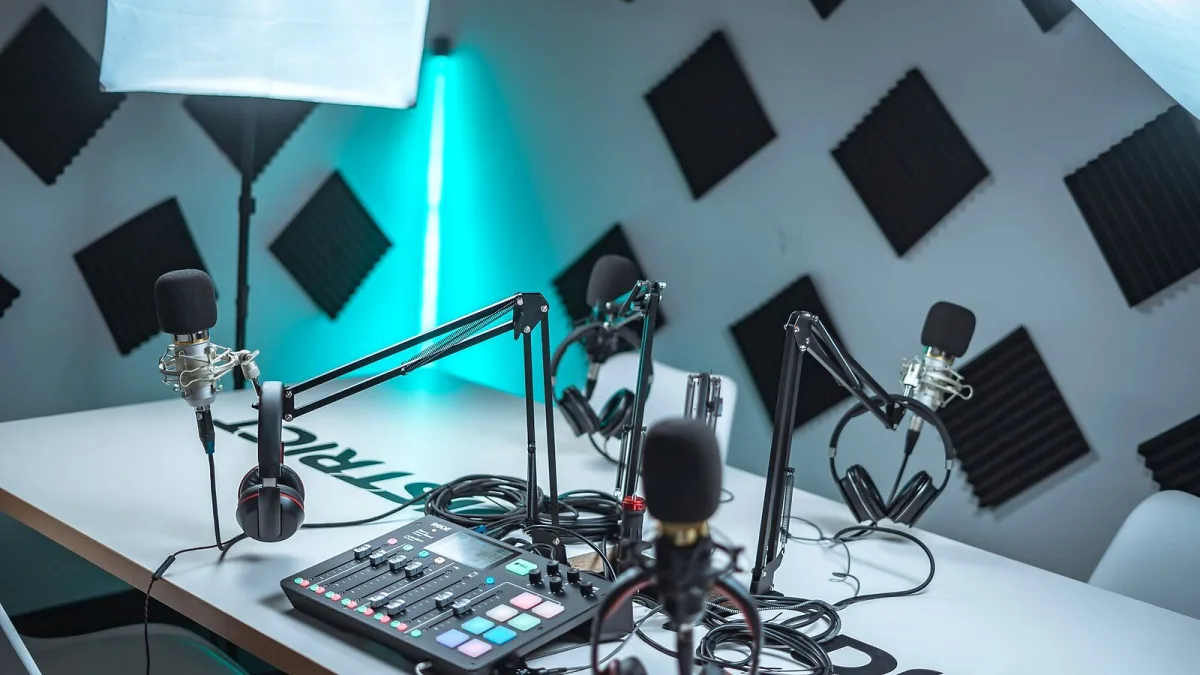
Most DAW shopping comes down to one nagging question: will you still be paying for this thing in five years? With REAPER, the answer is refreshingly simple — you buy it once. Cockos' digital audio workstation (DAW, the software used to record, edit and mix a track) has built a reputation on value rather than flash, but "cheap" isn't the same as "right for you." Here's what to actually check before you hand over your card.
Licence Tiers: What You're Really Paying For
| Licence | Price | Who it's for |
|---|---|---|
| Evaluation | Free, 60 days | Anyone deciding if it's the right fit |
| Personal / educational / small business | $60 | Individuals, students and businesses under Cockos' income threshold |
| Commercial | $225 | Larger businesses whose audio work exceeds that threshold |
System Requirements and Platform Support
A single REAPER licence works across Windows, macOS and Linux, including Apple Silicon Macs, so it's a sensible pick if your studio isn't all one brand of computer. Just as important is how light it is: installers run roughly 12MB on Linux, 15MB on Windows and 26MB on macOS, and REAPER is known for modest CPU and RAM demands compared with more resource-hungry rivals. Realistically, your actual hardware needs will be set by your track count, sample rate, buffer size and how many virtual instruments and heavy effects — convolution reverbs especially — you plan to run, so check Cockos' current published requirements before buying new gear specifically for it.
Plugin Compatibility: Will Your Existing Gear Work?
If you already own instruments and effects, check the format. REAPER supports VST and VST3 across every platform, plus Audio Units (AU) on macOS, so plugins from the likes of FabFilter, Native Instruments, Valhalla DSP, iZotope, UAD and Arturia should load without conversion. It also ships with its own ReaPlugs suite — EQ, compression, gating, reverb, delay and pitch tools — which covers essential jobs even before you spend another penny on third-party plugins.
What's Bundled — and What You'll Still Need to Buy
- Included: the full ReaPlugs effects suite, JSFX (a native scripting-based effects format for building your own tools) and ReaScript for automating your workflow.
- Not included: large sample libraries, loops or synth presets — budget separately for virtual instruments if your genre depends on them.
- Optional but recommended: a dedicated audio interface, since the program itself is only as good as what's feeding it.
This is the trade-off worth understanding before you buy: you're paying for a lean, endlessly configurable engine, not a content library. Our overview of what REAPER actually is goes deeper into how its track and routing system works if you want the full picture first.
The Real Cost Comparison: One-Off vs Subscription
A $60 personal licence undercuts a single year of most subscription DAWs, and because there's no recurring fee, the gap only widens the longer you keep using it. The catch is that value shows up over time rather than on day one — if you only need software for a single short project, a subscription or a free alternative may work out cheaper in isolation. For anyone planning to produce for years rather than months, the maths tips firmly in its favour.
Who Should — and Shouldn't — Buy REAPER
Buy it if you want a permanent licence, you're happy customising your own workflow rather than following a fixed template, or you're already running plugins from other brands. Think twice if you specifically want a DAW stuffed with bundled instruments and loops out of the box, or you'd rather everything look identical to every tutorial you watch — its flexible interface means setups vary from user to user. If that sounds like you, our beginner's guide to REAPER covers how to ease into it without getting lost in the settings.
Before You Buy: A Quick Checklist
- Confirm your operating system and processor are on Cockos' current supported list.
- Check whether your existing plugins are VST, VST3 or AU.
- Work out whether you qualify for the personal/educational tier or need the commercial licence.
- Run the full 60-day trial before paying anything.
- Budget separately for any virtual instruments or sample libraries you'll need.
Bottom Line
REAPER's pricing is genuinely one of the best-value propositions in music software, but value only counts if the licence tier, platform and plugin compatibility actually match your setup. Tick those boxes first, run the REAPER trial, and the purchase decision more or less makes itself. Once you've bought it, our step-by-step setup guide gets you from install to your first recorded take.




Comments