


Pro Tools roundup
Pro Tools: A Complete Buyer's Guide
Four editions, two purchase models and a hardware minefield — here's how to work out exactly which Pro Tools set-up is worth your money.
Right, so you've decided you want Pro Tools. Before you hand Avid your card details, it's worth knowing exactly what you're buying, because the line-up isn't one product with a price tag — it's four editions, two purchase models, and a few hardware questions that can quietly double your spend if you're not paying attention. Here's what actually matters when you're choosing.
Start with what you'll actually record
Forget the spec sheets for a second and be honest about your own sessions. A singer-songwriter tracking guitar and vocals at home is nowhere near the same buyer as a mix engineer juggling forty-track drum sessions for clients. Ask yourself:
- How many simultaneous tracks do you realistically use, not the number you might one day dream of needing?
- Do you need video playback for scoring or post-production work?
- Are you working alone, or will sessions need to travel to other studios that expect certain features?
- Is immersive audio (Dolby Atmos, ambisonics) part of your actual output, or just something that sounds cool?
Matching your answer to a Pro Tools edition
If you've never opened a DAW before, Intro costs nothing and gets you recording, editing and basic MIDI — it's the sensible place to try things out before spending a penny; there's a friendlier walkthrough for that stage on our beginner's guide. Once you outgrow that, Artist is the realistic starting point for most home producers: 32 audio tracks, 64 MIDI tracks and well over a hundred bundled instruments and effects, plus Melodyne Essential for pitch correction in recent bundles. Studio jumps to 512 audio tracks and adds a single video track, aimed squarely at people mixing for other artists or running a small commercial room. Ultimate is the one to skip unless you genuinely need it — up to 2,048 audio tracks, 64 video tracks and the full immersive and post-production toolset, built for large facilities rather than solo producers.
Subscription or perpetual: the money question
Pricing has shifted around a fair bit, so treat exact figures as a starting point to verify on Avid's own site rather than gospel. As things stand, Artist runs roughly $9.99 a month or $99 a year, Studio around $34.99 a month or $299 annually, and Ultimate near $99 a month or $599 a year. Perpetual (buy-once) licences have also been listed at approximately $199, $599 and $1,499 for the same three tiers respectively, though availability varies by sales channel and region.
The maths is fairly simple once you know your own habits: if you'll use it for years without wanting the newest features immediately, perpetual usually wins on total cost. If you want every update the day it lands, plus the bundled plug-in and content perks Avid ties to its Inner Circle rewards, an annual subscription tends to make more sense. Either way, budget for the software separately from any interface or hardware — they're never included in the licence price.
Hardware: what you need versus what's nice to have
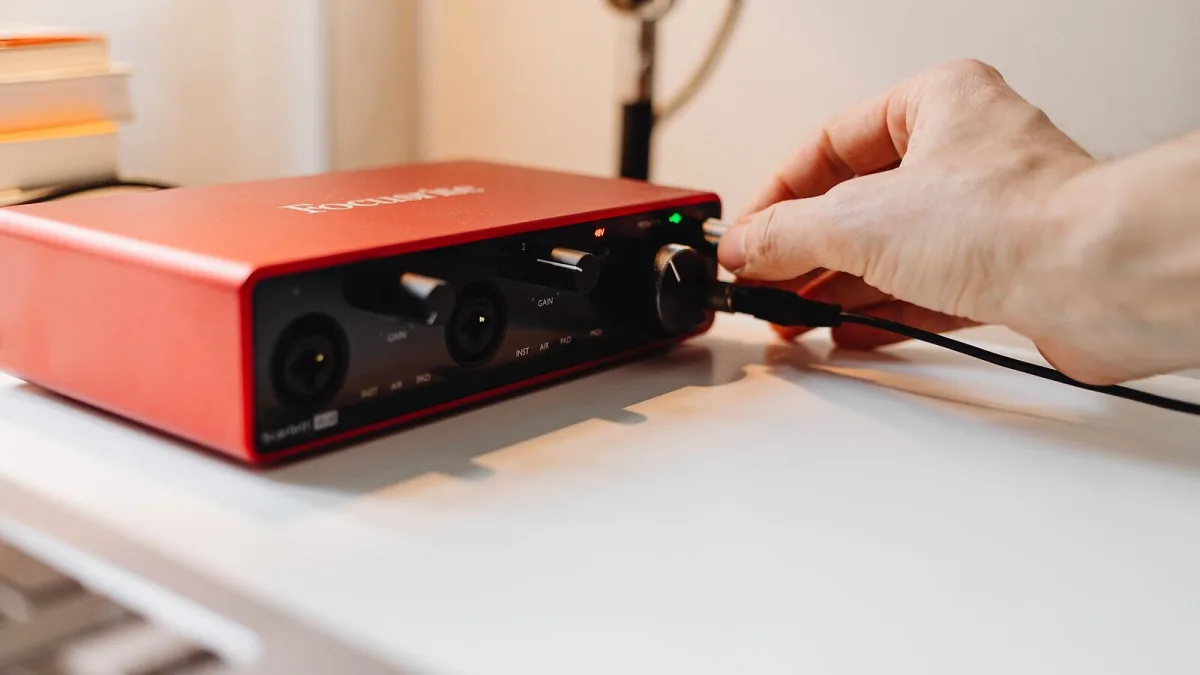
None of the four Pro Tools editions require special Avid hardware to run. A standard audio interface from any manufacturer will get you recording. Where it gets more expensive is if you want Avid's own ecosystem: HDX cards offload processing to dedicated DSP hardware for very low latency at high track counts, HD Native gives a lighter native-processing route, and Avid Carbon bundles an interface with hybrid native/DSP monitoring. All three are aimed at busy professional facilities rather than home producers, and none of them are worth the outlay unless your session count and client deadlines actually demand it.
Checklist before you buy Pro Tools
| Check | Why it matters |
|---|---|
| Track counts vs your real sessions | Most home producers never approach Artist's ceiling, let alone Studio's |
| Subscription vs perpetual | Perpetual can be cheaper long-term; subscription bundles extra plug-ins and updates |
| Plug-in format (AAX) | Third-party plug-ins must be AAX-compatible; check your favourites before buying |
| Operating system and Apple silicon support | Confirm compatibility with your current Mac or Windows machine before purchasing |
| Video track needs | Only Studio and Ultimate include video track support, relevant for scoring or post |
Common buying mistakes worth avoiding
Two things trip people up more than anything else. The first is buying Studio or Ultimate "to grow into" rather than for what they need right now — you can always upgrade later, and paying for headroom you won't use for years is a waste. The second is ignoring plug-in compatibility until after the purchase; if your favourite third-party effects aren't available in AAX format, that's a real workflow gap, not a minor inconvenience. For a fuller rundown of pitfalls once you're actually using the software, see our mistakes guide, and if you want the full feature-by-feature picture beyond just buying advice, our complete guide covers the whole workflow.
The bottom line
When you're buying Pro Tools, match the edition to your current sessions, not your ambitions. Artist covers the overwhelming majority of home and project-studio use; Studio only earns its price if you're regularly mixing for other people or need that video track; Ultimate is a facility purchase, not a personal one. If in doubt, start with Intro or Artist, and upgrade the day you actually hit a ceiling — not before. For a tier-by-tier value comparison, our best-value breakdown is the natural next read.




Comments