


Serum roundup
Serum: A Complete Buyer's Guide
Skip the history lesson — here is what actually matters before you hand over money for Serum: what you get, what to check, and where to buy it properly.
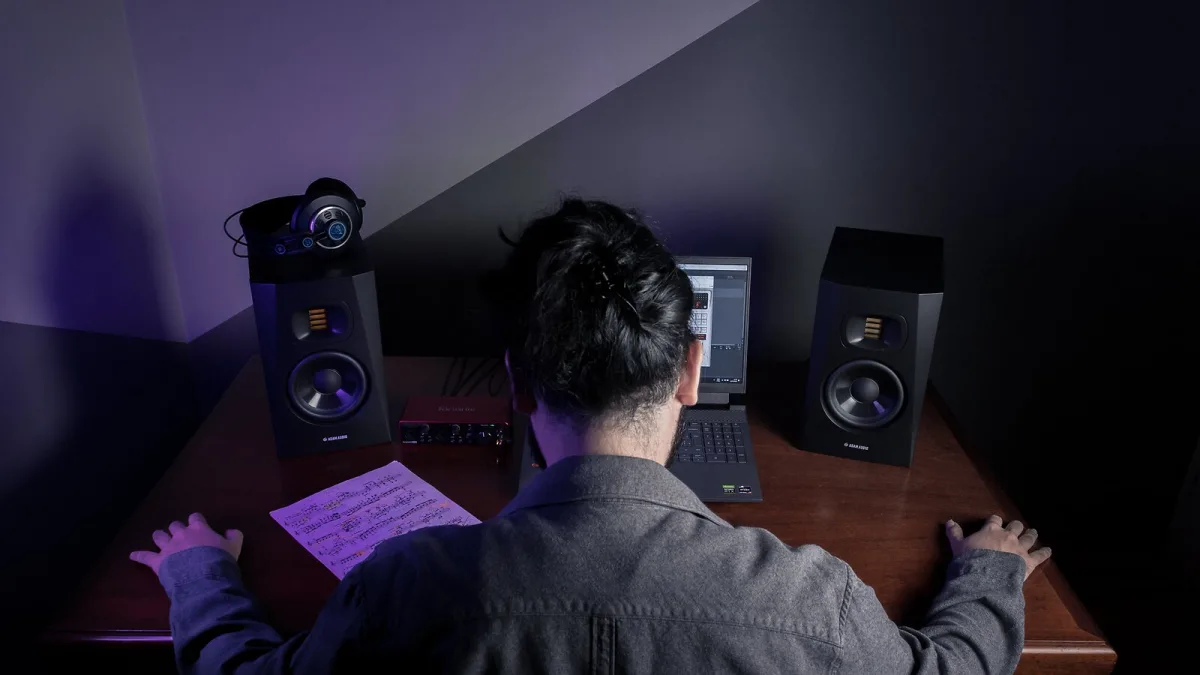
Right, so you're thinking about buying Serum. Good shout — it is one of the most dependable software synths going, and it will not sit unused on your hard drive the way some flashier plugins do. This guide skips the history lesson and gets straight to what actually matters before you hand over any money: what you get, what to check, and how it stacks up against the alternatives.
What You're Actually Buying
In one line: Serum is a wavetable synthesizer — an instrument that builds sound by scanning through stored waveforms — made by Xfer Records. If you want the full technical rundown of how it works, we've covered that properly in our Serum explainer. For this guide, all you need to know is that it is a serious, professional-grade sound-design tool, not a toy synth with a handful of knobs.
Serum vs Serum 2: What You Actually Get
This bit matters. In March 2025, Xfer released Serum 2, and — usefully for anyone buying now — existing owners got it as a free upgrade rather than a paid sequel. Buy it today and you get the newer version outright, which ships with over 626 presets and 288 wavetables, three main oscillator slots (up from two), and five different oscillator engines instead of one.
- Wavetable — the classic engine, for basses, leads and supersaws.
- Multisample — loads sampled instruments (SFZ format) for pianos, strings and choirs.
- Sample — single-sample playback with looping and slicing.
- Granular — textural, grain-based sound design for pads and drones.
- Spectral — frequency-based resynthesis for unusual, evolving timbres.
That is a lot more instrument than the version that made Serum's name a decade ago, so factor that into what you are paying for.
What to Check Before You Buy
| Check | Why it matters |
|---|---|
| Operating system | Serum runs natively on Mac and Windows; a public Linux beta was reported in August 2026, so Linux support is still new and worth confirming compatibility for. |
| Plugin format | Serum installs as a plugin and as a standalone instrument, so check your DAW supports the plugin format you need before you buy. |
| Which oscillator modes you'll actually use | If you only ever want classic wavetable basses, the extra engines are a bonus, not a requirement. If you want sample-based or realistic sounds, they are the whole point. |
| CPU headroom | Granular and spectral processing lean harder on your machine than a basic wavetable patch, so keep that in mind on an older laptop. |
| What's actually installed | A single purchase installs the plugin in your chosen formats plus the standalone app, so you are not paying separately for each. |
None of that is complicated, but skipping it is how people end up disappointed on day one — usually because a plugin format was missing, or an older laptop struggled with a granular patch it was never going to handle comfortably.
Where to Buy It
Serum is sold directly through Xfer Records, and also through established third-party retailers such as Plugin Boutique, which regularly stocks Xfer's catalogue alongside other developers. Buying direct or through an authorised retailer both get you the same licence and the same free upgrade path to future updates — there is no reason to risk an unofficial download.
Other Xfer Tools Worth Knowing About
Xfer Records makes more than one plugin, and it is worth knowing the rest of the catalogue before you buy, since some retailers bundle them together. LFOTool is a modulation plugin widely used for sidechain-style volume shaping — the "pumping" effect you hear under a lot of dance vocals and pads. Cthulhu handles chords and arpeggiation, and Nerve is a sample-based drum machine. None of them replace the wavetable engine, but if you are building a full production toolkit rather than a single instrument, it is worth checking whether a bundle deal covers more than one of them at once.
How It Compares to the Alternatives
Serum is not the only wavetable synth worth your money, and it is not automatically the right one for every producer. Vital offers a free, visually similar alternative; Native Instruments' Massive X takes a more modern, preset-forward approach; Arturia's Pigments blends wavetable, virtual analogue and granular engines in one instrument. We break all of that down properly, tier by tier, in our guide to the best synths for the money, so it is worth a read before you commit.
Is It Worth Buying?
For most producers working in electronic genres — or anyone who wants one flexible instrument that can cover basses, leads, pads and now realistic instruments too — yes. The five-engine version is a genuinely broader tool than the synth that built its reputation, and the free-upgrade policy means you are not paying twice for progress.
Once you've bought it, our beginner's guide to Serum will get your first patch sounding right, and it is worth reading our rundown of common mistakes to avoid before you settle into bad habits.
The Bottom Line
Buying Serum today means buying into Serum 2 — a wider, deeper instrument than the one that made the name famous, with a fair upgrade policy behind it. Check your platform, check your DAW's plugin support, and buy from Xfer directly or an authorised retailer, and you will not have much to worry about.





Comments