


Omnisphere article
Omnisphere for Beginners: A Complete Guide
A patient, step-by-step guide for complete beginners: the key terms, loading your first sound, and what to leave for later.
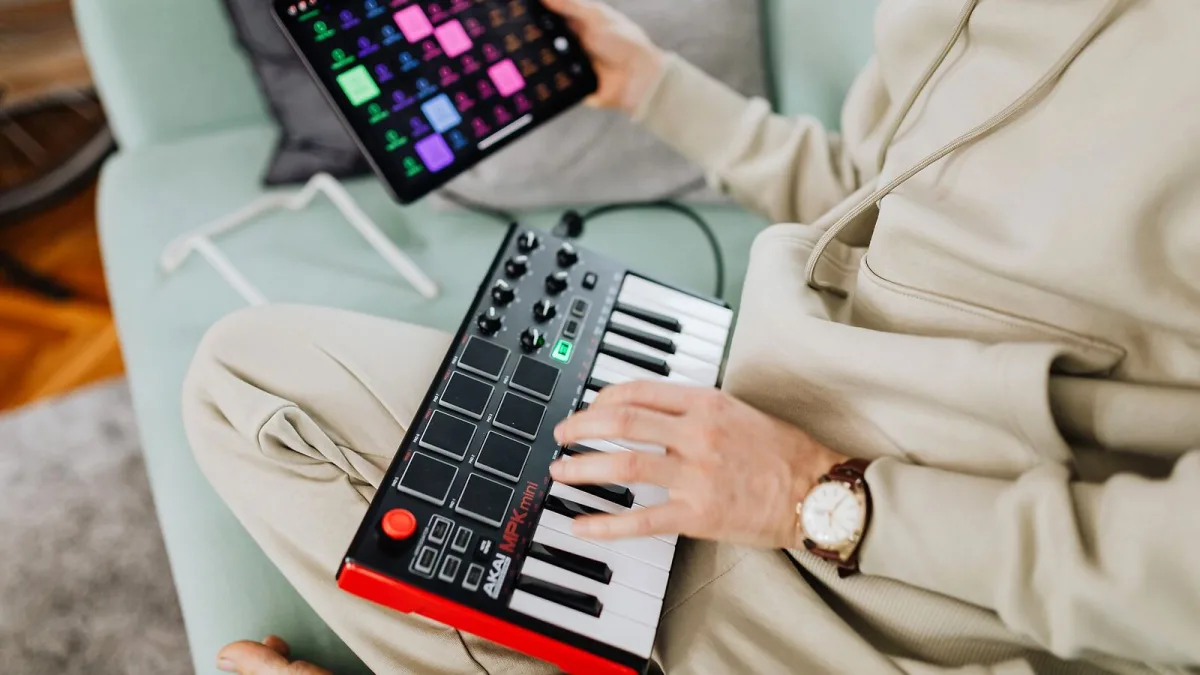
Opening Omnisphere for the first time can feel like stepping into the cockpit of a plane you've never flown — rows of tabs, thousands of sounds, and no obvious place to start. Take a breath. You don't need to understand everything about Omnisphere today, and this guide will get you making usable sounds long before you understand every button.
A Few Omnisphere Words Worth Knowing First
- Soundsource — the raw sound, sampled or synthesized, that sits underneath a patch.
- Patch — a complete, ready-to-play sound, built from up to four layers.
- Multi — several patches combined, useful for performance setups or layering different sounds together.
- Layer — one slot within a patch, each with its own sound source, filter and modulation.
You genuinely don't need to memorise more than this to get started comfortably.
Loading Your First Sound
Here's the simplest possible route from opening Omnisphere to hearing something musical:
- Open the browser and make sure you're looking at patches rather than raw soundsources.
- Search or filter by a category that matches what you want — "Pad," "Bass" or "Keys" are good starting points.
- Click through a few results and listen with your DAW's transport running, or play notes on a connected MIDI keyboard.
- Once something sounds close to what you want, double-click to load it fully into the instrument.
- Play across the full range of the keyboard to hear how the patch behaves in different registers before deciding it's the one.
That's genuinely it for getting a great sound into your project on day one. Everything else is refinement.
Learning the Browser Properly
Resist the urge to search by technical terms like "granular" or "FM" before you're ready. The Omnisphere browser is built around musical role and mood, so searching for what you actually need — a dark pad, a plucky lead, a cinematic texture — will usually get you there faster than trying to reverse-engineer the synthesis method first. The technical vocabulary makes much more sense once you've heard a hundred patches and started noticing patterns for yourself.
A Gentle First Session
Pick a single patch you like, and instead of moving on to the next one, spend ten minutes understanding it. Mute three of the four layers one at a time and listen to what disappears each time — you'll quickly hear which layer is doing the musical heavy lifting, and which ones are adding texture underneath. This single exercise teaches more about how Omnisphere patches are actually built than reading a features list ever will.
What to Leave for Later
Granular synthesis, Flex-Mod routing, Chaos Envelopes and Hardware Synth Integration are all genuinely powerful parts of Omnisphere, and all completely unnecessary for your first few weeks. Learning to browse Omnisphere confidently, load a patch, and understand basic layering will serve you far better early on than trying to master every advanced feature at once. They'll still be there once you're ready.
Where to Go From Here
Once loading and browsing feel natural, our full features guide explains the synthesis engine properly, and if you're thinking about whether it was the right purchase or you're considering it for a friend, our buyer's guide covers exactly what to weigh up.
The Bottom Line
Every confident Omnisphere user started exactly where you are, overwhelmed by the browser and unsure what half the buttons did. Learn the handful of Omnisphere terms above, follow the loading steps until they're second nature, and give yourself permission to ignore the advanced features for now. Confidence really does build one patch at a time.






Comments