


Omnisphere article
Omnisphere Explained: Features, Types and Tips
What Omnisphere actually is under the hood, how its hybrid synthesis and four-layer patches work, and tips for better results.
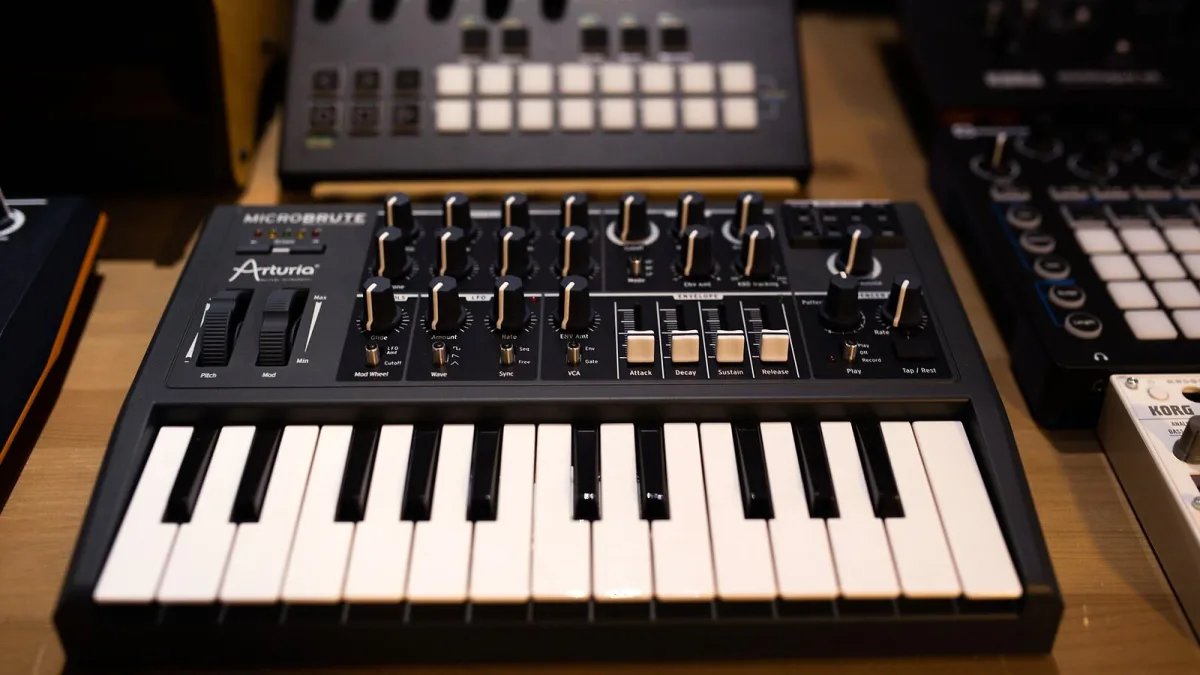
Ask ten producers what Omnisphere actually is and you'll get ten slightly different answers — a sample library, a synthesizer, a sound-design playground, all of the above. That's not confusion, it's genuinely how the thing is built. Here's what's actually going on under the hood, and a few tips for getting more out of it once you own it.
What Omnisphere Actually Is
Omnisphere is Spectrasonics' flagship software instrument, and calling it just a synth undersells it. It's a hybrid: every layer in a patch can pull from a huge library of recorded sound sources, or generate tone from scratch using its own DSP oscillators, or both at once. That combination of curated sample content and genuine synthesis depth is the whole reason Omnisphere has stuck around as a studio staple for so long.
The Sound Library and Synthesis Toolkit
Spectrasonics advertises more than 14,000 sounds in the current Omnisphere library, alongside over 500 DSP waveforms for the Synth oscillator. That's before you touch the actual synthesis engine, which covers variable waveshaping, granular synthesis, FM, polyphonic ring modulation, timbre shifting and Spectrasonics' own Harmonia feature. In practice, that means you can start from a beautifully recorded acoustic texture, a raw synthesized tone, or something that blurs the line between the two entirely.
How a Patch Actually Gets Built
Every Omnisphere patch is built from up to four layers, each with its own oscillator, filters, envelopes and modulation. A typical patch might combine a sampled attack transient with a synthesized sustained tone, then add a granular texture and a sub layer underneath for weight. On top of that, Omnisphere adds 58 built-in effects, which can themselves be modulated, so processing becomes part of the sound design rather than something bolted on at the end.
Hardware Synth Integration
One genuinely distinctive Omnisphere feature is Hardware Synth Integration, which turns a supported external hardware synthesizer into a hands-on controller for its own parameters. Spectrasonics has described support for more than thirty well-known hardware synths, which is a neat way to get tactile, knob-per-function control over an instrument that otherwise lives entirely inside a plugin window.
What Omnisphere Actually Needs From Your System
| Requirement | Recommended |
|---|---|
| Processor | 2.4 GHz or faster |
| RAM | 8 GB minimum, 16 GB or more recommended |
| Storage | Around 64 GB free for the core library |
| Drive type | SSD strongly recommended for streaming |
| Host | 64-bit DAW supporting AU, VST/VST3 or AAX |
Note that some older listings still quote requirements for previous versions, so it's worth checking Spectrasonics' own current documentation directly before you install, rather than relying on an old review.
Practical Tips for Better Results
- Browse by role first, edit second. Search by instrument type or mood before diving into the synthesis pages — the library is built for that workflow.
- Solo layers when a patch feels crowded. Mute three of the four layers and identify which one actually carries the musical identity.
- Watch your low end. A four-layer patch can easily stack several bass fundamentals without you noticing; high-pass the non-bass layers rather than just turning everything down.
- Modulate gently at first. Small, slow filter or granular movement usually reads as more musical than maximum modulation depth.
- Save versions as you go. Patches get complex fast, and it's easy to lose a good sound while chasing a better one.
The Bottom Line
Omnisphere earns its reputation by being genuinely two instruments in one: a library deep enough to browse for hours, and a synthesis engine capable of building something nobody else has ever heard. If you're weighing up whether it's worth the investment, our buyer's guide covers exactly what to check first, and if this is your first serious software synth, our beginner's guide will get you comfortable with the browser and your first patch.






Comments