


Looper Studio roundup
The Best Looper Studios for the Money
Not a ranking — a straight, situation-by-situation guide to which looper setup actually earns its keep.
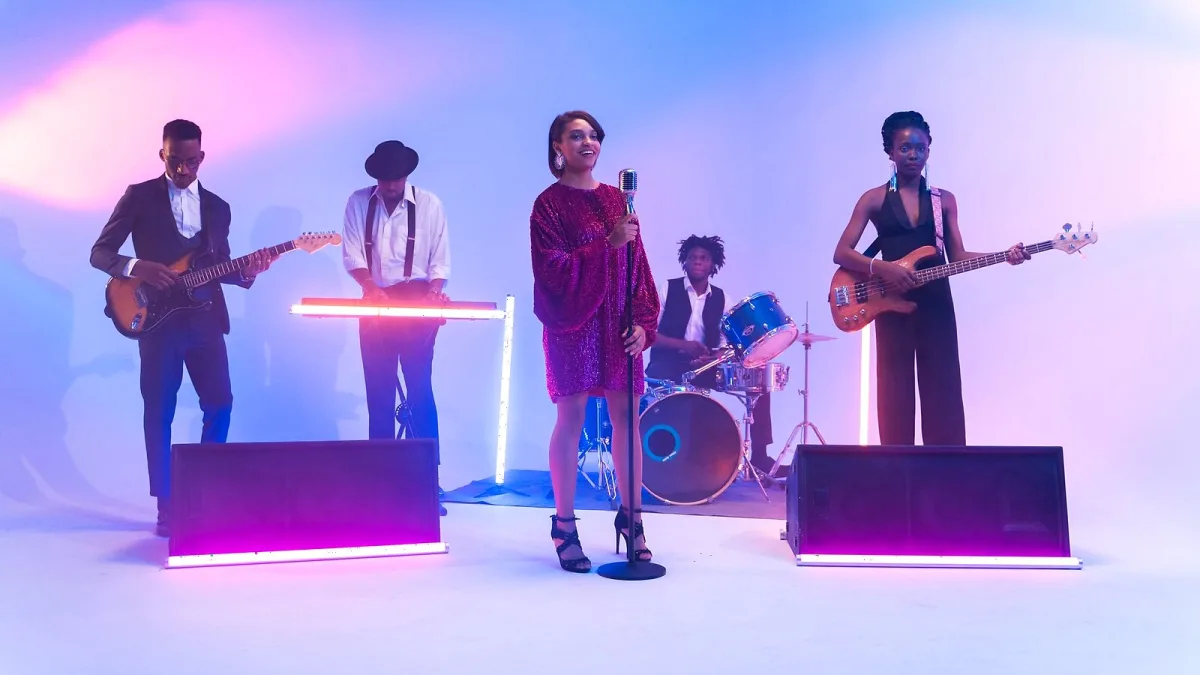
I'm not going to sit here and tell you one option is "the best looper studio" and leave it at that, because that's not how this actually works. What's best depends entirely on what you're trying to do with it. So here's my honest rundown, sorted by the situation you're actually in rather than a made-up ranking.
Best If You Just Want to Play Live: A Hardware Pedal
If you're standing on a stage with a guitar and need something that just works when you stamp on it, get a dedicated pedal. BOSS's RC-1 is a genuinely solid, no-fuss entry point — mono and stereo I/O, a decent chunk of stereo recording time, and none of the menu-diving that software can drag you into mid-set. It won't do fancy editing after the fact, but that's not the job it's there to do — as a first looper studio purchase for a live player, it's genuinely hard to fault.
Best If You Already Live Inside a DAW: Use What's Built In
Here's a genuinely underrated tip: if you already use Ableton Live, you've already got a proper looper sitting inside it. The built-in Looper audio effect drops straight onto any track, and because it's inside your DAW, you get full routing, editing and synchronisation for free — no extra purchase needed. Before buying anything separate, check whether your existing software already gives you a perfectly good looper studio without spending another penny.
Best for Sample-Based, Beat-Focused Work
If your world is more finger drumming and chopped samples than live guitar loops, Akai's MPC software includes its own Looper mode, built to work equally well on stage and in the studio. It suits a beat-making workflow far better than a guitar-style pedal ever would, because the whole environment around it is built for sample triggering rather than continuous phrase recording.
Best Free Option, No Contest
If you genuinely don't want to spend anything yet, BandLab's browser and mobile looper is free to use and surprisingly capable for sketching ideas. It adds performance modes like Gate and Retrigger plus real-time filter and stutter effects, so it's not just a bare-bones record button — it's a proper tool for catching an idea before it disappears, and it costs you nothing to try.
Best for Building a Full Arrangement
For anyone trying to construct a complete song rather than one repeating section, a clip-based or multitrack setup earns its keep. Being able to launch separate loops or scenes independently, rather than piling everything onto one endlessly overdubbed phrase, makes verses, choruses and outros far more manageable across a whole performance or production.
What I'd Actually Spend Money On
- Spending nothing: BandLab, easily — there's no reason to pay before you've even worked out if you enjoy looping
- Already own a DAW: use its built-in looper before buying separate hardware
- Playing live regularly: a dedicated pedal like the RC-1 pays for itself in reliability alone
- Beat-focused production: lean on your sampler's own Looper mode rather than bolting on a guitar-style pedal
A Quick Looper Studio Cheat-Sheet
| Your situation | Best pick |
|---|---|
| Playing live, need hands-free control | Dedicated hardware pedal (e.g. BOSS RC-1) |
| Already producing in Ableton Live | The built-in Looper effect — no extra purchase |
| Beat-making on an MPC-style setup | The Looper mode built into your sampler software |
| Want to spend nothing right now | BandLab's browser and app looper |
| Building a full arrangement, not one loop | A clip-based or multitrack system |
Match the row to your situation rather than your budget alone, and the right looper studio setup gets a lot more obvious.
One Honest Warning
Don't buy on recording-time numbers alone — total time, per-track time and stereo time all get quoted differently, and a bigger number doesn't automatically mean a better fit for how you actually play. Our full buyer's guide goes into exactly why, and our list of common mistakes to avoid covers a few more traps worth dodging.
Still Not Sure Where to Start?
If all of this is new territory, skip straight to our beginner's guide instead — it walks through the basics without assuming you already know what a phrase memory is. And if you want the fuller picture of how looping works before choosing anything, our explainer covers the whole idea properly. Pick the tool that matches what you're actually doing, not the one with the flashiest spec sheet, and you won't go far wrong.




Comments