


Ableton Live article
Everything You Need to Know About Ableton Live
Ableton Live is one of the most distinctive DAWs around, built for improvising as much as editing. Here's what it actually does and how it fits together.
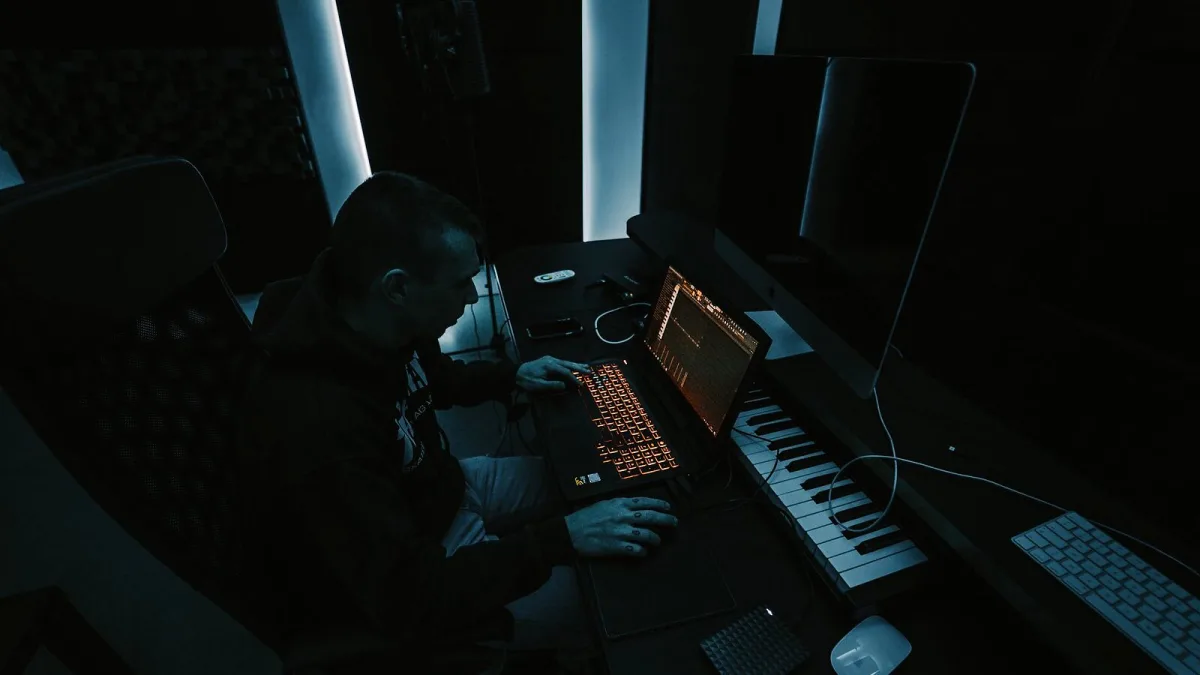
If you have spent any time around electronic music production, you have almost certainly heard someone rave about Ableton Live. It is one of the most widely used digital audio workstations (DAWs — the software that records, arranges and mixes music) in the world, and it works a little differently from most of its rivals. This guide sets out what it actually is, how it is put together, what the different editions offer, and where it fits in the wider world of music-making software.
What Ableton Live Actually Does
At its core, Live is a tool for recording audio and MIDI (the data format that carries note and performance information rather than sound itself), arranging that material into a finished track, and mixing it down. What sets it apart from a conventional DAW is that it was built from the ground up with live performance and improvisation in mind, not just studio editing.
That shows up most clearly in its two-view design. Rather than forcing every idea onto a single timeline before it is ready, Live gives you a second, non-linear space for testing ideas out loud before you commit to them.
Two Ways of Working: Session View and Arrangement View
Live's defining feature is the split between Session View and Arrangement View, and understanding the difference is the fastest way to understand the whole programme.
- Session View is a grid of clips — short loops of audio or MIDI — organised into tracks and scenes. You can launch clips in real time, try combinations against each other, and build a track by ear rather than by typing numbers into boxes.
- Arrangement View looks more like a traditional timeline. It is where you record finished takes, edit them in detail, automate parameters and put together the final structure of a song.
The two views talk to each other. A common workflow is to improvise in Session View until something clicks, record the result straight into Arrangement View, then tidy it up there. Few other DAWs treat arrangement as something you can perform rather than only assemble.
Live 12 at a Glance: Editions and Pricing
Ableton Live is sold in three editions — Intro, Standard and Suite — each adding more instruments, effects and sound content. At the time of writing, the current version is Live 12, with the Live 12.4 update (released May 2026) adding new collaboration features including Link Audio, an extension of Ableton's Link tempo-syncing system, along with improvements to Ableton's Push, Move and Note hardware and apps.
| Edition | Ableton's US price | Roughly includes | Best suited to |
|---|---|---|---|
| Intro | $99 | ~8 instruments, ~27 effects, 5GB+ of sounds | Learning the ropes, simple beats and recording |
| Standard | $349 | ~13 instruments, ~42 effects, 38GB+ of sounds | Serious production and mixing |
| Suite | $749 | ~20 instruments, ~58 effects, 71GB+ of sounds, Max for Live | Sound design, generative tools, the full toolkit |
Those figures come from Ableton's own comparison page and are shown in US dollars; UK pricing, taxes and promotions vary, so it is always worth checking Ableton's site directly before buying. If you are still weighing up which edition makes sense, our Live buyer's guide goes through the decision step by step.
Under the Bonnet: Warping, MIDI and Instruments
One of Live's quiet superpowers is warping — the process of stretching or compressing audio in time so it locks to your project's tempo without changing its pitch. It is what lets you drop a sample recorded at any speed into a track and have it snap perfectly into place, and it underpins remixing, looping and creative tempo changes across the programme.
Depending on the edition, Live also bundles instruments and effects covering subtractive and wavetable synthesis, sampling, drum programming, EQ, compression, reverb, delay, distortion and MIDI tools for transforming and generating notes. Suite adds Max for Live, an environment (built on Cycling ‘74's Max) for building custom instruments, effects and generative tools when the stock devices are not quite what you need.
Beyond the Laptop: Push, Move, Note and Link
Ableton's ecosystem extends well past the screen. Push is its dedicated hardware controller, which in its current form can also run as a standalone instrument. Move is a portable, battery-powered device aimed at sketching ideas away from a computer, and Note is Ableton's companion app for iOS. Tying it together is Link, a technology that keeps tempo in sync across compatible apps and devices on the same network — handy for jamming with someone else's gear without any cables.
Who Actually Reaches for Ableton Live
Live built its reputation in electronic dance music, but its clip-based workflow has pulled in producers well beyond that world. You will find it behind ambient and experimental records, hip-hop and beat-making, pop production, sound design for film, TV and games, and live looping performances where a musician builds a track from scratch in front of an audience. That range is part of why publications such as MusicTech have continued to rate Live highly against newer DAWs — it scales from bedroom sketching to full stage rigs without changing its underlying logic.
Checking Your System Can Run It
Before installing, it is worth confirming your computer meets Ableton's stated requirements:
- Mac: Intel Core i5 or Apple Silicon, 8GB RAM, 1280×800 display.
- Windows: Windows 10 (22H2) or Windows 11 (22H2 or later), a fifth-generation Intel Core i5 or AMD Ryzen processor with AVX2 support, 8GB RAM, 1366×768 display.
- An ASIO-compatible audio interface is recommended on Windows for reliable performance.
- Around 8GB of drive space for the basic install, rising to as much as 76GB if you download the full sound content library.
- An internet connection is required to authorise the software.
The Bottom Line
Ableton Live earns its reputation because it treats a track as something you can play with, not just edit. The combination of Session View for improvising, Arrangement View for finishing the job, and an ecosystem that reaches out to hardware and mobile apps, is why it remains a default choice for electronic producers and a serious option for almost anyone else. If you are new to the software, our beginner's guide to Live walks through your first session, and if you are already using it, it's worth reading through some common mistakes to avoid that catch out even experienced users.




Comments