


Ableton Live article
Ableton Live for Beginners: A Complete Guide
Ableton Live can feel overwhelming on day one. Here's a simple, encouraging path from a blank screen to your first recorded idea.
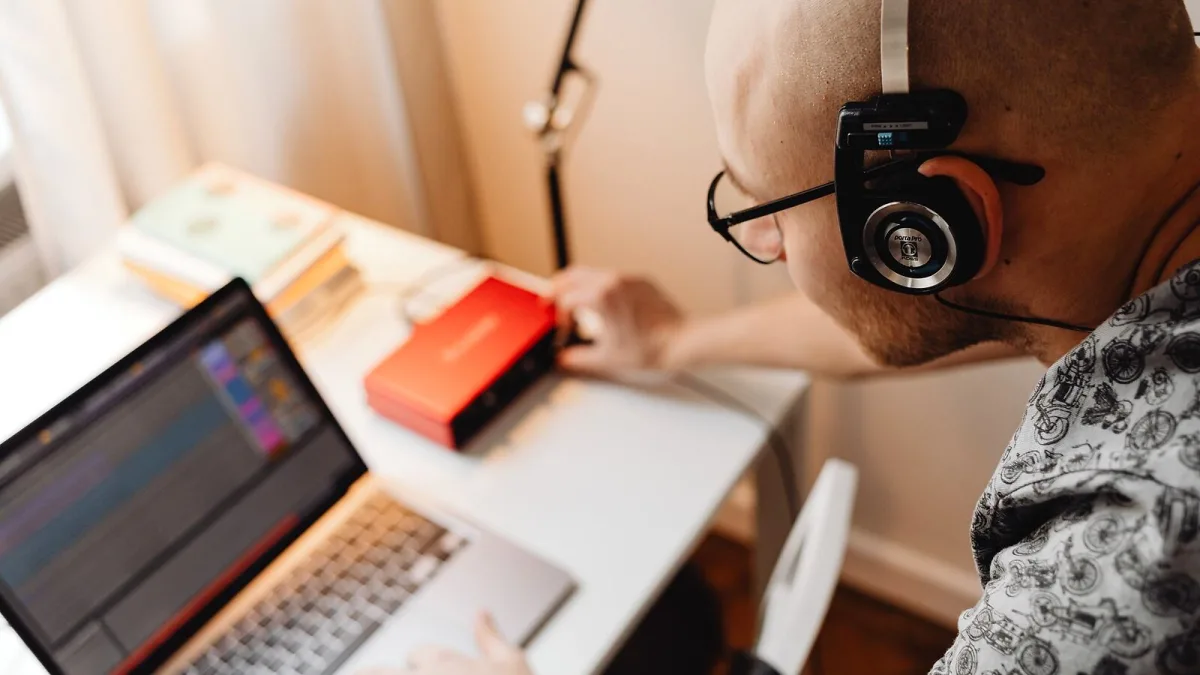
Opening Ableton Live for the first time can feel like stepping into a cockpit. There's a lot on screen, and none of it is labelled "start here". Take a breath — you don't need to understand every menu on day one. This guide gets you through your first proper session and gives you a sensible way to keep learning after that, without drowning you in features you don't need yet.
Don't Overthink Which Edition to Start With
If you haven't bought Live yet, don't get stuck comparing every feature across every edition. Intro or Standard will teach you everything you need for months of practice — the extras in Suite, like Max for Live, are things you'll only miss once you already know what you're doing. (Our buyer's guide goes into the full comparison if you want it.)
Getting Set Up: Your First Session in Ableton Live
Here's the simplest possible path from a blank screen to a recorded idea. Follow it in order the first time — you can go off-script once it feels familiar.
- Install Live and open a new Live Set. A "Set" is just Ableton's word for a project file — everything you make lives inside one.
- Stay in Session View to begin with. It's the grid-based screen, not the timeline. It's far more forgiving for a first attempt because nothing is permanent until you decide it is.
- Add a track and drop in an instrument. Pick any of the built-in synths or a sampler device, and don't worry about picking the "right" one — you're learning the workflow, not designing a sound yet.
- Set your tempo before you record anything. It sits at the top of the screen. Getting this roughly right first saves you re-recording later.
- Record a short clip and let it loop. Press record on an empty clip slot, play or programme a few notes, and let Live loop it back. Hearing your own idea repeat is oddly motivating.
- Save the project with a proper name. Get into this habit from session one — future you will be grateful.
Understanding Session View and Arrangement View
Once you're comfortable with the steps above, it's worth understanding why Live has two different screens. Session View, which you've just used, is where you improvise and test ideas as loops. Arrangement View is the more familiar-looking timeline, where you record a finished performance and edit it in detail. You don't need to touch Arrangement View at all for your first few sessions — it will make far more sense once you already have a clip or two you're happy with and want to turn them into an actual song.
Beginner-Friendly Instruments and Sounds to Try First
You don't need to explore every device in Live's library straight away. A sensible starting point:
- A simple synth for melodies and chords — you'll learn far more by tweaking two or three knobs than by opening every preset.
- A drum or sampler instrument for rhythm — even a basic loop teaches you how tracks lock together.
- One effect at a time (reverb or delay are the friendliest) — layering five effects before you understand one just muddies the sound.
Resist the urge to download packs and plug-ins in your first week. Learning what Live's own devices already do will make everything else easier to understand later.
Little Habits That Make Learning Ableton Live Easier
- Learn a handful of keyboard shortcuts early — even just record, play and undo will speed you up more than any plug-in will.
- Keep sessions short and frequent rather than one long marathon. Twenty focused minutes most days beats one exhausted Sunday.
- Don't chase a "finished" track immediately. Your first goal is comfort with the software, not a release-ready song.
- Watch what one feature does before moving to the next, rather than skimming every tutorial on the internet at once.
When You're Ready for More
Once your first few sessions feel comfortable, our full overview of Live explains the wider ecosystem — Push, Move, Note and Link — and how the editions differ in more depth. It's also worth reading through some common mistakes to avoid before you get too far into your own habits, since a few of them are much easier to avoid early than to unlearn later.
The Bottom Line
Nobody understands all of Ableton Live in their first week, and you don't need to. Get through one simple recorded loop, build a couple of small habits, and let your curiosity pull you toward the next feature only once you actually need it. That slower, steadier route is exactly how most confident Live users got there.




Comments