


Behringer Xr18 article
Behringer Xr18 for Beginners: A Complete Guide
No knobs, no screen, no idea where to start? Here's a nervous first-timer's step-by-step route through their first Behringer XR18 session.
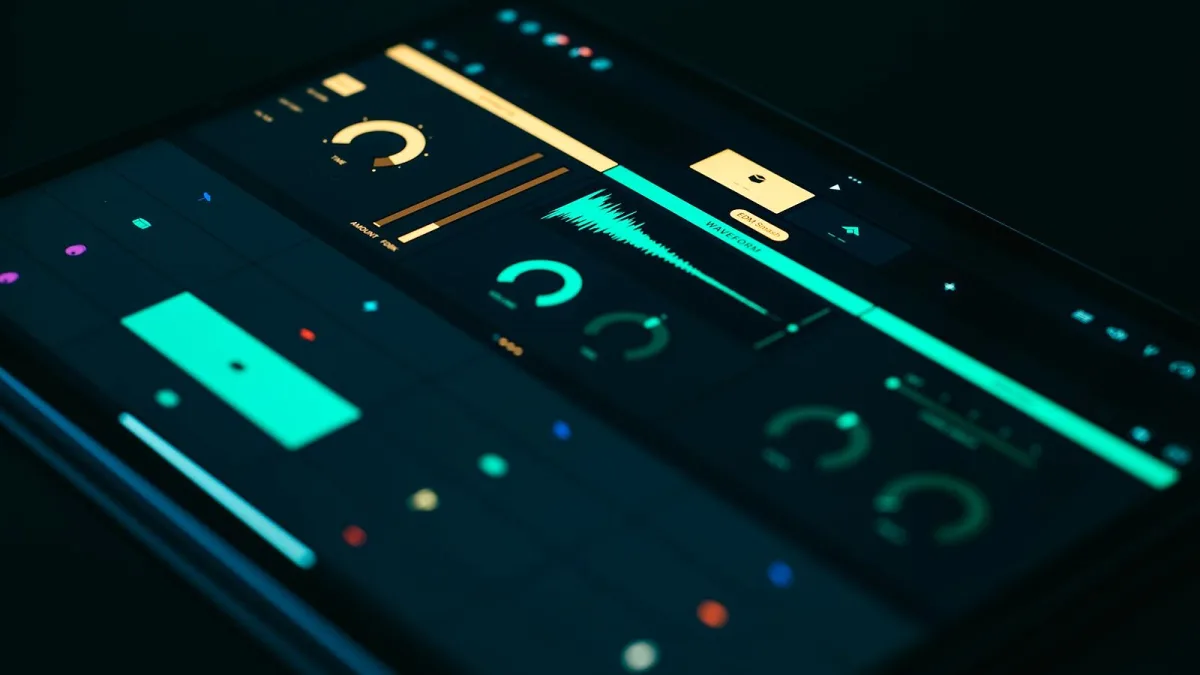
First time facing a Behringer XR18? Take a breath — it looks intimidating because there's nothing to touch on the box itself, but that's actually the easy part once you know the order to do things in. This is the guide I wish someone had handed me before my first session on one: no jargon dumps, just the steps in the right order and what to expect at each one.
Why It Feels Different From a Normal Mixer
Most people's first reaction to the XR18 is "where are the knobs?" There aren't any — no faders, no screen, nothing to twiddle on the unit itself. Every single control lives inside an app on a tablet, phone or laptop. That's not a design flaw; it's the whole point of the thing. It just means your first session is really about getting comfortable with the software, not the box.
There's a genuine upside to that, once you're past the strangeness of it: you get to stand wherever the sound actually is instead of being stuck behind a desk at the back. Most engineers who've made the switch say they hear the room far better this way, even if the first week feels back-to-front.
What You'll Need Before You Start
- The Behringer XR18 itself, powered and within Wi-Fi range of your control device.
- A tablet, phone or laptop — an iPad or Android tablet is the easiest first experience.
- The free X AIR Edit software (computer) or X AIR mobile app (tablet/phone), downloaded in advance.
- Your microphones, DI boxes and cables, ready to plug in.
- Ten or fifteen minutes of quiet time before anyone else needs the room.
Your First Session, Step by Step
Do this the first time in an empty room, with no audience and no pressure. Once you've done it once, it takes under two minutes from then on.
- Power on the XR18 and give it a few seconds to fully start up before doing anything else.
- Connect your control device to the mixer's Wi-Fi network, which the XR18 broadcasts itself by default.
- Open X AIR Edit or the X AIR app and let it find and connect to the mixer — it should appear automatically on the same network.
- Plug in one microphone at a time into the combo XLR/TRS inputs, checking each one shows signal on screen before moving to the next.
- Set gain on each channel so the meter sits comfortably without hitting the red — start low and bring it up gradually while someone speaks or plays into the mic.
- Bring up the channel fader on screen and confirm you can hear it through the main output.
- Save the show as a scene in the software, so you can recall the same starting point next time instead of setting up from scratch.
That's genuinely it. Everything else — effects, monitor mixes, EQ — is refinement you can add once the basics are solid.
The Three Things That Trip Up Beginners
Phantom Power
Condenser microphones and most active DI boxes need 48V phantom power to work at all; dynamic mics generally don't need it and some older or ribbon mics can be damaged by it. If a mic is silent, check whether phantom power is switched on for that channel — and check what kind of mic it is before you flip the switch.
Gain Set Too High, Too Fast
It's tempting to crank the gain until you see plenty of movement on the meter. Don't. Start low and creep it up — a channel that's clipping (hitting the very top of the meter) will sound distorted no matter how well everything else is set.
Losing Your Only Control Device
Because the Behringer XR18 has no faders of its own, a dead battery or dropped connection means you genuinely can't touch the mix until it's back. Keep your tablet charged, and if you can, have a second device with the app installed as a backup.
Building Confidence From Here
Once a basic channel setup feels natural, work through these in order rather than all at once:
- Learn to send one auxiliary bus to a single monitor wedge before attempting several.
- Try one of the four internal effects on a vocal channel, on its own, before layering more.
- Record a rehearsal through the USB interface just to hear how it sounds back — no pressure, just practice.
If you want the fuller technical picture once you're past the nerves, our overview of the Behringer XR18 covers how the whole system fits together, and our rundown of common XR18 mistakes is worth a read before your first real gig on one, not just a rehearsal.
Bottom Line
Nobody feels instantly at home on a Behringer XR18 — it asks you to trust a screen instead of your hands, and that takes a session or two to click. Follow the steps above in order, resist the urge to rush the gain-setting, and keep your control device charged, and you'll be genuinely comfortable on it faster than you think. If you're still deciding whether it's the right buy in the first place, our complete buyer's guide covers exactly that.






Comments