


Behringer X32 Rack article
Behringer X32 Rack Explained: Features, Types and Tips
The X32 Rack brings the full X32 processing engine to a 3U rackmount chassis without physical faders. This guide covers what that means in practice — architecture, control, networking and which applications it genuinely suits.
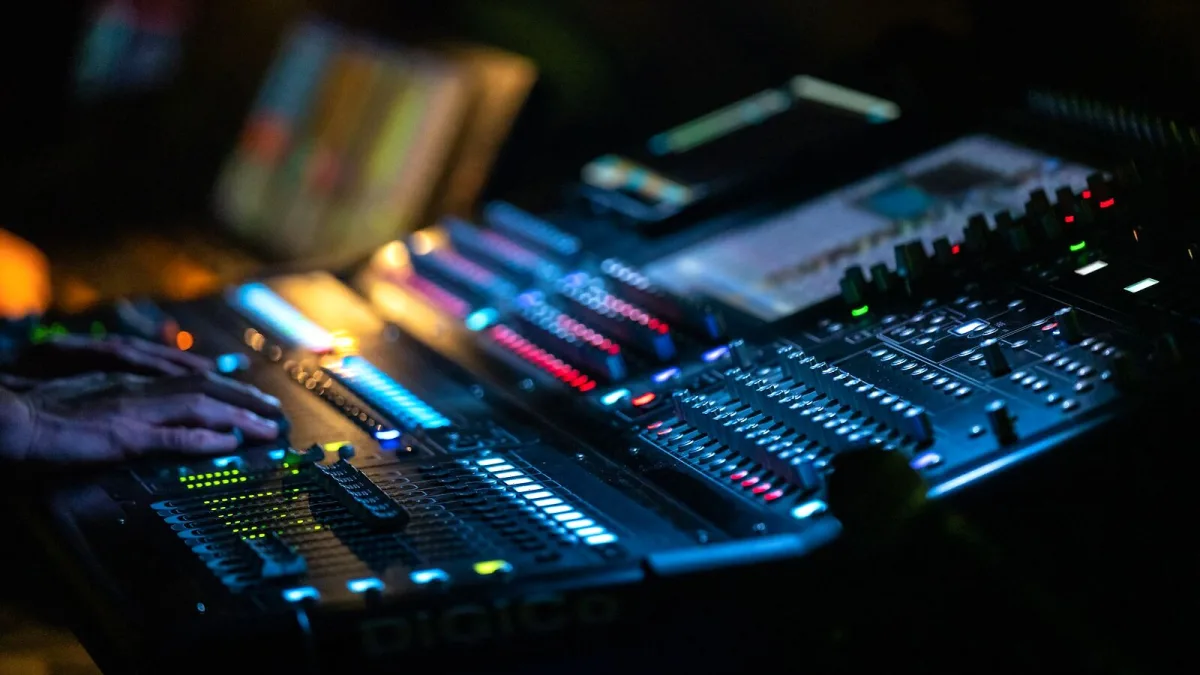
What the Behringer X32 Rack Is
The Behringer X32 Rack is a 3U rackmount digital mixer built around the same processing engine as the full-size X32 console. The defining difference from the full console is the absence of physical motorized faders: all channel control happens through the front-panel display and encoders, through the X32 Edit desktop software, or through the X32-Mix tablet application. In a production where operators work primarily from a computer or tablet, or where a small physical footprint matters more than hands-on fader control, that absence is often an advantage rather than a limitation.
It is specified as a 40-input, 25-bus mixer with 16 programmable MIDAS-designed microphone preamps, two AES50 ports for digital stagebox expansion, Ultranet connectivity for the P16 personal-monitoring system, and a 32×32 USB audio interface for multitrack recording and playback. The front panel provides a 5-inch colour display and physical encoders for direct control without a connected computer.
Behringer X32 Rack Processing Architecture
The mixer's channel and bus structure is the same as the rest of the X32 family. Thirty-two input channels, eight auxiliary input channels and eight effects-return channels feed 16 auxiliary buses, six matrix buses and a Main LCR bus. Eight internal effects engines provide reverbs, delays and modulation. Input channels have full parametric EQ, gate and compression; bus outputs have EQ and dynamics available.
Processing runs at 24-bit conversion with 40-bit floating-point arithmetic internally, at 44.1 or 48 kHz sample rates. Published latency figures are approximately 0.8 ms for local I/O and approximately 1.1 ms when signal passes through an AES50 stagebox network path. These figures apply under the specified test conditions; actual latency in a given rig depends on routing and network configuration.
Inputs and Outputs
On the rear panel: 16 XLR microphone/line inputs with individual phantom power and digital gain control; six ¼-inch auxiliary inputs; eight XLR outputs; six ¼-inch auxiliary outputs; a dedicated headphone output; MIDI in and out; ethernet control; two AES50 ports; Ultranet; and USB connections. The local input count is sixteen, not forty — the full channel count of forty is reached when AES50 stageboxes contribute additional inputs from the stage.
Remote Control Options
The absence of physical faders means that remote control is not optional — it is part of the workflow. X32 Edit is the primary desktop application and provides full access to every parameter on the mixer. The X32-Mix app (and compatible third-party applications) allows operation from a tablet on the same local network. Both connect through the ethernet port on the rear of the unit.
For single-operator use with a laptop at the mixer position, this is a practical setup. For productions where a remote mix position or a stagehand at the rack needs simultaneous access, the software workflow needs planning: who controls gain, what happens if two operators make conflicting changes, and how show files are backed up.
The AES50 Network
AES50 is a digital audio networking standard used across the X32 platform. Stageboxes connect to the two AES50 ports on the rear of the rack unit and provide additional local inputs and outputs at the stage end of a standard Cat5e or Cat6 cable run. A single cable carries up to 48 channels in each direction over distances suitable for most live venues.
This makes the rack format particularly practical: the physical unit can sit at the front-of-house position while preamps and inputs are located at the stage. Signal routing, gain control and monitoring are handled through the console's software from a distance. The stagebox can serve multiple mixers simultaneously — one for front-of-house and one for monitors — though gain ownership between them requires coordination.
Show Files and Recall
One of the more practical advantages of a digital mixer is scene recall — the ability to save and restore every channel setting, routing assignment, EQ and dynamics parameter in a single operation. The X32 Rack stores scenes in internal memory and can export them to USB for backup and transfer between units. Loading a saved show file at the start of a rehearsal or soundcheck gives a consistent starting point that does not depend on the operator's memory or physical panel position.
Scenes should be treated as starting points rather than final settings: loading a scene saved in a different room, with different microphones or different acoustic conditions, and then bypassing soundcheck is a reliable way to encounter problems. Use scenes to capture and restore consistent parameter values, but confirm that the starting point is appropriate for the current environment before doors open.
Who the Behringer X32 Rack Is For
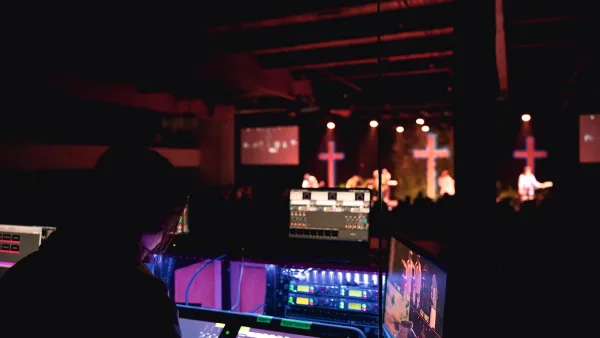
The rackmount format is genuinely useful in specific applications. Small bands doing their own in-ear monitoring can place the unit in an equipment case and control it from a tablet. Houses of worship with permanent installations can rack-mount the unit and operate it remotely from the congregation's perspective. Rehearsal spaces can run it as a recall-capable channel strip in a compact chassis. Production companies who transport several systems benefit from the 3U footprint and consistent software interface.
It is less suited to operators who mix entirely by feel on physical faders, to venues where a single clear person needs hands-on control at all times, or to contexts where the software learning curve would outweigh the routing and recall advantages. In those cases, a conventional fader-equipped console may be a more practical choice.



Comments