


Numark Company article
Numark Company for Beginners: A Complete Guide
Feeling a bit unsure where to start? Take a breath — here's the gentle, step-by-step way into your first Numark setup.
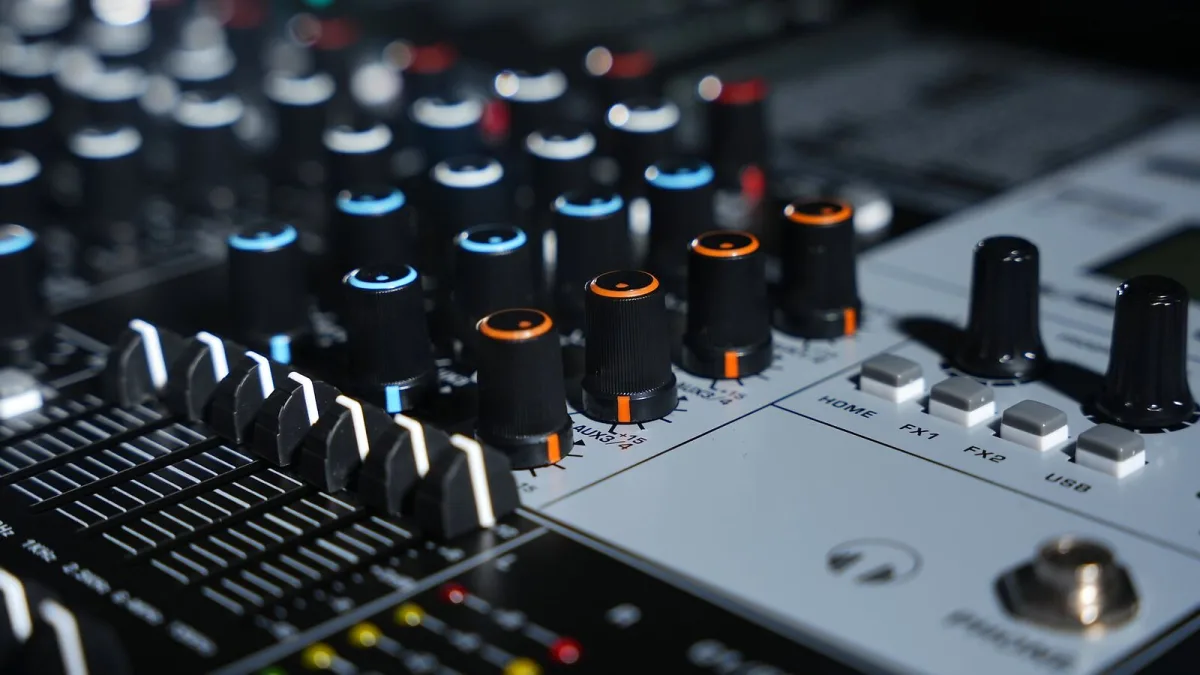
If the idea of DJing has been quietly calling to you but the gear itself looks a bit bewildering, please know that's a completely normal feeling. Numark makes some genuinely welcoming starting points for exactly this stage, and none of it needs to feel intimidating. Let's take it gently, one piece at a time.
A Little Bit of Reassurance About Numark First
Every DJ you admire started out not knowing what a jog wheel was for. The vocabulary and the gear both make sense with a bit of time and practice — you don't need to understand it all before you're allowed to begin.
A Gentle Numark Glossary
Here are a few terms you'll see often, explained simply:
- Deck — one of the "virtual turntables" on your controller, where a track loads and plays.
- Jog wheel — the round dial you touch to nudge, cue or scratch a track.
- Crossfader — the horizontal slider that blends between two decks as you mix.
- BPM — beats per minute, a measure of a track's tempo, used to match the speed of two songs together.
- Standalone — a controller that can play music on its own, without needing a laptop connected.
- Stems — a newer feature that lets you isolate parts of a track, like vocals or drums, while you're mixing live.
You genuinely don't need all of these terms memorised on day one. They'll settle in naturally as you start using them.
Choosing Your First Numark, Kindly
You don't need the most powerful controller in the range to start learning. A compact, affordable option is often the wisest first choice, because it lets you focus on the fundamentals — beatmatching, cueing, blending — without an overwhelming number of buttons competing for your attention. Recent entry-level launches like the Party Mix III and the smaller MixTrack Go were both built with exactly this kind of beginner in mind, offering current features like Stems controls in an approachable, simple layout.
Getting Your Numark Set Up Without Any Stress
When your controller arrives, take it slowly:
- Connect the controller to your laptop or computer using the supplied USB cable.
- Install the DJ software that came bundled with your controller, following the setup instructions provided.
- Connect your headphones and speakers, and load one track onto each deck.
- Practise simply starting, stopping and cueing a track before attempting to mix two together.
There's no timer running. Spend as long as you need on each of these steps before moving to the next one.
Your First Real Numark Practice Session
Resist the urge to attempt a "real" mix straight away. Instead, just play with one deck: practise starting a track exactly on the beat, and getting comfortable with how the jog wheel responds under your fingers. Once that feels natural, bring in a second track and try nudging it into time with the first, using your ears rather than watching numbers on a screen.
It's Alright If Your First Attempts Sound Rough
Mixing smoothly takes genuine practice, and every single DJ you've ever heard went through a period of clumsy, uneven transitions before it clicked. Be patient with yourself, celebrate the small improvements, and try not to compare your first week to someone else's years of experience.
When You're Feeling More Confident
Once the basics feel comfortable and you're curious to understand the wider world of Numark gear, our complete guide to the company is a lovely next step. When you're ready to think about upgrading or buying more thoughtfully, our complete buyer's guide covers the practical details properly.
A Few Gentle Words of Warning
Before you spend anything at all, it's worth a quick, reassuring read through our common mistakes beginners make — not to worry you, just so you can sidestep a couple of easy slip-ups.
The Bottom Line on Starting Out With Numark
Start with one simple controller, one track at a time, and plenty of patience with yourself while your ears and hands learn together. That's genuinely the whole beginning of a DJing journey with Numark — everything else follows naturally from there.






Comments