


Akai Mpc article
Common Akai Mpc Mistakes to Avoid
Plenty of people buy an Akai MPC full of enthusiasm and fall into the same avoidable mistakes. Here's what trips people up most, and how to dodge it.
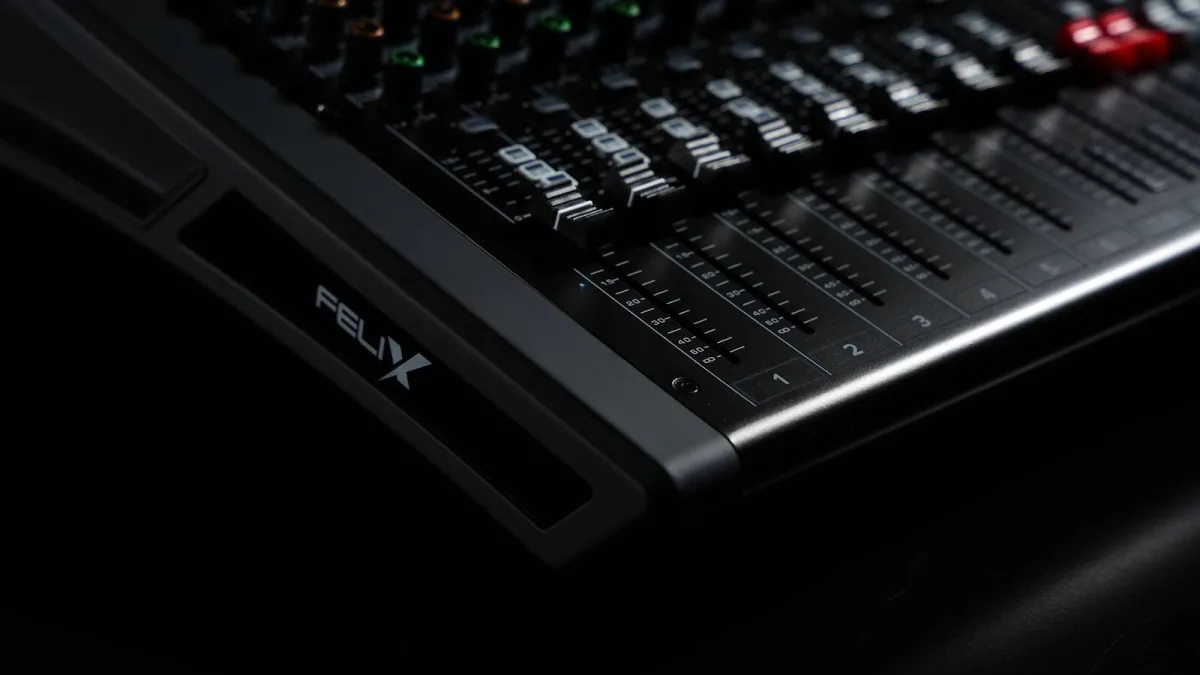
I've watched plenty of people buy an Akai MPC full of enthusiasm and then talk themselves into the same handful of avoidable mistakes. Here's what trips people up most often, and what to do instead.
Mistake One: Buying Standalone When You Needed a Controller (or Vice Versa)
This is the big one. Buying a standalone unit and then never leaving your DAW-based workflow means you've paid for independence you don't use. Buying a controller when you actually wanted to work away from a computer leaves you stuck at a desk. Work out how and where you'll actually produce before you look at a single model.
Mistake Two: Judging Pads From a Spec Sheet Alone
Pad count and sensitivity numbers tell you very little about how a pad actually feels under your fingers. Plenty of buyers pick a model on paper and only discover in their first proper session that the pads feel stiff, mushy or simply wrong for their playing style. Try before you buy wherever that's genuinely possible.
Mistake Three: Buying Vintage Without Budgeting for Repairs
An old MPC60 or MPC3000 carries real charm, and also real age. Storage media, screens, pads and power supplies can all need attention on a machine this old, and skipping that reality leads to an expensive surprise a few months in. Budget for servicing as part of the purchase, not as an afterthought if something breaks.
Mistake Four: Ignoring Storage and Connectivity Needs
It's easy to focus entirely on pads and sound while overlooking how you'll actually get audio and MIDI in and out of the unit. Buyers who skip checking audio input count, MIDI ports and storage support often find themselves working around limitations they could have avoided by reading the spec sheet properly first time.
Mistake Five: Trying to Learn Everything in One Sitting
An Akai MPC rewards patience. Trying to absorb sampling, sequencing, chopping, quantization and effects all in your first week is a fast route to frustration and a machine that gathers dust. Learn the basic record-assign-trigger loop properly first, then add one new skill at a time.
Mistake Six: Skipping Regular Backups
Losing a half-finished project to a corrupted card or a failed drive is painfully common and entirely avoidable. Back up your projects regularly, whether that's to a computer, cloud storage or a second drive, rather than trusting a single piece of storage media to survive indefinitely.
Mistake Seven: Overbuying Features You Won't Use Yet
It's tempting to reach for the biggest, most fully specified model on the assumption that more headroom is always better. In practice, an entry-level unit used constantly teaches you far more than an expensive one that feels intimidating and ends up untouched. Buy for where you are now, not where you imagine you'll be in three years.
Learn More Before You Buy
If you're not sure what you're actually choosing between, our guide to what an Akai MPC is covers the basics, and our full buyer's guide walks through the decision properly. Want the budget breakdown? See the best models for the money. Brand new to all this? Our beginner's guide is the gentler starting point.
The Bottom Line
Nearly every regret traces back to one of these seven patterns: buying the wrong format, judging pads on paper, skipping maintenance budgets, or trying to learn too much too fast. Avoid them, and an Akai MPC stops being a gamble and starts being a genuinely good investment.





Comments