


Akai Mpc Sample article
Akai Mpc Sample Explained: Features, Types and Tips
A pocketable standalone sampler with the classic MPC pad workflow — here's what the MPC Sample actually does and how its pieces fit together.
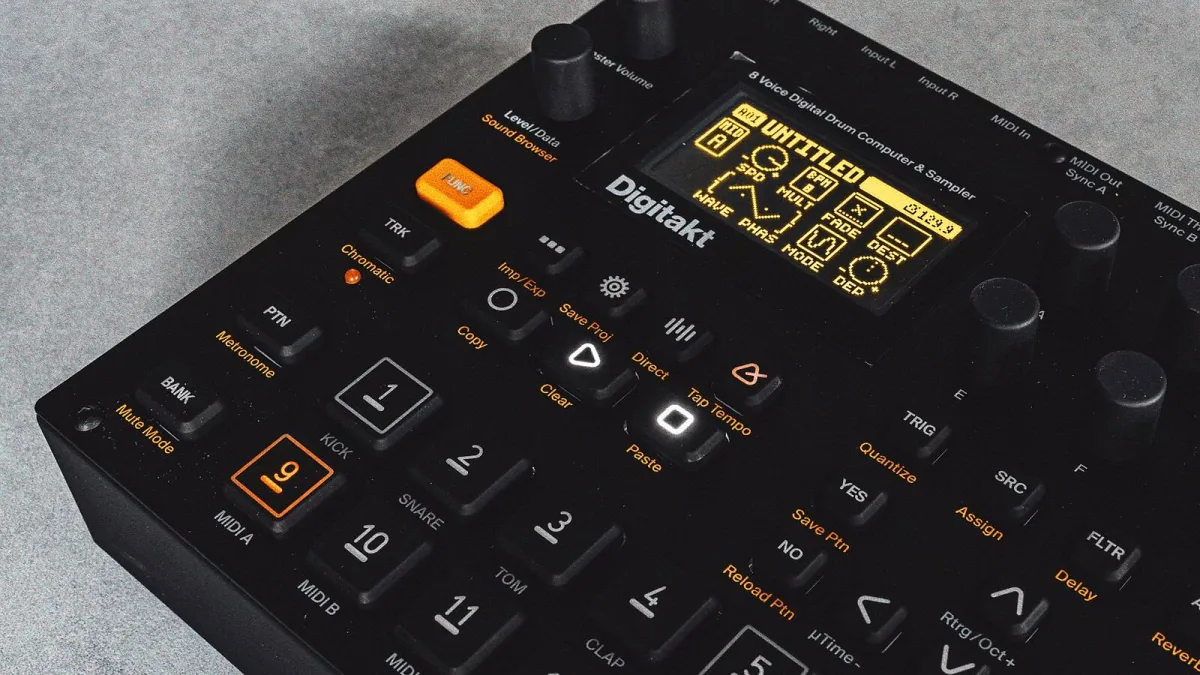
Right, let's geek out about this one for a minute, because it deserves it. The Akai MPC Sample is a genuinely pocketable standalone sampler that packs the classic 16-pad MPC workflow — record, chop, sequence, perform — into something you can run on battery power with no computer in sight. Here's what it actually does, and how the different pieces fit together.
What It Actually Is
Strip away the marketing and the MPC Sample is a self-contained sampling, sequencing and performance instrument. You can capture audio through its built-in microphone, a pair of quarter-inch inputs, or USB-C, then trim, assign, manipulate and arrange that sound entirely on the unit itself. No laptop required, though it happily works alongside one if you want it to.
The Key Specs at a Glance
| Spec | Detail |
|---|---|
| Pads | 16 RGB velocity-sensitive pads with polyphonic aftertouch |
| Polyphony | 32 stereo voices, with disk streaming |
| Memory | 2 GB RAM, 8 GB internal storage, expandable via microSD |
| Display | 2.4-inch full-colour screen with waveform editing |
| Battery | Rated up to around six hours, closer to five in typical independent testing |
The Sampling Workflow, Simplified
Every project on the MPC Sample follows roughly the same shape: capture a sound, trim off the silence, assign it to a pad, shape how it plays back, then drop it into a sequence. The dedicated Instant Sample Chop mode makes slicing a loop across pads genuinely quick, and real-time time-stretching and repitching mean you're not stuck with whatever tempo or key the original recording happened to land at.
Sample Types You'll Actually Use
- One-shots — kicks, snares, hats, vocal stabs, triggered individually for drum programming.
- Loops — complete rhythmic or musical phrases, quick to use but less flexible if the tempo shifts.
- Chopped samples — a loop sliced across pads, great for rearranging a break or dodging a straight, unaltered playback of someone else's record.
- Melodic samples — a note or phrase played chromatically across the pads, ideal for basslines and keys.
- Resampled material — a performance or effects chain printed back down into a new, playable sample.
Standout Performance Features
16 Levels spreads one sound across the pads with changing pitch, tuning, velocity or filter settings — brilliant for turning a single drum hit into a playable bassline. Note Repeat auto-retriggers a pad at set rhythmic divisions for hi-hat rolls and fills. Then there's Pad FX, Knob FX and Flex Beat — four effects engines and roughly sixty effect types between them, according to Akai, covering everything from filtering and saturation to rhythmic stutters and gating.
Capturing Sound: Three Ways In
The built-in microphone is the fastest option — point it at whatever you want to capture and hit record, whether that's a found sound, a room, or something happening right in front of you. The two quarter-inch inputs are your route in from a turntable, mixer, synth or any external gear, and USB-C handles audio from a computer or compatible phone. Whichever source you use, the same rule applies: set your input level for a healthy, clipping-free signal first, because distortion baked in at the recording stage can't be fixed afterwards. Leave a little headroom, trim off the silence at each end, and you're ready to assign the result to a pad.
Storage and Keeping Projects Manageable
With 8 GB of internal storage and 2 GB of RAM, a single MPC Sample project can hold up to 128 samples and 128 sequences — plenty for compact beatmaking, though not equivalent to a full computer-based sample library. A microSD card is worth adding early if you're building up a lot of material, along with a habit of naming samples clearly and backing projects up to a computer now and then, rather than letting everything live only on the unit.
Where It Fits in the MPC Family
This isn't meant to replace the larger MPC One, MPC Live or MPC X — think of it as the smaller, more focused sibling, trading some storage, screen size and control depth for genuine pocketability. If you're deciding between them, our buyer's guide weighs that decision properly, and our beginner's walkthrough is the place to start once you've got one in hand.
The Bottom Line
What makes the MPC Sample click is how little stands between having an idea and hearing it back — record, chop, pad, play, done. It won't replace a full studio setup for detailed sound design, but as a fast, portable way to capture and perform sounds, it's a genuinely well-thought-out little machine. Once you're comfortable with the basics, our piece on common mistakes to avoid is worth a read too.






Comments