


4 Channel DJ Controller article
4 Channel Dj Controller for Beginners: A Complete Guide
Starting on a four-channel controller is more capable than most beginners need immediately — this guide explains how to set it up and where to begin.
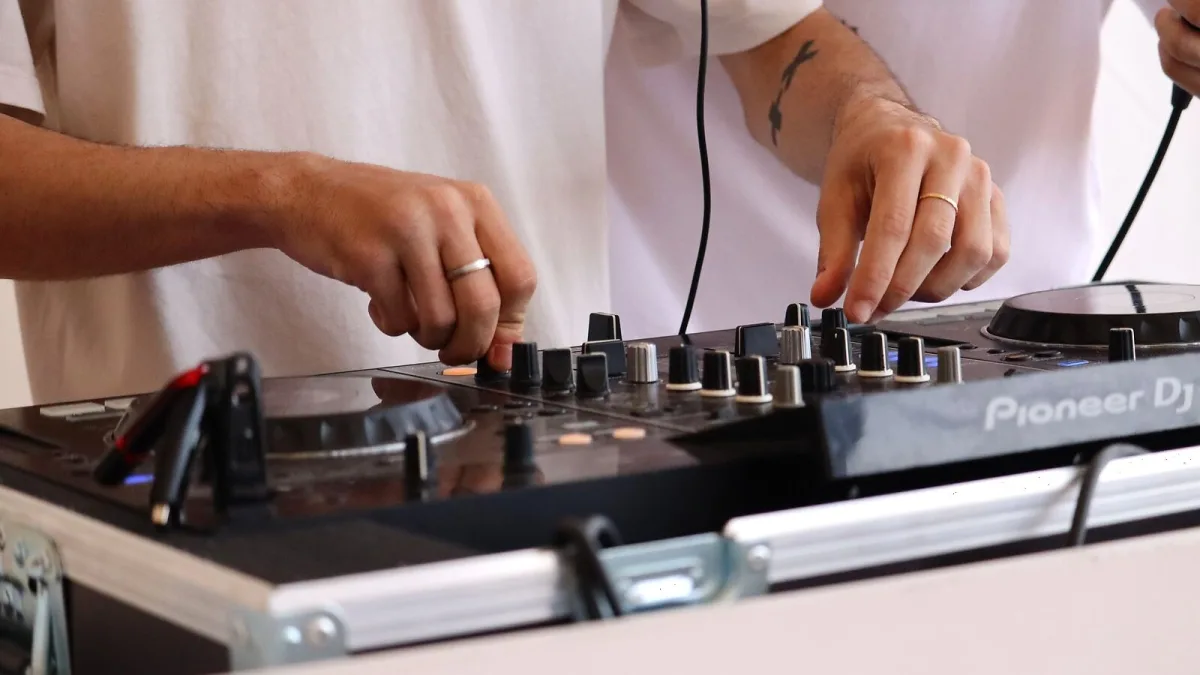
If you are new to DJing and have decided to start with a four-deck setup, understanding how the controller's features map to its physical controls is the first step. A 4 channel dj controller is more capable than most beginners need immediately, but learning on one means you will never outgrow the hardware as your skills develop.
Setting Up for the First Time
Connect the controller to your computer via USB before opening your DJ software. Most modern units are class-compliant audio devices — the computer recognises them immediately without additional drivers. Launch your software, open the audio settings and confirm that the controller is selected as the output device. You should hear audio through the controller's headphone output when you play a track in the software.
Load a track into Deck 1 by dragging it from the library view. Press play. You should hear it through the headphone cue. Adjust the channel fader upward to route it to the master output. This is the basic signal path: library, deck, channel fader, master output.
Understanding the Four Channels
On a controller in this category, four independent channel strips each control one software deck. Each strip has a volume fader, a three-band EQ (high, mid, low frequencies), and often a gain knob at the top. The channel faders combine into the crossfader, which you can assign to route any channel to the left or right side of the fade.
Beginners typically start with two channels and expand to four as they develop more complex transitions. There is no requirement to use all four channels from the start — begin with two, master the basics of beatmatching and EQ mixing, then introduce the additional channels as you become comfortable.
Performance Pads
Performance pads — the larger rubber buttons usually arranged in an 8-pad grid on each deck section — trigger cue points, loops, samples and effects depending on the mode selected. In cue mode, each pad jumps to a saved position in the track. In loop mode, they trigger loops of different lengths. These are powerful performance tools but are not essential at the beginner stage. Focus on basic mixing first.
Your First Mix
Load a track into Deck 1 and play it through the main output. Load a second track into Deck 2 and listen to it in the headphones using the cue function. Use the jog wheel or tempo slider to match the BPM of the incoming track to the one playing. Practice transitioning from one to the other using the channel faders. This is the foundational skill that everything else builds on.
Our overview article covers the features in detail. When ready to buy, see our buyer's guide.






Comments