


Beat Pad roundup
Beat Pad: A Complete Buyer's Guide
Standalone vs controller, pad size, sequencer depth and bundled software — here's how to work through the key decisions before buying.
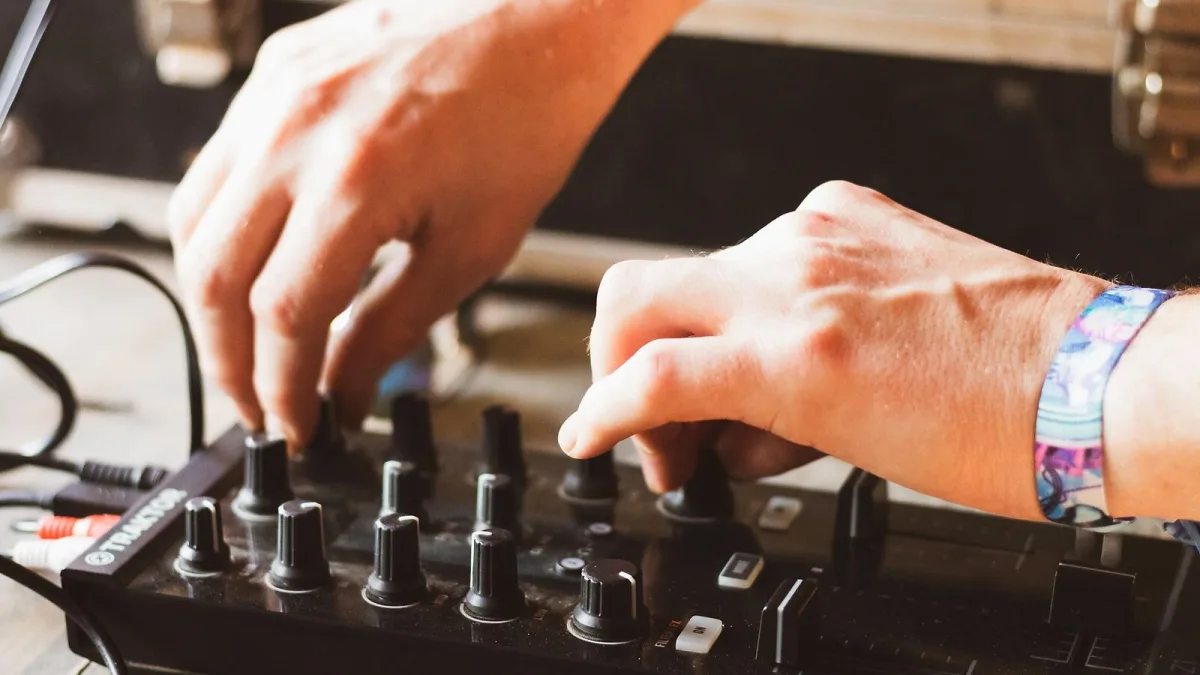
Choosing the right beat pad depends on whether you want a standalone device, a computer-based controller, or something in between — and on how much of the production workflow you want to manage from the unit itself. Here is what to consider before buying.
Standalone vs Controller
The first decision when buying a beat pad is whether you need the unit to function without a computer. A standalone beat pad workstation — an Akai MPC or Roland SP series — has its own processor, sound engine and sequencer. You can produce a finished track from scratch on the device alone. A MIDI controller pad, by contrast, relies entirely on your computer and DAW to generate sound; it is a performance and input interface rather than a self-contained instrument.
Standalone units cost more but eliminate the latency and setup overhead of running a DAW on a laptop. Controller pads are more affordable, often feel better for software integration, and benefit from the full power of your computer for processing and storage.
Number of Pads
Most units offer 16 pads as the standard layout — four rows of four. This matches the common convention used in software like MPC Beats and Maschine and is what most beginner tutorials teach. Some units offer additional rows (24 or 32 pads), which allows more banks to be active simultaneously or more chromatic range when playing pads as a melodic instrument. For most buyers, 16 pads is sufficient to start.
Pad Size and Sensitivity
Larger pads are easier to hit precisely at speed. If you plan to develop finger drumming technique, prioritise a beat pad with pads that are at least 40mm square. Smaller pads work fine for slower programming but create frustration when playing fast patterns. Sensitivity curves — adjustable on many units — determine how the pad maps physical strike force to MIDI velocity and should be tested before committing to a purchase.
Built-in Sequencer
A step sequencer allows you to program patterns without real-time performance. Some controllers include a basic sequencer; standalone units have full-featured sequencers with pattern chaining, song arrangement and conditional triggers. If you want to program beats rather than perform them live, confirm the sequencer depth before buying — the difference between a 16-step loop and a full pattern arranger is significant.
Connectivity
For a MIDI beat pad controller, USB is the only connection required. For standalone units, check for stereo or multi-channel audio outputs, MIDI DIN ports (for connecting hardware synthesisers), and CV/gate outputs if you use modular equipment. SD card or USB storage is standard on standalone workstations; confirm the format is accessible for loading your own samples.
Bundled Software
Most controllers include a bundled DAW or sound library. Native Instruments controllers include Maschine software and a Komplete collection. Akai standalone units include MPC Beats. Ableton controllers include Live Intro. Factor bundled software into the total value assessment — it often represents a significant portion of the retail price. For model-by-model value comparisons, see the best for the money guide. For an overview of how these units work, see the features overview.






Comments