

Word Clock roundup
Word Clock: A Complete Buyer's Guide
A dedicated word clock unit is genuinely useful in complex multi-device systems — but many studios do not need one. This guide helps you work out whether to buy, and what to look for if you do.
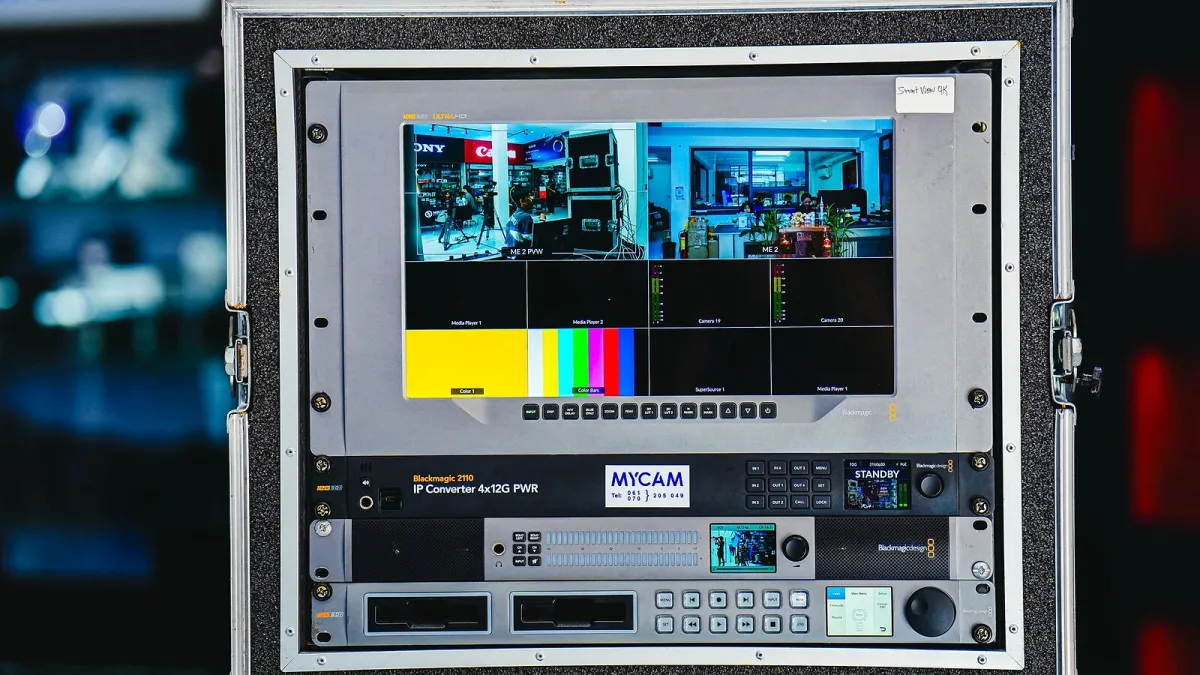
Before spending money on a word clock generator, it is worth being honest about whether your studio actually needs one. The answer depends on how many digital devices you are running, how they are connected, and whether you are having actual synchronisation problems. This guide takes you through each decision point.
Who Actually Needs a Word Clock Generator
A dedicated word clock unit solves a specific problem: keeping multiple digital devices locked to a single, shared timing reference. You need it when your system is complex enough that one device's internal clock cannot cleanly serve as master for everything else.
You likely need one if you have:
- Three or more converters, interfaces or digital processors that need to remain synchronised
- A digital console connected to multiple outboard effects and converters
- Several A/D converters whose outputs feed a common digital mixer or recorder
- A professional installation where reliability matters more than saving money on cabling
- Existing synchronisation problems — clicks, dropouts, or devices that fail to lock
You probably do not need one if your system is a single audio interface, a DAW computer and perhaps an ADAT expander box. In that setup, the interface's internal clock running as master and the expander set to ADAT as its clock source is stable and straightforward.
Word Clock Formats: What to Look For
Not all timing connections are the same. A buyer's guide needs to distinguish between them.
BNC (dedicated timing signal)
The standard format. A square-wave signal at the sample rate, transmitted on a 75-ohm BNC coaxial cable. This is what most people mean when they say "BNC clock." Any dedicated clock generator will provide BNC outputs. Count the number of devices you need to clock and choose a unit with enough independent BNC outputs to run a star layout.
AES3 / AES-EBU
Professional balanced digital audio on XLR. Clock is embedded in the data stream. Many professional interfaces and converters can distribute timing via AES3 without a separate BNC cable.
ADAT optical
Eight channels of digital audio on a TOSLINK cable. Clock is embedded. Works well for synchronising an expander unit to an interface, without any additional timing hardware.
S/PDIF
Consumer digital audio on RCA or optical. Clock is embedded. Suitable for consumer gear, less common in professional routing.
Output Count and Distribution
This is the most practical buying decision. A word clock generator with independently buffered outputs lets you run a clean star layout: one cable from the master to each slave device. A unit with passive Y-splitters or only two outputs may force you into a daisy chain, which introduces more cabling, more termination complexity and harder troubleshooting.
Count your devices, add one for future expansion, and make sure the unit you buy has enough BNC outputs. Two-output units are suitable for small setups; four to eight outputs covers most project studios; larger facilities may need distribution amplifiers or a unit with eight or more outputs.
Sample Rate Support
Check that the unit supports every sample rate your workflow uses. Most modern generators cover 44.1, 48, 88.2, 96, 176.4 and 192 kHz. If you work at high sample rates (96 kHz and above), confirm that the unit can output a stable clock at those rates and that the equipment you are clocking accepts them correctly. Some hardware expects a double-speed clock input at high rates; others accept the base rate. Read the manuals for both the generator and the slave devices.
Lock Speed and Stability
A generator should lock to its reference and distribute a stable signal within a few seconds of being powered. A unit that takes a long time to stabilise or intermittently loses lock is worse than using the interface's internal clock. Stability under changing temperature conditions and consistent performance over time matter more in a working studio than impressive jitter specifications.
Jitter Specifications: What They Mean
Manufacturers publish jitter figures (typically in picoseconds) as a headline specification. Lower numbers indicate better timing precision, but interpreting these figures requires care:
- Jitter figures should be measured under clearly stated conditions to be meaningful. Different manufacturers measure differently.
- Even a relatively high-jitter clock source can sound fine if the receiving converter has a well-designed PLL that rejects incoming jitter.
- Claims that a specific jitter level produces specific sonic improvements are marketing descriptions, not engineering specifications.
A well-engineered product from a reputable manufacturer is more important than chasing the lowest-published jitter number.
Budget Guide
Entry-level units cover basic BNC distribution at common sample rates. These are suitable for small systems where you need a stable reference without spending heavily. Mid-range units typically add more outputs, support for higher sample rates, better-specified oscillators and sometimes built-in format conversion (accepting AES, ADAT or S/PDIF as reference inputs). At the top end, units from manufacturers such as Antelope Audio, MUTEC and Black Lion Audio emphasise very low jitter, high output counts, comprehensive format support and broadcast-grade build quality. Whether the top-tier improvement is meaningful in your context depends on the quality of the converters in the rest of your system.
Cables and Accessories
Do not overlook cabling. Use 75-ohm coaxial BNC cable — not 50-ohm cable, which is commonly used for RF applications. The cable's impedance should match the equipment and the termination. BNC terminators (small 75-ohm plugs for unused outputs or the end of a daisy chain) cost very little and should be included in any clock generator purchase. Keep cables short where practical and avoid sharp bends or ties near the connectors.
For a straightforward explanation of how it works before you buy, see the overview article. If you are new to digital clocking, the beginner's guide covers the essentials first. For value comparisons by budget, see the best word clocks for the money. For what to avoid when setting one up, read mistakes to avoid.





Comments