


MIDI Keyboard article
Midi Keyboard Explained: Features, Types and Tips
A MIDI keyboard doesn't produce sound — it sends data. Understanding what that means, and what separates the types, makes choosing and using one much more straightforward.
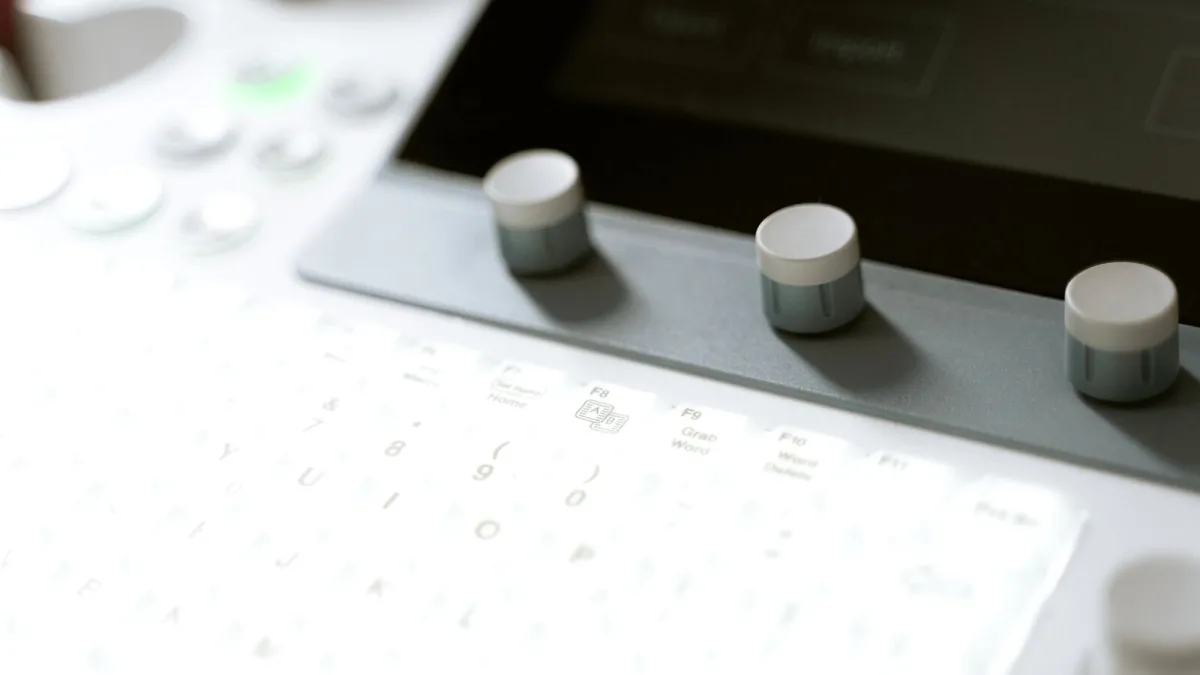
A MIDI keyboard is one of the most versatile tools you can add to a music setup — whether you are producing electronic tracks, recording piano parts into a DAW, or controlling a software synthesiser. Understanding what a midi keyboard does, how it connects, and what separates the types makes choosing and using one much more straightforward. Emily unpacks the essentials.
What MIDI Is and What a Keyboard Does
MIDI (Musical Instrument Digital Interface) is not audio — it is data. A midi keyboard does not produce sound on its own; it sends information about which notes are played, how hard they are struck (velocity), and for how long, to a connected device (a computer, synthesiser or audio interface) which then generates or routes the sound. This means a midi keyboard can control any virtual instrument or hardware synthesiser you connect it to — from a grand piano to a synthesiser bass to a drum machine.
Types of Controller
The main distinctions are in key size, number of keys, and key action:
- Mini keyboards: 25–37 small-profile keys. Highly portable, used for melody entry and live performance with one hand. Popular among producers who travel. The Arturia MiniLab and Akai MPK Mini are typical examples.
- Full-size keyboards: 49–61 keys with standard piano-width keys. The most practical starting point for most home producers — enough range for two-handed playing, comfortable to use for extended sessions.
- 88-key weighted midi keyboard: Full piano range with weighted hammer action. Suited to pianists who want the feel of an acoustic piano while recording into software. Heavier and larger than synth-action options.
Key Action Explained
Synth action is the lightest — spring-loaded and fast, suited to synth lines, electronic music production, and users who are not trained pianists. Semi-weighted adds slight resistance. Fully weighted uses a hammer mechanism that makes the response much closer to an acoustic piano. The choice depends on your background: pianists benefit from weighted action; producers working primarily in electronic or hip-hop styles typically prefer the speed and compactness of synth action.
Essential Features to Know
Pitch and modulation wheels are standard on most full-size models and are used to bend pitch (standard guitar bend, vibrato) and apply modulation effects in real time. Aftertouch is pressure sensitivity after a key is depressed — useful for adding expression to sustained notes but absent on many entry-level keyboards. An on-board arpeggiator generates automatic rhythmic patterns from held chords — a feature more useful for live performance than studio work but increasingly common across the range.
Connection Options
Modern controllers connect via USB — plug in, and your operating system and DAW detect the midi keyboard automatically in most cases. No additional drivers are needed on Mac; Windows sometimes requires a driver download. Older MIDI keyboards use 5-pin DIN MIDI connectors — these require an audio interface with MIDI ports, or a standalone USB-to-MIDI adapter. Some keyboards offer both USB and 5-pin, which is useful if you want to connect hardware synthesisers in addition to a computer.
For specific model recommendations at each budget, the buyer's guide covers the range. New to all of this? The beginner's guide covers setup and getting started.






Comments