


Korg Keyboard article
Korg Keyboard for Beginners: A Complete Guide
Starting with a Korg keyboard is a smart move whatever your goal. Here's how to pick the right model, set it up, and get the most from your first sessions.
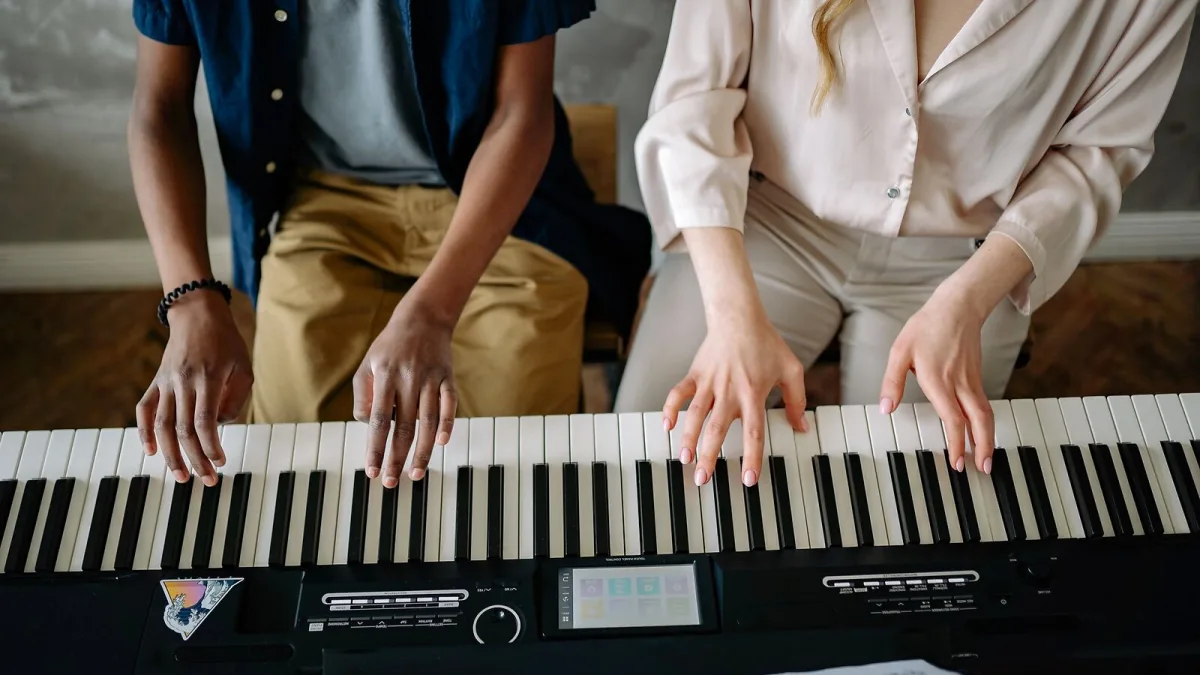
Starting with a Korg keyboard is a sensible choice for almost any kind of beginner — whether you are learning piano, exploring synthesis for the first time, or just looking for a versatile instrument to experiment with at home. Korg makes instruments at every entry-level price point, and the brand's long history means that even the most affordable products are designed by people who genuinely understand what players need. The question is which starting point suits you.
What Kind of Korg Keyboard Player Are You?
Before choosing your Korg keyboard, it is worth being clear about what you want to learn to do. The answer shapes everything:
- Learning to play piano: You need weighted keys, 88 notes if possible, and a good piano sound.
- Exploring synthesis and sound design: You want knobs, a real signal path you can hear and change, and an instrument that teaches you how sound is made.
- Making music and producing: You want sounds, a sequencer and some kind of recording capability.
- Playing alongside other musicians or backing tracks: You want a good piano or stage sound plus the ability to play in a band or session context.
These are not mutually exclusive, but being clear about the primary goal helps.
Starting with Piano: What You Need
If learning piano is the goal, the Korg B2 is the starting point recommended by most teachers for those who want a Korg keyboard. Its 88 weighted keys use Natural Weighted Hammer action — the keys have resistance that varies between bass and treble, as on a real piano — and the piano sound is accurate enough to support practice and grade work. It includes a sustain pedal input (essential for piano playing) and can connect to a computer via USB-MIDI.
The key thing to understand: do not start piano learning on an unweighted keyboard. The lack of resistance develops technique that will need to be corrected later. A weighted keyboard from the start builds correct habits.
Starting with Synthesis: What to Try First
The Korg Volca Keys or Volca Bass are the cheapest way to experience real analogue synthesis on a Korg instrument. They are small, battery-powered, and very accessible — a good way to discover whether synthesis interests you without a large investment.
If you already know you want a proper analogue synthesiser, the Minilogue is the starting point within the full keyboard format. Four-voice polyphonic, a real step sequencer, all the fundamental synthesiser controls accessible on the front panel. It teaches you synthesis by making you turn the knobs and hear the results.
Getting Set Up with Your Korg Keyboard
- Connect to an amplifier or headphones: Most Korg instruments include a headphone output and stereo audio outputs. For quiet practice, headphones connect directly. For audible playback, you need either a keyboard amplifier, a pair of studio monitors or a consumer hi-fi input.
- Connect to your computer if needed: Most modern Korg instruments include USB-MIDI. This allows them to work as MIDI controllers and, in many cases, as audio interfaces. Connect with a standard USB cable and install any required drivers.
- Set the instrument to its default state: Before your first session, reset or initialise the instrument to its factory state if it has been used before. This ensures you're hearing what it was designed to sound like, not someone else's edits.
- Learn the basics of your specific model: Korg provides good documentation, and there are extensive tutorial resources for most models online. Start with the basics — how to select sounds, how to adjust volume, what each main control does — before exploring further.
Common Questions for Beginners
Do I need a piano teacher? For piano learning, strongly yes — at least in the early stages. Good technique set correctly at the start saves significant remedial work later. For synthesis, self-directed learning with a good beginner synthesis course is a viable path, though structured teaching helps.
Can I record what I play? Yes — most Korg instruments have a USB-MIDI output and some include audio interfaces or built-in recording capability. For more serious recording, connecting the instrument's audio outputs to a computer audio interface and using DAW software is the standard approach.
For help choosing the right Korg model for your needs and budget, the buyer's guide covers every category. For the best value recommendations at each level, the best for the money article has specific picks. And for a broader overview of the Korg range, the ultimate guide covers it all.




Comments