


Steinberg roundup
Steinberg: A Complete Buyer's Guide
Cubase alone comes in three editions, before you've even looked at Nuendo or Dorico. Here's how to buy the right Steinberg product without overpaying.
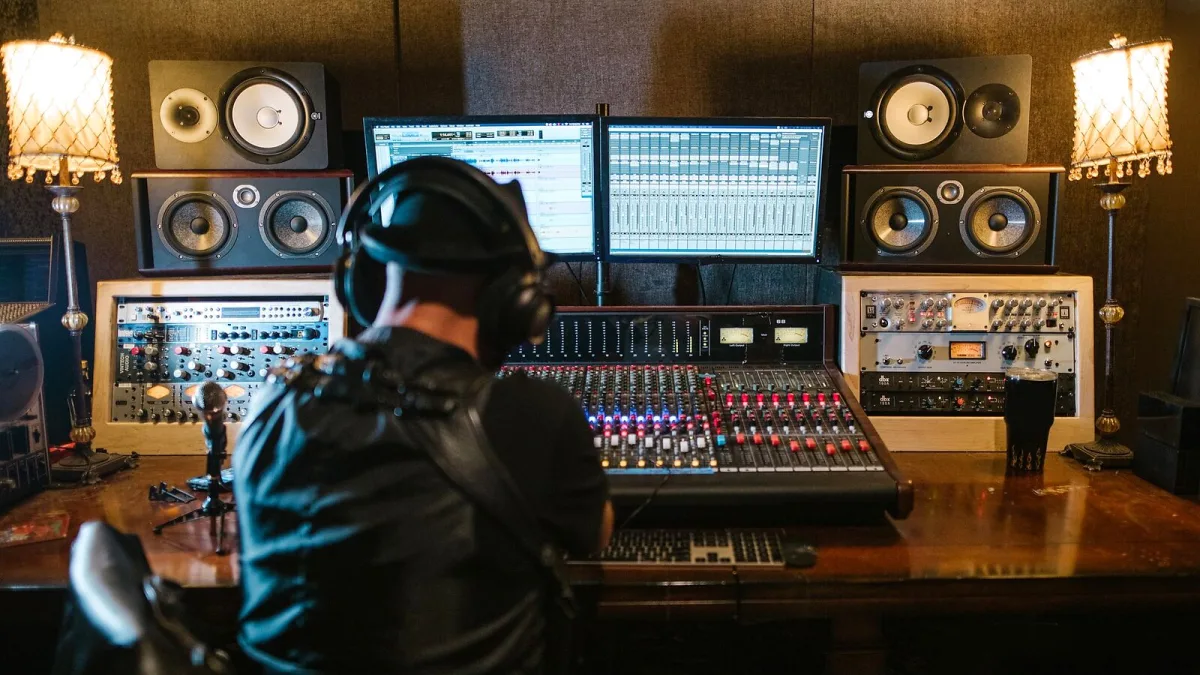
Right, let's cut through the marketing copy. Steinberg makes a genuinely brilliant range of music software, but the range itself is the problem — Cubase alone comes in three editions, and that's before you've even glanced at Nuendo, Dorico, WaveLab or any of the specialist add-ons. This guide is built to stop you overpaying for headroom you'll never use, or underbuying and hitting a wall in six months.
Step One: Work Out the Job, Not the Product
Before you open your wallet, answer one question honestly: what will you actually spend most of your time doing? Recording songs and mixing them is a different job from cutting dialogue for a short film, which is different again from engraving an orchestral score. Steinberg builds a distinct product for each of those jobs, so the "best" one is entirely dependent on which job is yours. If you're still not sure, our Steinberg explainer is a good primer on the whole range before you commit.
Cubase Editions, Sorted Honestly
Cubase is sold in tiers, and the temptation is always to jump straight to the top one. Resist it until you've checked what you'd actually use.
| Edition | Roughly who it suits |
|---|---|
| Elements | First-time buyers who want core recording, MIDI and mixing without extra instruments and effects |
| Artist | Home producers and songwriters who need a fuller instrument and effects bundle plus more tracks |
| Pro | Working professionals who need the full mixing console, advanced automation and every included instrument |
The jump between tiers is mostly about track counts, included virtual instruments and mixing-console depth, not some hidden "better sound" — a well-mixed track in Elements will still beat a badly mixed one in Pro.
When You Should Look at Nuendo Instead
If dialogue editing, ADR, video sync or game-audio delivery are a regular part of your work, Cubase is the wrong tool no matter which edition you buy — that's what Nuendo exists for. It shares Cubase's production engine but adds an Analyzer Track for dialogue intelligibility, dedicated video-encoding support and multichannel management built for post houses. Buying Nuendo for pure music production is usually overkill; buying Cubase for serious post-production work will leave you missing tools you didn't know you needed.
Specialist Tools Worth Adding On
- Dorico — buy this if printed, publishable scores are the end goal, not just a MIDI mock-up.
- WaveLab — worth it once you're mastering your own or other people's finished mixes regularly.
- SpectraLayers — a smart pickup if you deal with noisy field recordings, hum or damaged audio often.
- HALion and Groove Agent — sampling and drum-production tools that make sense once stock instruments start feeling limiting.
None of these are essential on day one. Add them when a real project demands them, not because a bundle looked tempting.
What Actually Matters Beyond the Price Tag
- System requirements. Check your computer's specification against the current version before buying — an ageing machine may struggle with the newest releases.
- Licensing. Steinberg has moved toward software-based licensing rather than a physical dongle for most current products, so confirm how activation works for the exact edition you're buying.
- Upgrade and cross-grade paths. If you already own another DAW or an older Steinberg product, check whether a cross-grade or upgrade price applies before paying full price.
- Maintenance updates. Steinberg ships regular maintenance releases across Cubase, Nuendo, Dorico and WaveLab, so factor ongoing updates into your decision rather than treating the purchase as a one-off.
Try Before You Commit
Most current releases are available as a trial or in a limited free tier before you pay for anything, and it's genuinely worth spending a proper session in one rather than judging purely from a feature list or a YouTube demo. A DAW you'll be staring at for hours needs to feel right under your hands — how quickly you can get a rough idea recorded, how the mixer is laid out, how much clicking it takes to do the things you do constantly. Bundled instrument and effects packs vary between editions too, so open the actual plug-in browser during a trial rather than assuming everything listed on a Steinberg product page is included at every tier.
Buying Mistakes Worth Sidestepping
The single most common error is buying Pro when Artist would have done the job just as well. The second is the opposite: buying Elements, then hitting its ceiling within a few months and paying twice. For a fuller rundown of the traps people fall into after they've bought, see our list of common Steinberg mistakes to avoid.
The Bottom Line
Buy for the job in front of you, not the one you might have in five years. Cubase Elements or Artist covers the overwhelming majority of home producers and songwriters; Nuendo is a specialist purchase for picture and game audio; Dorico, WaveLab and the sampling tools are add-ons you reach for once a specific project needs them. If you'd rather see the range ranked by who each option genuinely suits, our guide to the best Steinberg software for the money takes that approach, and total beginners should start with our beginner's guide instead.






Comments