


UAD article
Uad Explained: Features, Types and Tips
Universal Audio's plug-in world explained in plain terms: Native versus DSP, what Unison actually does, and the classic hardware it all tries to recreate.
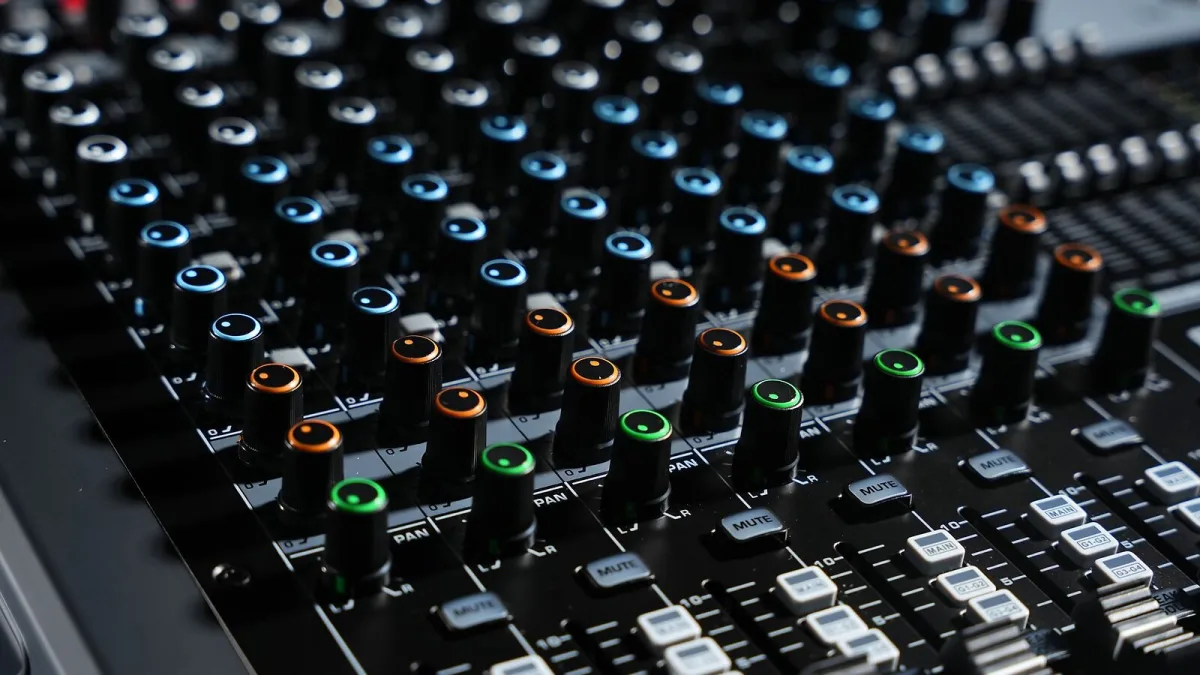
Every studio forum eventually drifts into the same argument: do you need expensive hardware to get "that" sound, or can your laptop do it alone? Universal Audio's plug-in platform sits right at the centre of that argument, because it genuinely offers both routes. Here is what the system actually is, how its two processing paths differ, and which classic gear it tries to recreate.
What Is UAD, Really?
UAD is Universal Audio's ecosystem of plug-ins modelled on classic analogue hardware — compressors, equalisers, preamps, tape machines and reverbs — plus a smaller catalogue of virtual instruments. The name covers two related systems that sound similar but work differently under the hood:
- UAD Native (branded UADx in your plug-in list) — processed entirely by your computer's own CPU, no extra hardware needed.
- UAD DSP — processed by dedicated chips inside an Apollo audio interface, or a Satellite or PCIe card from the UAD-2 range.
Both aim for the same modelled sound and interface, but they are not automatically interchangeable licences, and a DAW session will often show them as separate plug-in instances. Knowing which one you're looking at matters more than it first appears.
A Bit of Background
Universal Audio traces back to Bill Putnam Sr., whose original company built some of the compressors and equalisers still referenced as studio classics decades later. The modern company revived that name and set about modelling its own hardware heritage — and other manufacturers' — in software. The DSP-first approach made sense in an era when computers struggled to run convincing plug-in emulations in real time; dedicated chips did the heavy lifting instead. As native processing power has grown, that dependency has loosened, but the DSP route survives because it still offers something native processing alone cannot always match: extremely low-latency monitoring while tracking.
Native or DSP: Which Path Suits You?
| Path | Processed by | Hardware needed | Best for |
|---|---|---|---|
| UADx (Native) | Your computer's CPU | None | Mixing, laptops, portable setups |
| DSP via Apollo | Apollo's onboard chip | An Apollo interface | Tracking with near-zero monitoring latency |
| DSP via Satellite/PCIe | Satellite or PCIe card | UAD-2 hardware | Adding DSP power to an existing interface |
Plenty of people run a hybrid setup: recording through Apollo's DSP for the low-latency monitoring, then mixing in native plug-ins so the DSP is free for the next session. There is no single "correct" answer, just the option that matches how you actually work.
Unison: The Clever Bit
If you own an Apollo, its Unison preamp slot is worth understanding properly. A standard plug-in only processes the signal after it has already been converted; a Unison plug-in reaches back and models the input behaviour of the original hardware too — things like gain structure and impedance interaction — not just its tone. That is a genuinely different piece of engineering from a normal insert, and it is why Unison-loaded preamps are worth trying before you record a vocal or a DI'd bass rather than adding the character afterwards.
What's Actually in the UAD Catalogue
The plug-in library splits broadly into effects and instruments. Effects cover preamps and channel strips, compressors and limiters, equalisers, tape and saturation processors, reverbs and delays, modulation, guitar amps and pedals, mastering tools, and restoration processors. The modelled hardware draws on names like Neve, API, SSL, Manley, Teletronix, Fairchild, Studer, Ampex and Lexicon, alongside Universal Audio's own studio heritage. Instruments — synths, sampled and drum-focused tools — sit on the native side of the catalogue rather than running through Apollo's DSP.
A licensed name on a plug-in doesn't guarantee it reproduces every quirk of the original box; treat each one on its own merits rather than assuming the badge tells the whole story.
The Software That Ties It Together
UA Console is Apollo's own mixer, handling input monitoring, cue mixes and Unison processing before anything reaches your DAW. LUNA is Universal Audio's full recording environment, built to work especially closely with Apollo and its plug-ins, though Apollo itself is equally happy feeding any major DAW.
The Bottom Line
Whether you go native, DSP, or a mix of both with UAD depends entirely on your workflow: native for flexibility and mobility, Apollo's DSP for tracking with monitoring latency you genuinely won't notice. If you're weighing up what to actually buy, our buyer's guide walks through the practical decisions, our roundup of the best options for the money breaks it down by budget, and if this is all new to you, our beginner's guide starts from square one.





Comments