


UAD article
Common Uad Mistakes to Avoid
The errors that trip up most UAD users, from Native versus DSP mix-ups to over-chaining vintage emulations, and how to dodge each one.
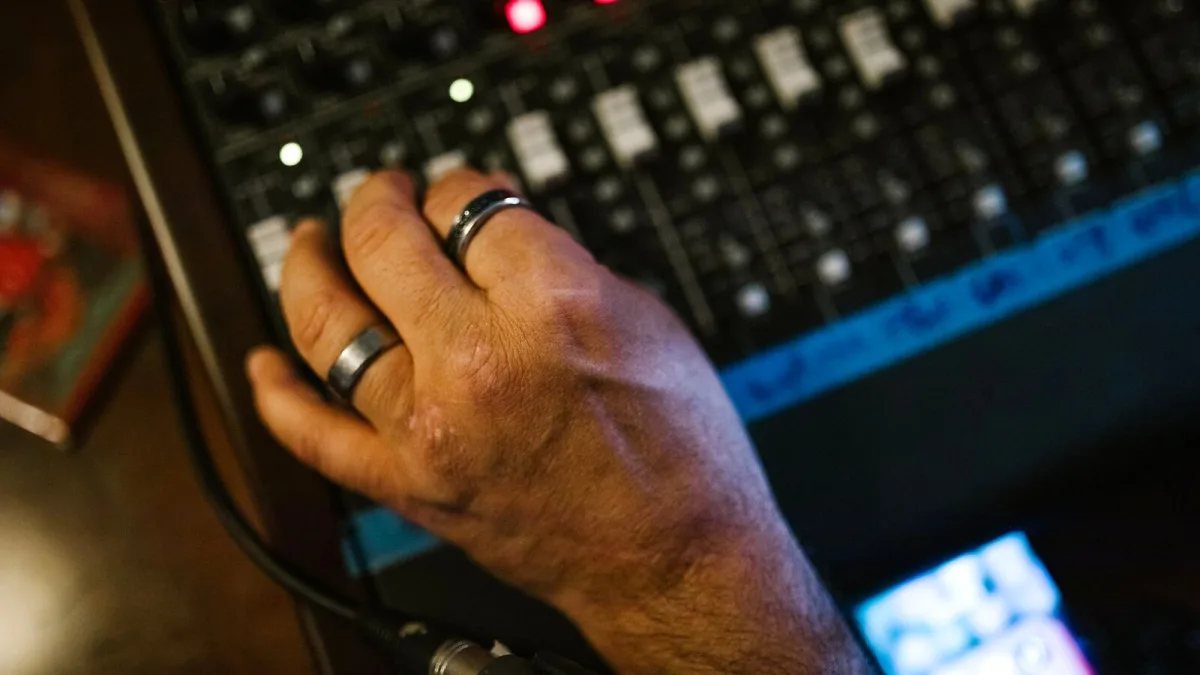
Right, confession time: I've made most of these mistakes myself, usually late at night, usually convinced I'd found "the" sound before realising I'd just wrecked a perfectly good take. UAD is brilliant, but it has a few sharp corners that catch people out again and again. Let's go through them.
Mixing Up Native and DSP Instances
This is the classic one. UAD Native plug-ins (shown as UADx) run on your computer's CPU; the DSP versions run on dedicated chips inside an Apollo or UAD-2 unit. They can appear as separate instances in your plug-in list, and loading the wrong one — or assuming a session will open identically on a machine without the matching hardware — is a genuinely common source of "why has my session changed" panic. Check which version you're actually using before you build a whole mix around it.
Assuming You Always Need Apollo Hardware
Nope. Native processing and the Spark subscription route both run happily without an Apollo, UAD-2 Satellite or PCIe card anywhere in sight. People talk themselves into hardware they don't yet need because DSP feels like the "serious" option. Buy hardware because your workflow genuinely needs near-zero monitoring latency while tracking, not because it feels more legitimate.
Running Out of DSP Mid-Session
DSP is a finite resource, and big reverbs, mastering processors and detail-heavy plug-ins eat through it fast. Common ways people accidentally max it out:
- Leaving unused plug-ins active on channels instead of removing or bypassing them.
- Inserting a separate reverb on every track instead of using sends.
- Loading heavy mastering processors early, before the mix is even settled.
Print or commit heavily processed tracks once you're happy with them, freeze tracks where your DAW allows it, and lean on sends for anything ambient. Your future self, three hours into a session, will thank you.
Treating Unison Like a Normal Insert
Unison preamps do something a standard plug-in physically cannot: they reach back and affect the input behaviour of an Apollo itself, not just the tone after conversion. Loading one after the fact, or expecting it to behave like an ordinary channel-strip insert placed later in the chain, misses the entire point of the technology. If you want that modelled input character, it needs to be in the Unison slot before you record, not bolted on afterwards.
Clipping the Input Before the Plug-In Gets a Say
No amount of clever modelling rescues a signal that has already clipped on the way in. Keep your Apollo's analogue input gain conservative and let the plug-in do the character work, rather than driving the input hot and hoping for the best.
Chaining Every "Vintage" UAD Plug-In at Once
It is genuinely tempting to stack a modelled preamp, a compressor, some tape saturation and a console emulation on a single track because each one sounds lovely in isolation. Together, they usually just sound thick and undefined. Start with corrective EQ and a level balance, then add one or two broad-strokes tone shapers — not five, all fighting for the same frequencies.
Comparing Bypassed and Processed Signals at Different Volumes
A processed signal that's even slightly louder will almost always sound "better" to your ear, regardless of whether it actually is. Match levels before judging a plug-in, or you'll end up making decisions based on loudness rather than genuine improvement.
Ignoring UAD Format and Licence Details When Moving Sessions
Move a session to another system without checking that the same UAD format is installed and authorised there, and don't be surprised when plug-ins go missing or behave unexpectedly. Native and DSP licences are not automatically interchangeable, so confirm compatibility before you're relying on it mid-project. If you're still working out the basics of native versus DSP in the first place, our overview and features guide lays it out clearly, and our beginner's guide is a gentler starting point if any of this is brand new.
The Bottom Line
Almost every UAD mistake on this list comes down to the same root cause: not quite understanding which version of a plug-in you're using, or where in the chain it actually does its work. Get clear on native versus DSP, respect your DSP budget, and keep your gain staging sensible, and you'll dodge the vast majority of headaches this platform can otherwise cause.




Comments