


Spitfire Audio roundup
Spitfire Audio: A Complete Buyer's Guide
Try before you buy, know your use case, and check your system first — the sensible order for choosing a Spitfire Audio library.
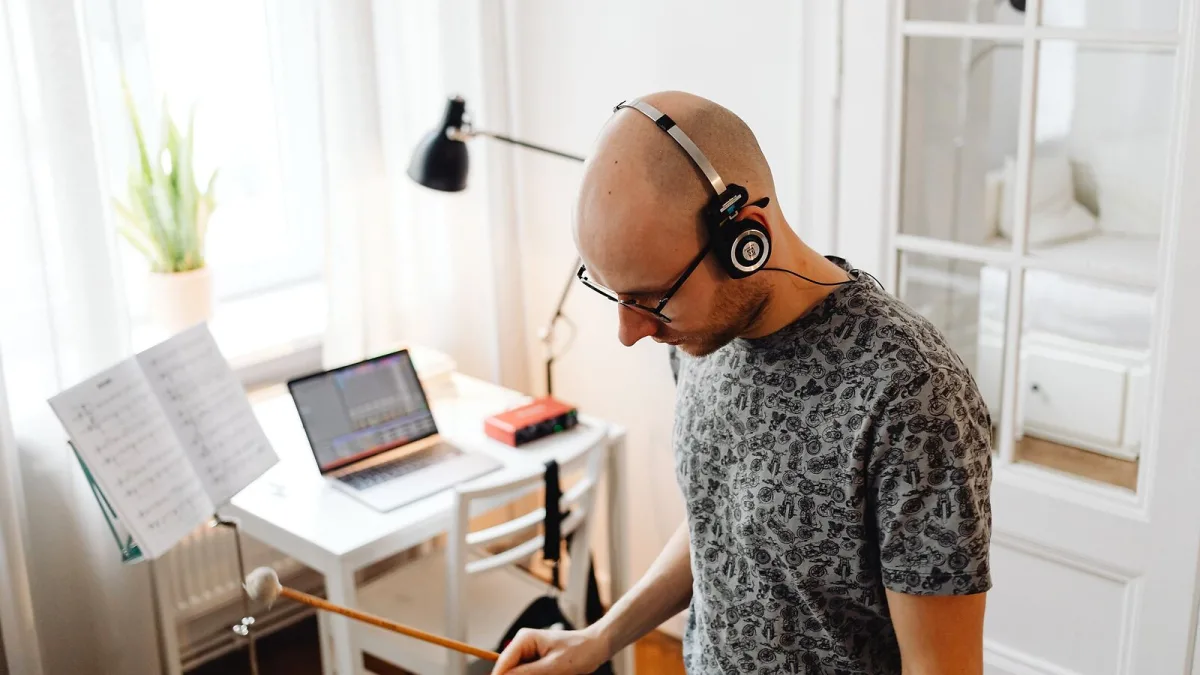
I nearly bought a full professional orchestral library the same week I started experimenting with strings, purely because it looked impressive on the website. Glad I didn't. Here's the honest, unglamorous version of what to actually check before you spend anything on Spitfire Audio's catalogue.
Try Before You Even Think About Buying
LABS is free, and there's genuinely no good reason to skip it. It gives you a real feel for the tone, the interface and the way the instruments respond before you've committed a penny. If the sound and workflow click with you there, you're in a much better position to judge whether a paid library is actually worth it. If it doesn't click, you've saved yourself a chunk of money finding that out.
Work Out What You're Actually Scoring
This decides more than anything else. Sketching songs quickly and want a broad cinematic palette without fiddling section by section? Something in the Albion-style range fits better than a deeply granular collection. Serious about orchestral detail and want proper control over individual sections and articulations? That's where BBC Symphony Orchestra Core or Professional earns its keep. Buying the most detailed, expensive option "just in case" when you actually need something quick and playable is a genuinely common way to waste money and patience.
Check Your System Before You Buy a Spitfire Audio Library
This is the bit people skip in the excitement of a purchase, and it's the bit that causes real regret. The more detailed professional libraries can demand serious storage — we're talking hundreds of gigabytes on some editions — plus meaningful RAM and CPU headroom once you're running several instruments together in a session. Before buying anything substantial:
- Check the exact storage requirement on the current product page, not an old review.
- Confirm whether it needs Kontakt, Kontakt Player, or Spitfire's own dedicated player.
- Work out realistically how much free disk space you have for it, plus room to grow.
- Consider whether an SSD is genuinely necessary for the specific library — for the bigger ones, it usually is.
Don't Assume Every Library Works the Same Way
Compatibility isn't uniform across the Spitfire Audio catalogue. Some products use Native Instruments' Kontakt, others use Spitfire's own player, and the requirements can differ by version too. It's a five-minute check on the specific product page that saves a genuinely annoying surprise after you've already paid.
Think About Microphone Positions Before You Buy
If a library's selling point is its recording location and microphone setup — and for a lot of Spitfire's catalogue, that's exactly the point — it's worth understanding what you're actually paying for. Multiple mic positions (close, tree, ambient, room) give you real control over distance and character without leaning on a reverb plugin afterwards. A library with fewer mic options isn't automatically worse, but it does mean less flexibility later, so factor that into the price you're weighing up.
You Can Upgrade Your Way In
You don't have to land on the perfect library first time. Plenty of composers start with Discover or an Albion-style collection, get comfortable with the workflow, and only move to a bigger, more detailed edition once they've genuinely hit its limits in real projects. That's a far less expensive way to learn than buying the biggest option up front and working out afterwards which features you actually needed.
Buying Priorities, Roughly in Order
| Priority | Why it comes first |
|---|---|
| 1. Try LABS | Free, zero-risk way to judge the sound and workflow |
| 2. Define your actual use case | Decides which product family even makes sense |
| 3. Check system requirements | Avoids buying something your machine can't comfortably run |
| 4. Confirm the platform (Kontakt vs Player) | Affects compatibility with your existing setup |
| 5. Weigh mic-position flexibility | Directly affects long-term mixing control |
Don't Buy in Isolation
Before spending anything, it's worth reading the full explainer on how Spitfire Audio's libraries actually work, so terms like articulations and round robins aren't just jargon on a product page. And the best Spitfire Audios for the money breaks value down by budget if you want a more direct steer.
The Bottom Line
Start free, define your actual use case honestly, and check your system before buying a Spitfire Audio library. Get those three things right and you'll buy something you actually use for years, not something that sits half-installed on a drive you meant to clear out.




Comments