

Nuendo article
Nuendo Explained: Features, Types and Tips
Nuendo is Steinberg's professional DAW for post-production, game audio, and broadcast. Here is what it does, how it differs from Cubase, and who should be using it.
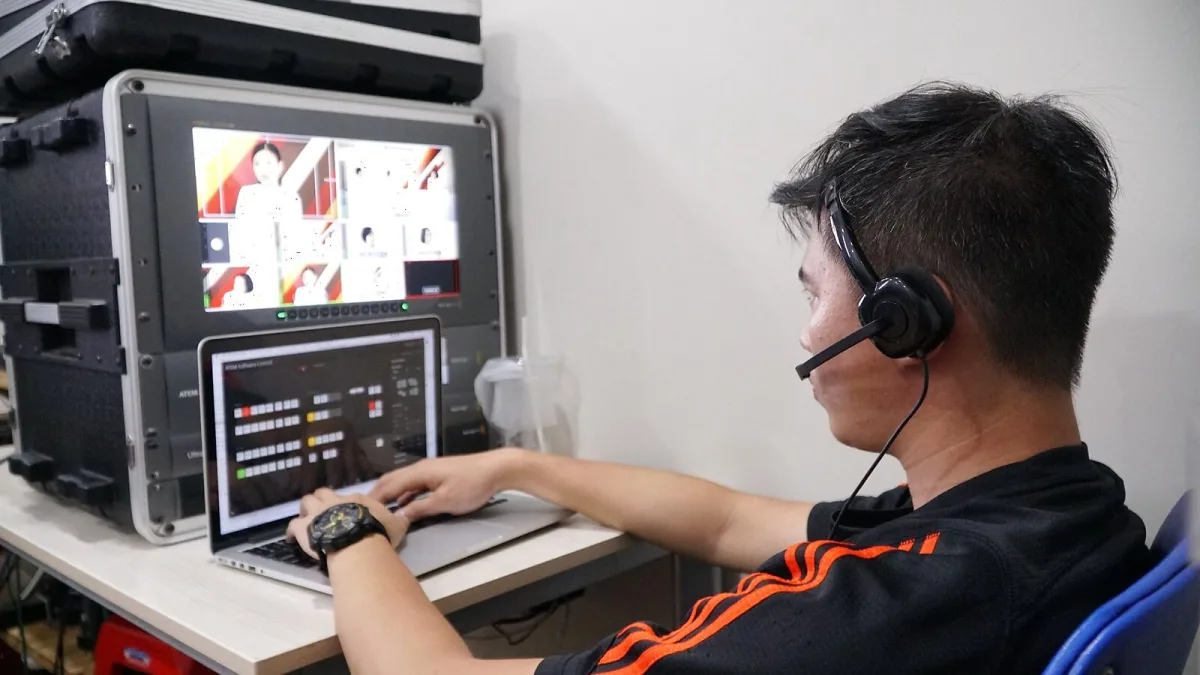
Nuendo is Steinberg's professional digital audio workstation built for post-production, game audio, and broadcast work. It shares a large amount of code with Cubase — the same audio engine, the same MIDI implementation, the same plugin architecture — but adds a set of professional-grade tools specifically designed for work that goes beyond music production. If Cubase is the recording and mixing studio, Nuendo is the re-recording stage and post house.
What Makes It Different from Cubase
The key additions in Nuendo over Cubase Pro are practical and specific. The ADR (automated dialogue replacement) workflow allows for synchronised recording of replacement dialogue against picture, with cue sheets, recording slates, and guide tracks all integrated into the session. The loudness metering suite covers EBU R128 and LUFS standards — essential for broadcast delivery where loudness specifications are mandatory. The video sync capabilities go further, with support for various frame rates, timecode, and external synchronisation hardware.
Game audio authoring is a distinct feature set: Steinberg Game Audio Connect allows direct communication with game audio middleware, and the software supports the metadata workflows used in interactive audio development. Immersive audio is handled up to 9.1.6 (Dolby Atmos) and Ambisonics, with the tools to monitor, edit, and deliver in those formats. These are professional post-production capabilities that simply don't exist in Cubase.
Core Features Worth Knowing
The MediaBay content management system allows organising and searching large libraries of audio files across a project — useful in post-production where session assets can number in the thousands. The Clip Package function groups related audio clips (dialogue, sync takes, etc.) for fast organisation. Batch processing handles offline processing tasks on multiple files simultaneously, which matters when you're working with large numbers of audio assets that need the same treatment.
The dialogue editing tools — strip silence, align takes, audio alignment via the VariAudio engine — are the same excellent tools that Cubase users know, but integrated with the post-production workflow of Nuendo. The mixer is the same MixConsole, capable and well-implemented, with excellent routing flexibility and full automation.
Typical Use Cases
Film and television post-production is the core application — editors and re-recording mixers delivering to broadcast and theatrical standards. Game audio is the other primary use case, particularly for composers and sound designers working in the AAA and mid-tier game industries where middleware integration and spatial audio are standard requirements. Broadcast facilities use it for programme delivery, and it suits the requirements of dubbing stages handling foreign language replacement. Music production is entirely possible in Nuendo — it handles MIDI, VSTi, and conventional recording as well as Cubase — but it's an expensive choice if music production is the only goal.
System Requirements and Hardware
Nuendo runs on Windows 10/11 and macOS 12 or later. It benefits from a modern multi-core CPU, at minimum 16 GB RAM (more is better for large sessions), fast SSD storage, and a low-latency audio interface. The software integrates with Steinberg's Nuage hardware console — a dedicated mixing surface designed specifically for post-production workflows — which works closely with the software's mixer. A video card capable of driving an external monitor is standard in most post-production setups, and dedicated video output via DeckLink or similar is common in professional facilities.
For practical purchasing decisions, the complete buyer's guide to Nuendo covers cost, licensing, and when it's worth the investment. If you're just getting started, Nuendo for beginners explains the fundamentals without the jargon. The best versions and configurations are assessed in the best options for the money.
Worth the Price?
Nuendo carries a premium over Cubase because it targets a professional market that can justify that premium through the value of the work it facilitates. For a game audio designer or post-production mixer working professionally, the ADR system, loudness tools, and game audio integration pay for themselves quickly. For a music producer who occasionally does a bit of video work, Cubase Pro is almost certainly the right choice. The question is honest about the work you're actually doing.






Comments