


MuseScore roundup
Musescore: A Complete Buyer's Guide
The free notation programme covers the vast majority of everyday scoring tasks — this guide explains what you get, how it compares with paid alternatives and who should consider upgrading.
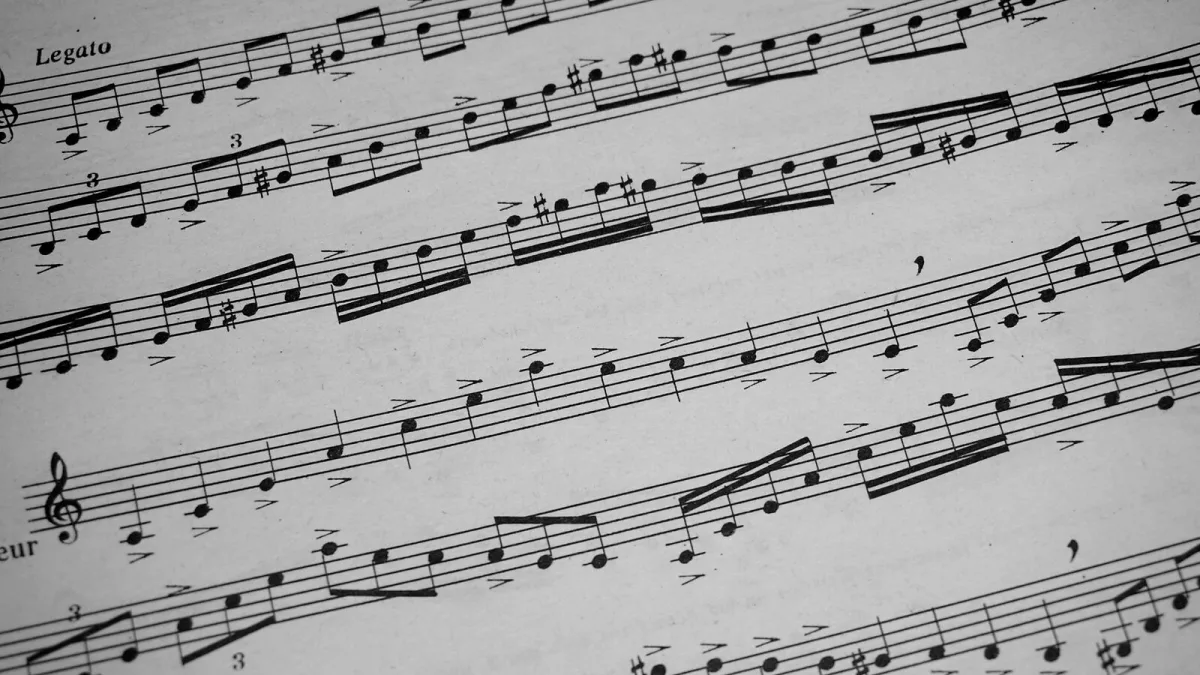
MuseScore as a Free Notation Option
Unlike commercial notation programmes, this application costs nothing to download or use. The full feature set — note entry, multi-instrument scoring, playback, and export to PDF, MIDI and MusicXML — is available without a subscription or one-off purchase. That makes the usual "how much should I spend?" question straightforward: for the vast majority of users, the answer is nothing. The decision to consider is whether the free programme meets your specific requirements or whether a paid alternative offers something you genuinely need.
Core Feature Set
For a free tool, MuseScore delivers a considerable depth of notation features. The full range of standard symbols is supported: dynamics, articulations, tempo markings, key and time signatures, repeat structures, and multi-staff scoring for any combination of instruments. Note input works via keyboard, mouse or MIDI controller. Tablature notation for guitar and bass is available alongside standard staff notation, and the built-in mixer allows per-instrument volume adjustments for more realistic playback.
Editions and the Community Platform
The desktop scoring application is entirely free. A separate paid subscription to the musescore.com platform unlocks offline access to the community sheet-music library and a small number of additional web features, but this subscription is not required to use the notation programme itself. The two products are related but independent — most users have no need for the platform subscription.
Who Should Choose MuseScore?
Students, hobbyist composers, teachers and self-taught arrangers are the primary users. Anyone who needs to write, edit, print and share standard notation — from a single-instrument exercise to a full choral or chamber score — will find the programme sufficient. Professionals who produce scores for publication or who need to match the output standards of commercial engraving studios may eventually find the manual layout tools limiting, but even many working composers use it routinely for drafts and sketches.
Comparing MuseScore With Sibelius and Finale
Sibelius and Finale charge a subscription or one-off licence fee in the hundreds of pounds. The main advantages they offer over the free alternative are finer manual spacing controls, a larger library of specialist notation symbols and, in some workflows, faster batch-processing of large orchestral scores. For everyday scoring tasks — lead sheets, song arrangements, educational exercises and small ensemble writing — the differences in output quality are negligible. Unless you have a specific professional reason to need those advanced features, MuseScore is the sensible starting point. See our setup guide to get started quickly.






Comments